> I made the serious serious mistake of going on line
> with my windows computer for just a few seconds
> and MS immediately got in
> through a back door and changed the OS.
> Now my Ulead won't work.
>
> I normally go on line with my Linux computer.
>
> What do I do now?
>
> The error code was Runtime Error! C\P...
>
> "The application has requested the run time to terminate in an
> unusual way."
>
>
> It also busted my Rhino
>
>
> Paul Lamar
>
>
rotaryeng@earthlink.net
>
> --
> Paul Lamar ...No rotor no motor.
>
>
> Paul,
>
> - Right-Click on the "My Computer" icon on your desktop
> - Select "Manage"
> - Select "Event Viewer" > "System"
> - When you see the error that mentions "Ulead" double-click on it
> If you give me the EventID Number and the Source for the error, I can
determine
> the problem and probably find a solution for you.
>
> NOTE: If you are running Windows XP and have the default XP start
menu selected,
> you will not see a "My Computer" icon on the desktop. To get it to
show you have
> to Right-click the "Start" button > (select) Properties > (select)
"Classic
> Start Menu" and click "OK"
>
> Regards,
>
>
> Jack Hilditch, MCP
> T3CS Computer Support
>
Paul:
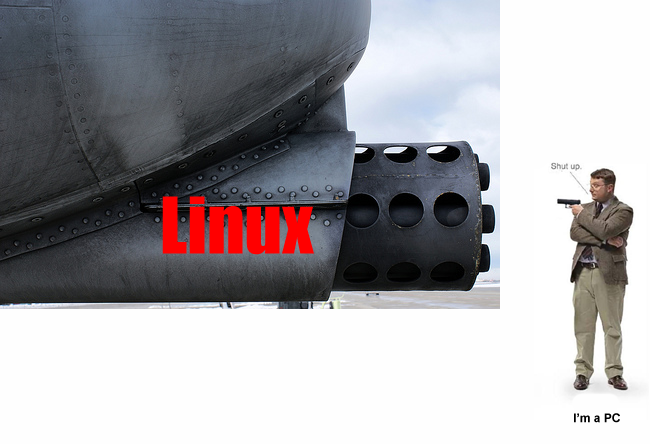
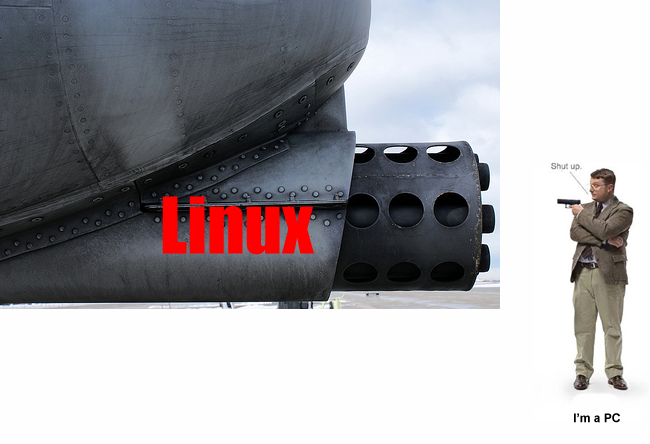
While all these guys above have given you the correct answer, this
attached photo is the simplest answer.
Les Nordman :-)
So true but last time I looked the video editor software was not quite
there. That was a couple of months ago so I am taking another look :)
If there was something as good as Rhino I would switch to that as well.
I am also thinking of getting a Mac to do the video editing as well.
Thanks to all the guys that have added suggestions so far.
I found where I can turn it off so now I need to go back.
Paul Lamar ...No rotor no motor.
The Rotary Engine NewsLetter. Powered by Linux.
ACRE NL web site.
http://www.rotaryeng.net
Youtube key word UTUBPLEASE
Copyright 1998-2008 All world wide rights reserved.