Paul,
I may have missed it, but why are you using such a old version of
Ubuntu? Why not 9.04 Jaunty Jackalope?
Jim Brewer
Because I am trying to run EMC2. The EMC2 people tell you not
to install 9.04 for some reason.
http://linuxcnc.org/
I had it running today and then I reinstalled it from the live
version and it broke the old install. Grub Error 18 again. I have
never had so much trouble installing Linux and I have been doing
it for 11 years.
They really keep you in the dark for about an hour as it
is installing itself on the hard disk from the "live" version
running off the DVD.
I don't know whether it formats the hard disk and loads a
virgin copy or merely reads what on there and does not copy
the new software over.
I don't want to spend $500 on a new mother board processor and
memory if I don't need to. I need to find out why I am getting Grub
error 18 and how to fix it.
Paul Lamar
--
Paul & Group -
Grub did not like installing to anything other than a totally wiped
Hard Disk in my experience. The Master Boot Record & the rest of the
disk had to be empty & not even formatted.
Also , earlier video cards are not supported in most releases. The most
satisfactory distribution is Vector Linux In my experience. That one
loads the commercial driver for my old Nvidia GeForce 2 MX400 card.
I had to create /etc/resolv.conf manually in the latest stable ubuntu &
do a few other fix- ups myself.
Hope this helps - Fly & Build & Code Good -
Bryan In England.
07895 178 924
Well Brian you were starting with the source code but real time Ubuntu/EMC
comes
with an installation program and as far as I know there is no way
to break into that. How would you go about doing that?
Is there some source code that I can download someplace on the
EMC/Unbuntu 8.04 distribution source code?
Could I pay you to do that for me? An NC mill is big bucks Hass/Fadal/
used or
built with EMC with the PC.
Paul Lamar
I think I finally figured it out. The instructions say load the OS off the
DVD
called the "live" version. In other words it runs off the DVD without
loading
anything on to the hard drive. After you do that you are supposed to
select
load OS on the screen. That is supposed to load the OS onto the hard
drive.
Well that is what does not work and gives you Error 18.
If you load the OS directly from the DVD into the hard drive than Error 18
goes
away and Ubuntu runs fine off the hard disk. Obviously there are some
differences
in the two procedures that are supposed to be the same.
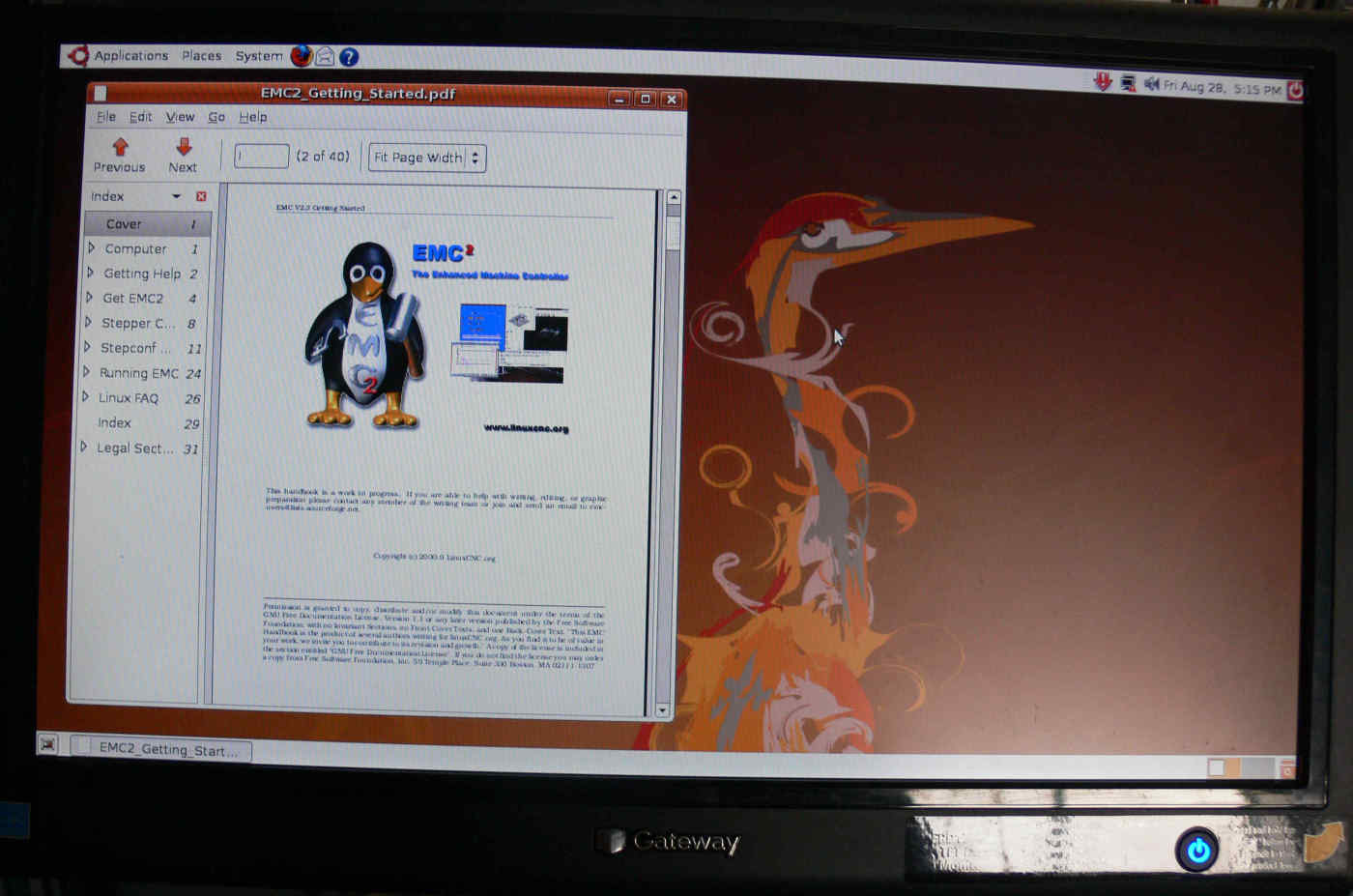
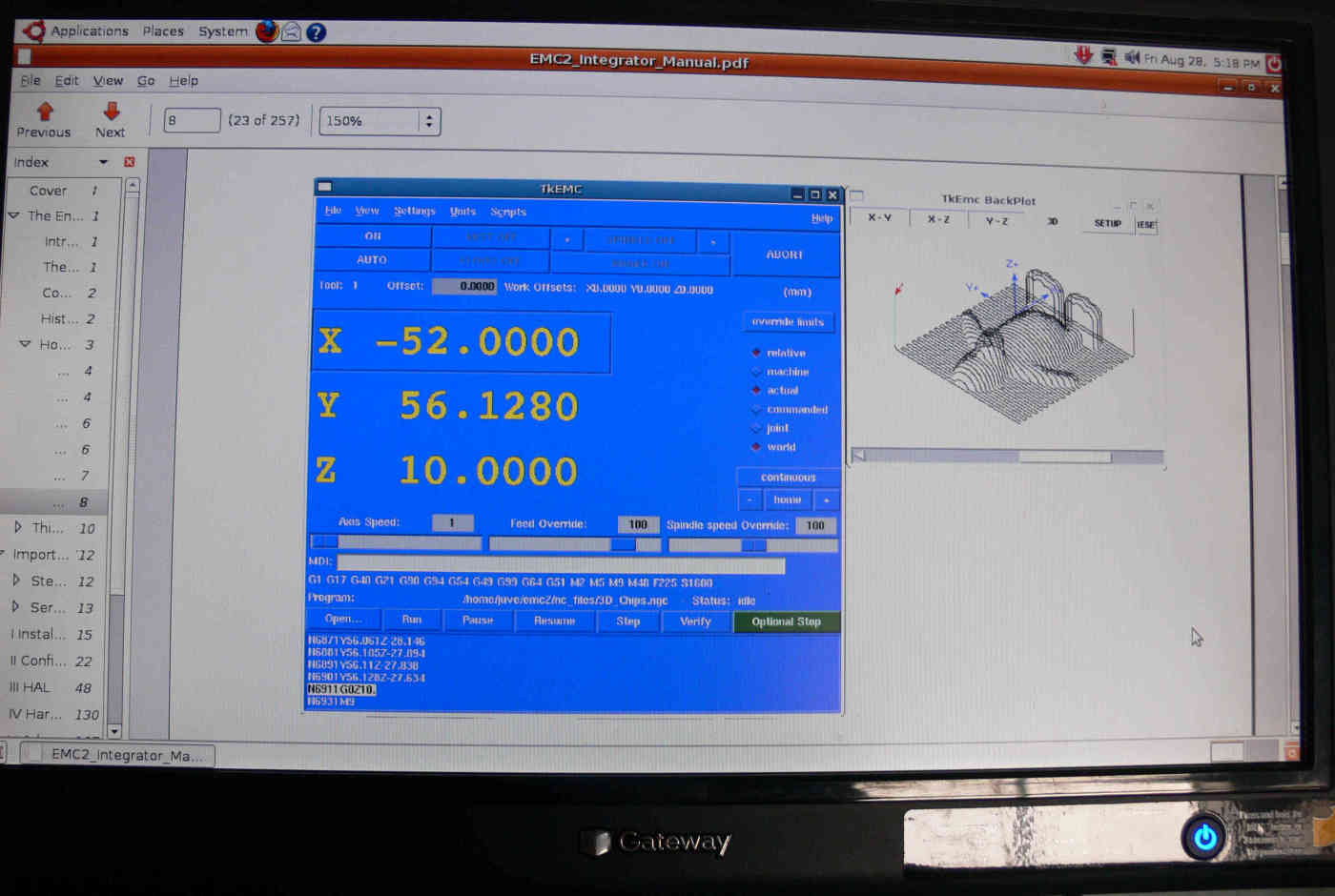
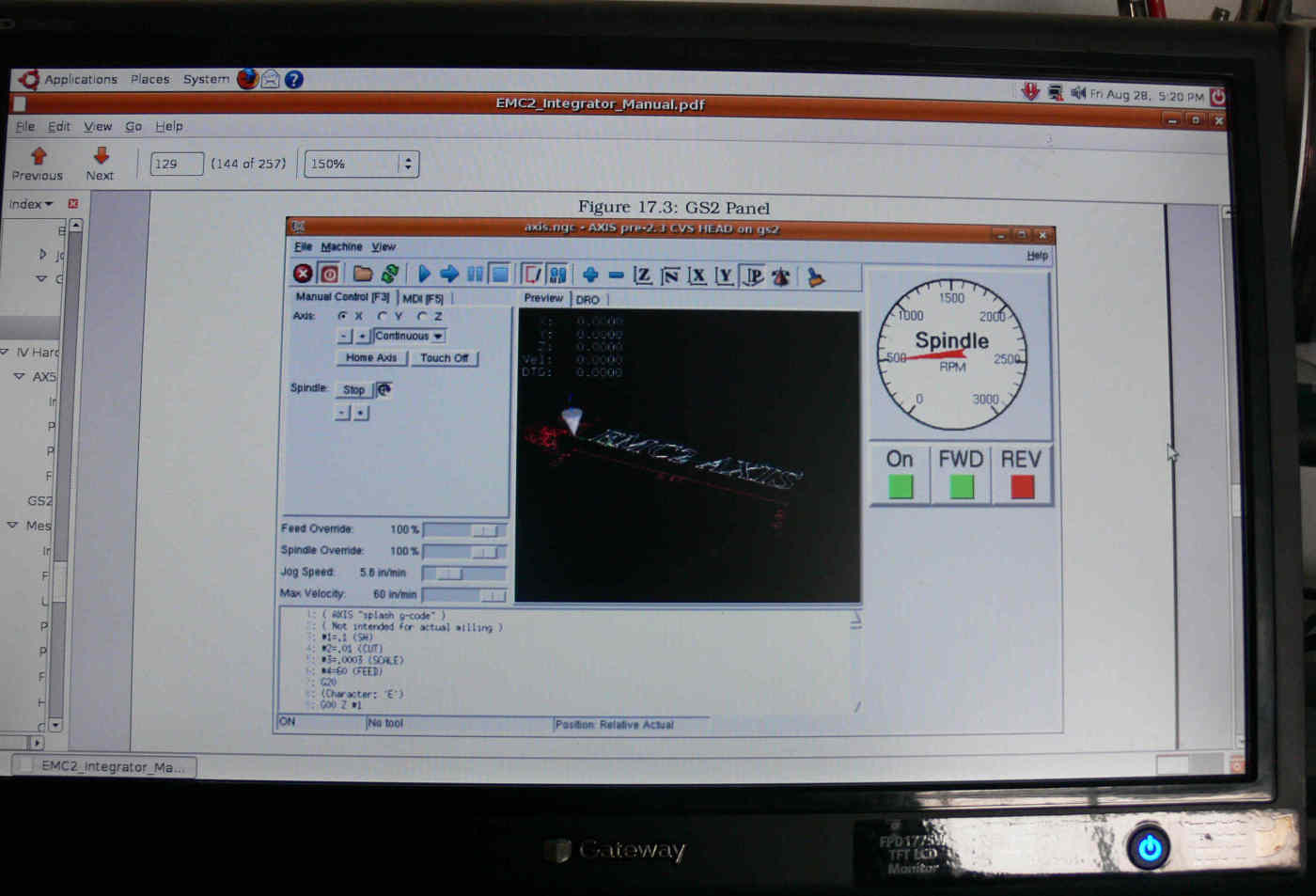
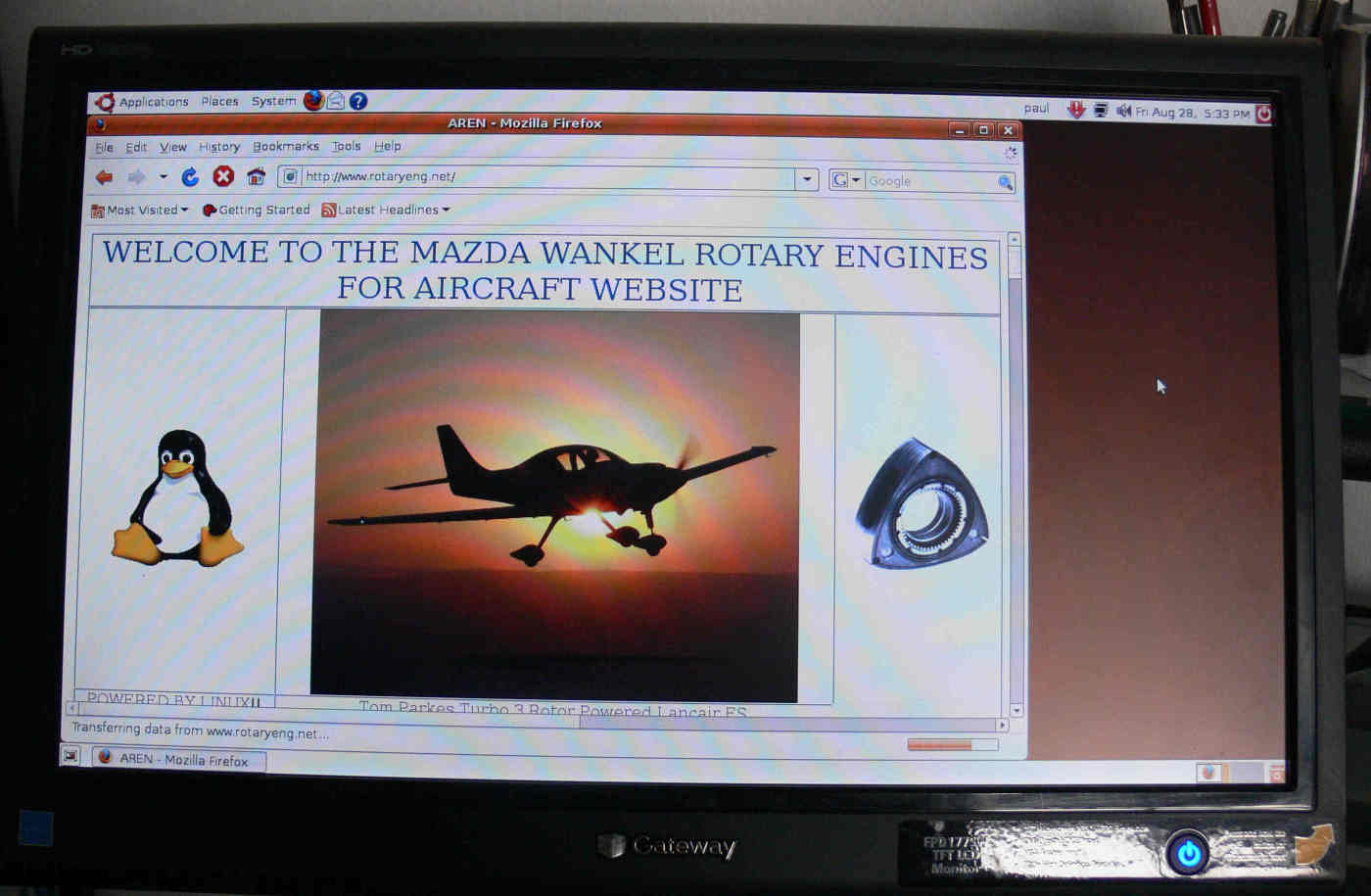
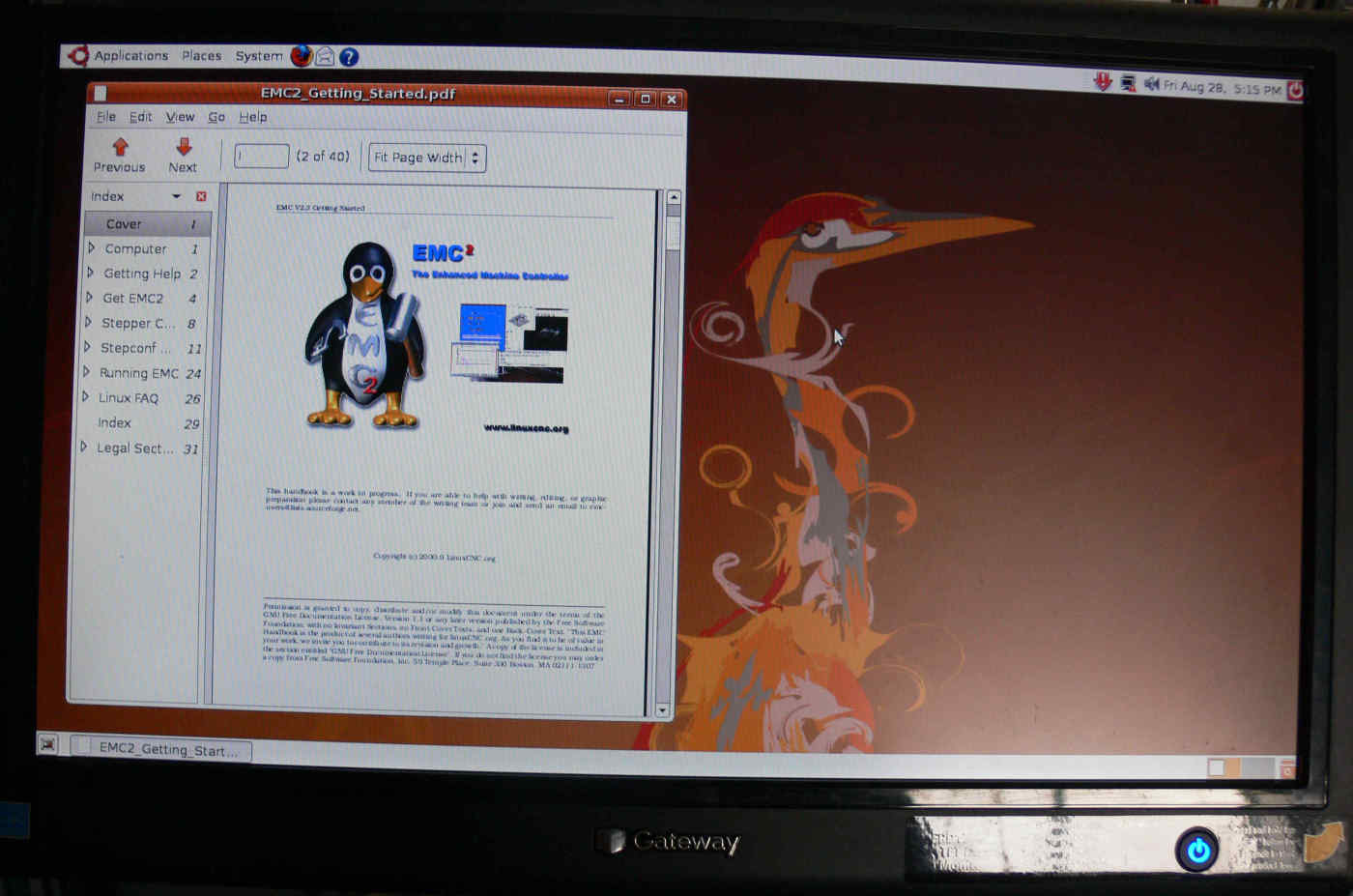
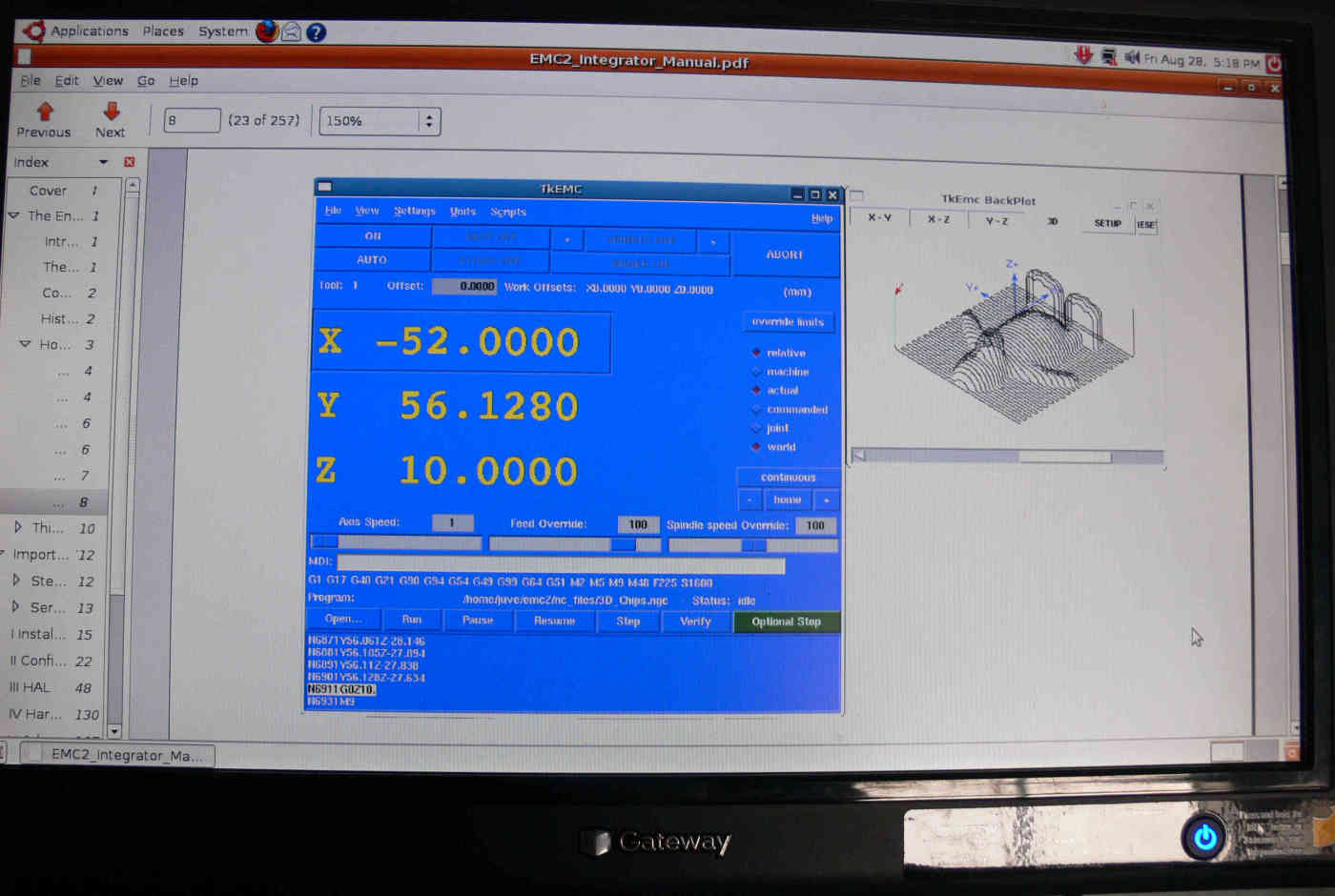
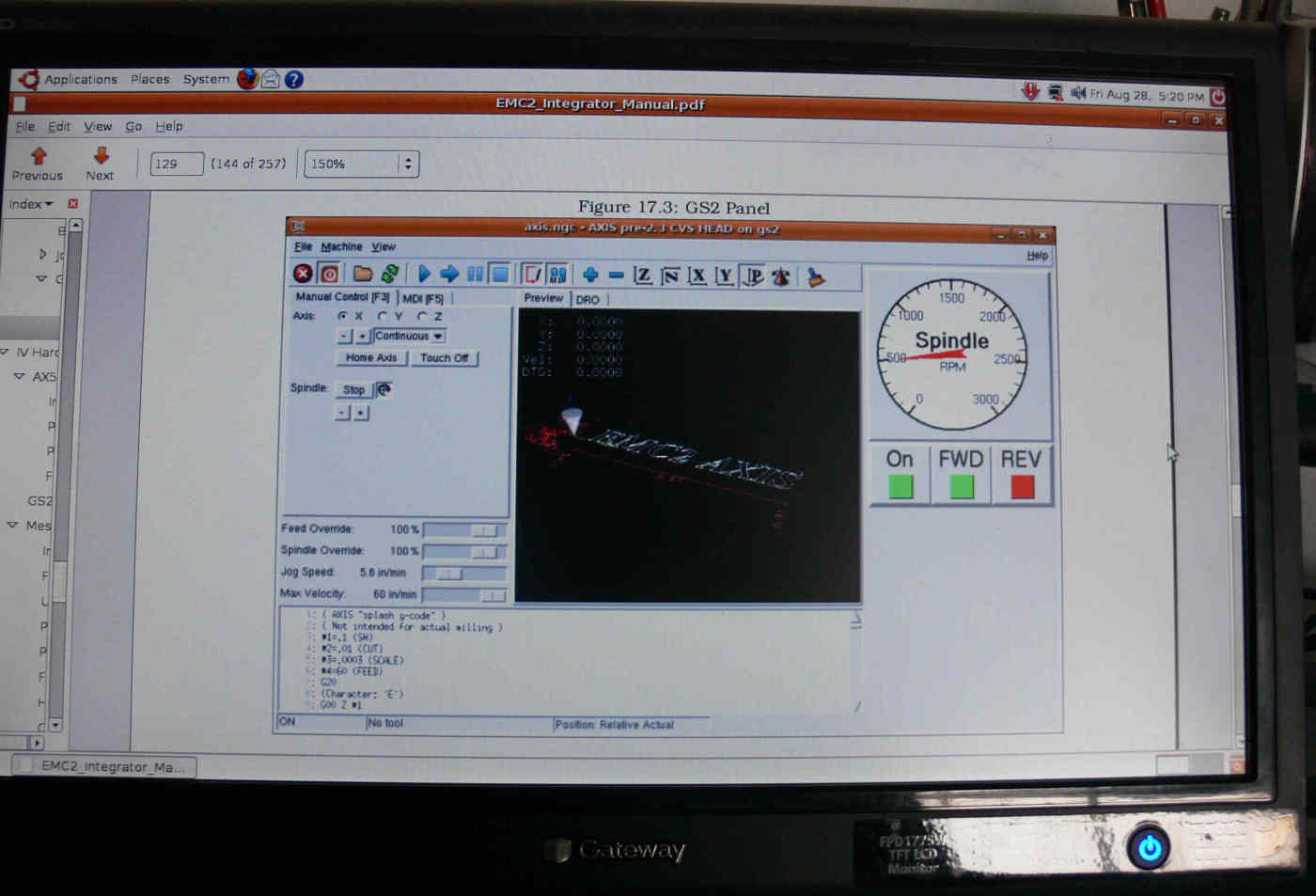
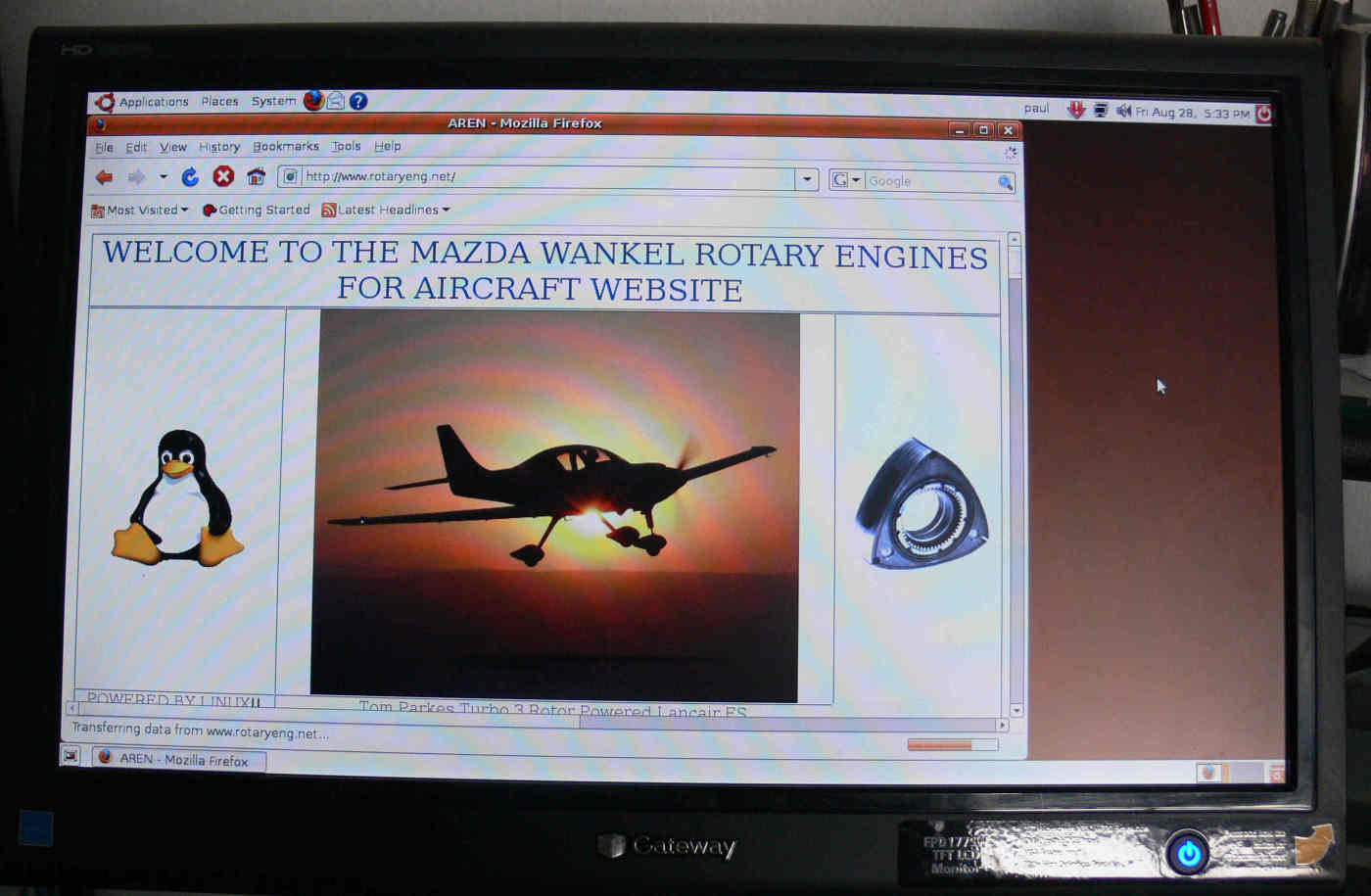
Here are some pictures.
Paul Lamar
--
Heres the reason why it will not work with later versions of Ubantu
Step 1: Install Ubuntu 6.06 Dapper Drake (for 32-bit) or
8.04 Hardy Heron (for 32- or 64-bit).
Other versions of Ubuntu will not work with EMC2 as
there are no packages designed to work with them.
Regards David
--
--
The Rotary Engine NewsLetter. Powered by Linux.
ACRE NL web site.
http://www.rotaryeng.net
Youtube key word UTUBPLEASE
Copyright 1998-2009 All world wide rights reserved.