I won the SAE's e-book download netbook giveaway contest, they sent me a
brand new HP Mini-110. It has everything, came loaded with windows 7
starter.
Seemed like a good candidate for a Linux trial.
I downloaded the latest Ubuntu 9.10 netboot remix, burned iso cds. Tried to
make USB live image with USB creator, in both windows and booting from the
live CD (standard edition) on my tower, but couldn't seem to get it to work.
Unetbootin from sourceforge was able to create a bootable thumb drive, then
I
created a bootable 4GB SD. They both boot just fine, but have yet to figure
out how to get the WiFi connection up and running. Webcam works fine in
ubuntu.
Everything seems straight forward, tho. I have to say maybe a bit boring
with
the NBRM gui.
I also stumbled on
http://moblin.org/ this looks like a much better gui,
although it looks as though they are still developing. They have gotten
Intel
on board, supporting their Atom processor, so I expect a bright future. Also
have created a developer network similar to Apple's iPhone for application
developement and distribution.
I'll try to make a bootable Moblin SD after work today.
As a side note, I just upgraded both my tower system and laptop from vista
to
windows 7, only problem noticed so far is my epson cx3200 needs another
driver, will have to sort that out with epson tech support.
It appears as though all installed programs came through except for iTunes,
the upgrade advisor informed me prior to upgrade this would need to be
reinstalled. That has been the smoothest windows system upgrade I can
recall.
System resource usage is way down, my tower now only uses 30% of installed
memory at the end of system loading, instead of the 45% it needed in Vista.
Everything is faster, rather pleased with the result.
C. Smith
---------------------------------------------------------------------------
That is a typical Linux problem with notebooks. There is no standard
hardware
configuration for notebooks. Each company designs their own or sells
something they buy from China. If its HP it probably come from China.
Unbuntu has this wireless program called:
NetworkManager Applet 0.7.0.100 AKA auto eth0
Notification area applet for managing your network devices and connections.
Copyright C 2004-2008 Red Hat, Inc.
Copyright C 2005-2008 Novell, Inc.
http://projects.gnome.org/NetworkManager/
http://ftp.gnome.org/pub/GNOME/sources/NetworkManager/
Works great and auto connects to wireless sources.
It will probably have to be recompiled for your brand of netbook.
You could sell it as is with the windows installed and buy an Asuz EeePC
with Linux pre installed and a 40 Gig solid state hard drive. That is what I
would do. I love mine but I only use it when I am on the road. Since there
are 64 Gig USB sticks you don't need no stinking rotating hard drives :)
The EeePC has a very elementary GUI a 5 years old child could figure out.
That kind of limits it ability to install some Linux programs out there.
However it comes with everything I need for on the road use such as;
thunderbird, firefox, gimp, text editor, open office, pdf viewer and paint.
Paul Lamar
The netbook has a Broadcom 802.11b/g wireless radio.
Does the above program eliminate the need for installing a separate driver?
I don't have a compiler for linux, nor am I familiar with much of the linux
jargon.
I have tried to read through relevant posts on the ubuntu forums, but the
problem is
Everyone assumes intimate knowledge. For instance, when they say "install",
just how does that work?
Do they mean copy the file to somewhere? Does that mean run the file?
This is why linux will never be a mainstream opsys, except for network
servers tended by programmers and the occasional amateur computer whiz. You
have to practically be a programmer to get anything done.
I would very much like to be able to use linux, but it requires a great deal
of study.
I install windows and it runs.
C. Smith
Well that certainly is a problem with most of the people that try to help.
They assume you are a C programmer.
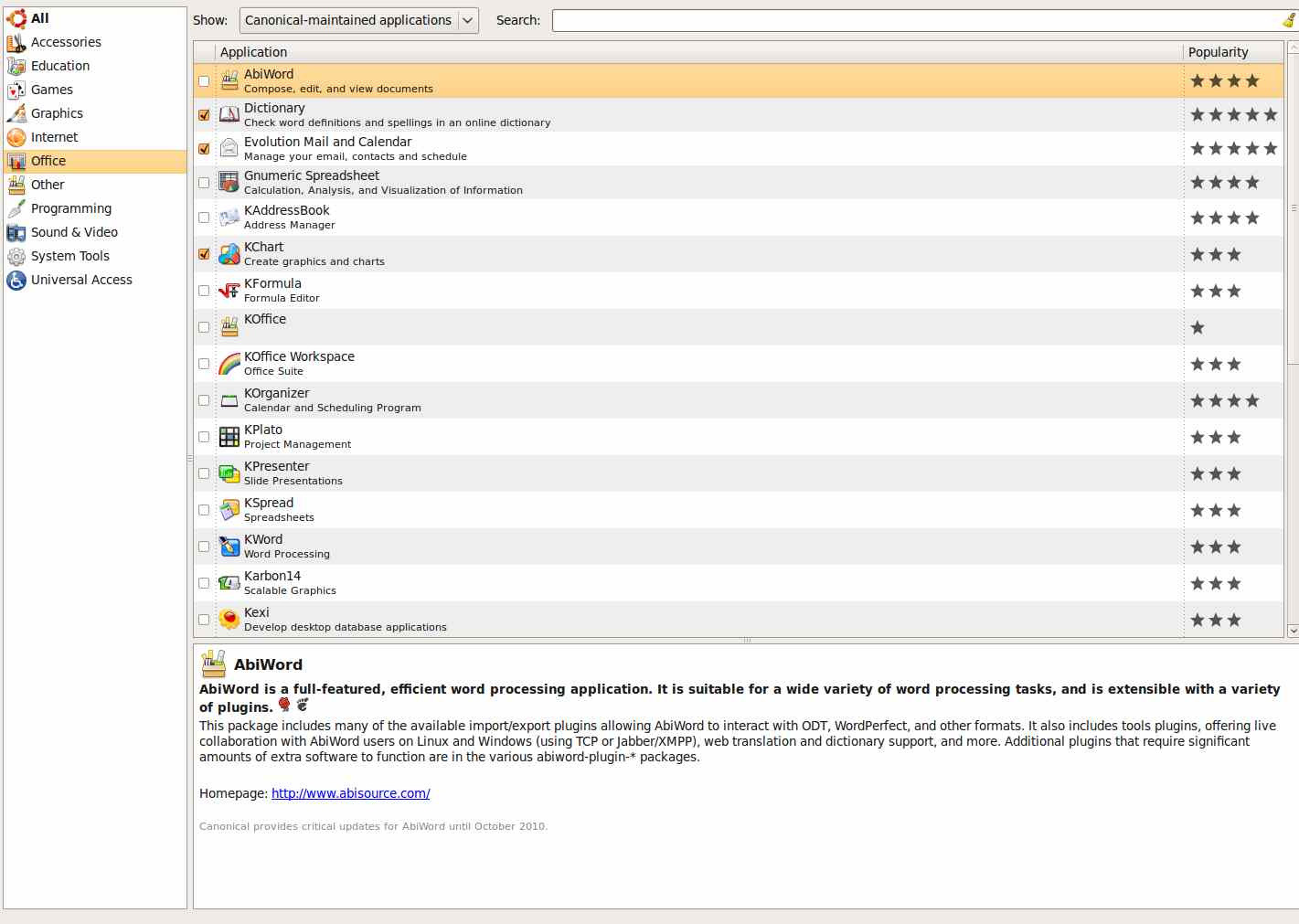
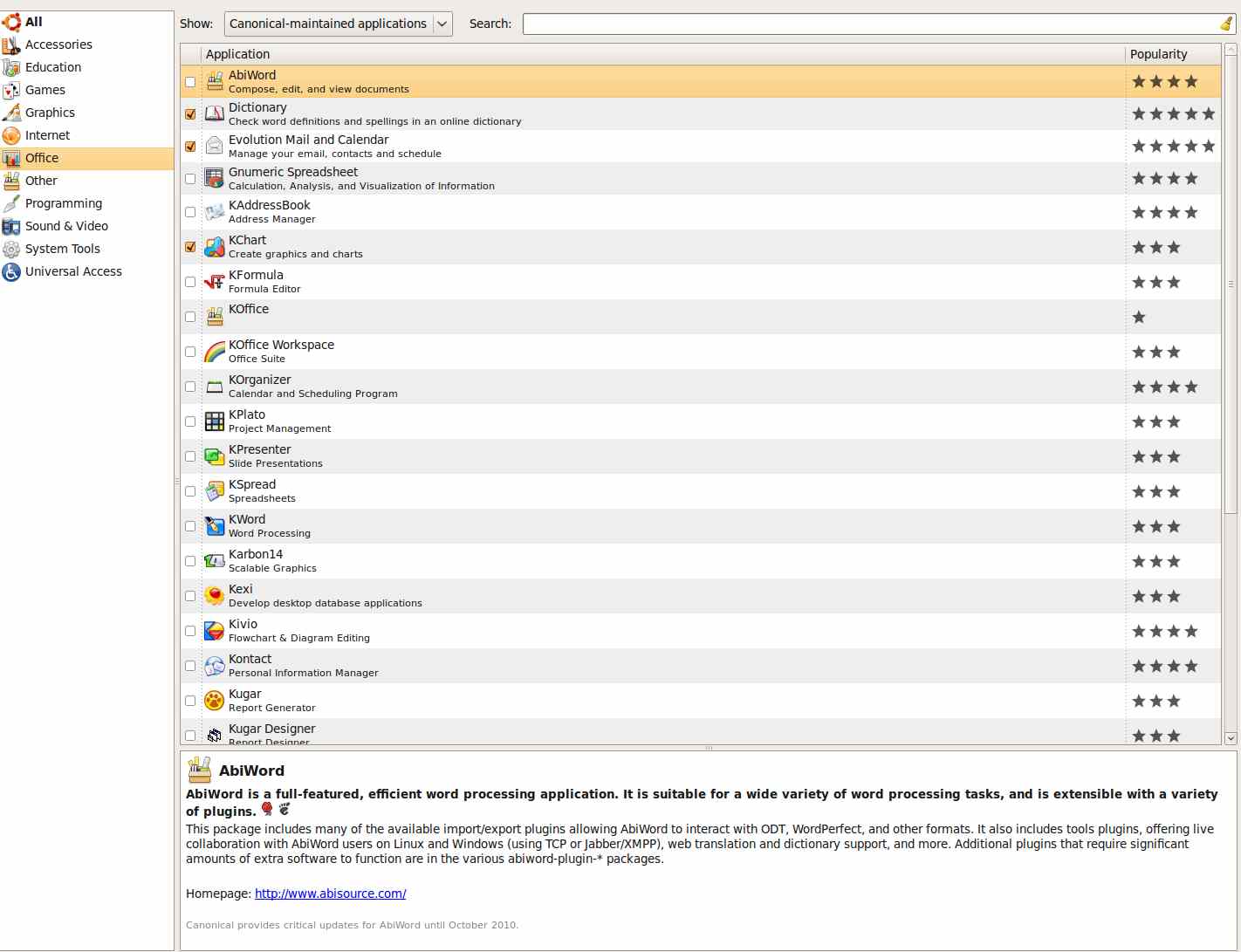
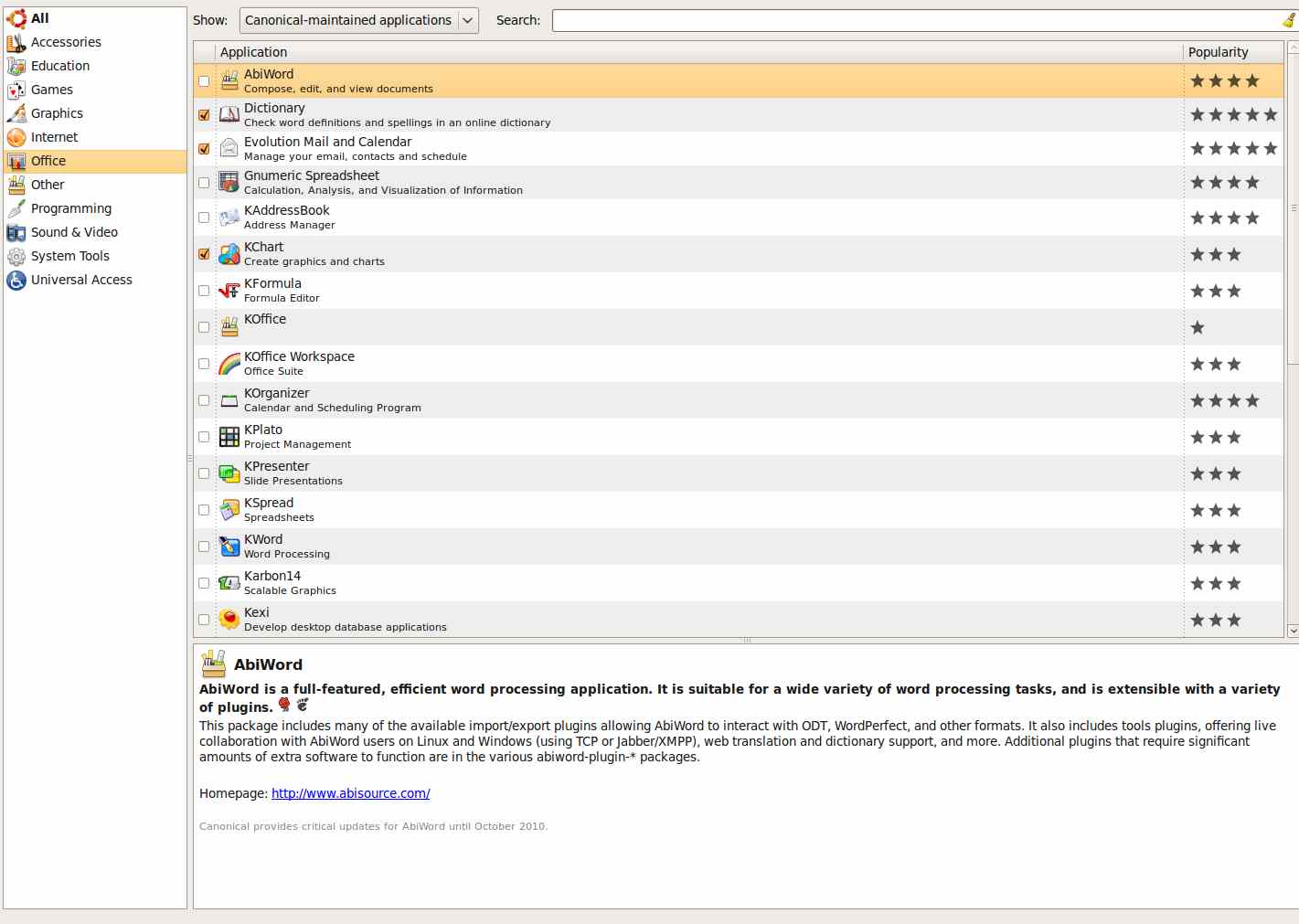
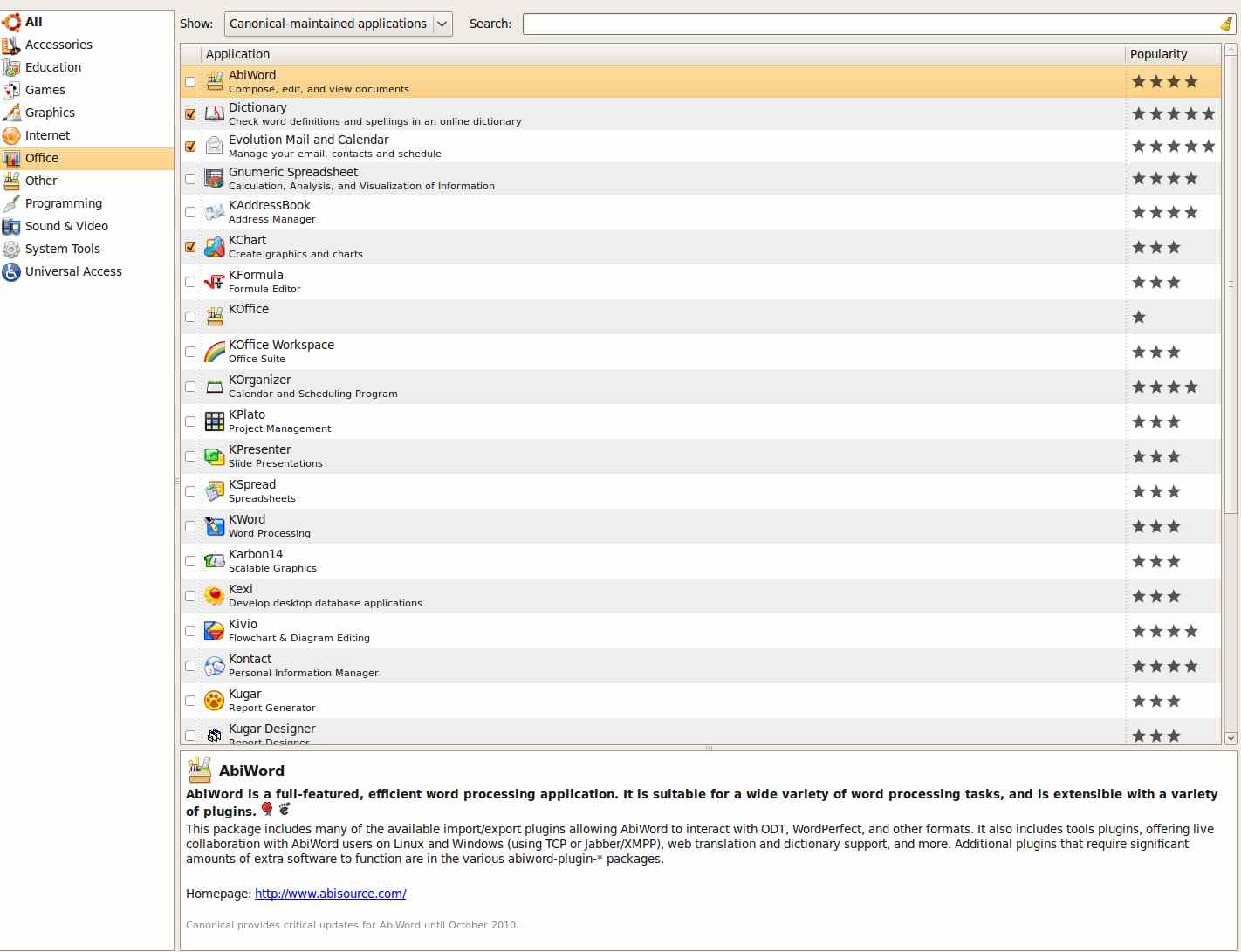
Actually U-buntu installs easier than Windows on a desk top and there are a
lot of free programs to choose from by just clicking on them. A program comes
with it called "Add/Remove Programs". When you click on that a list of
categories comes up such as graphics, biz, accessory, etc., etc., etc.. Then
a whole other list of programs comes up in that category. When you chose one
it automatically goes out on the web, finds the program, downloads it and
installs it with a click or two. This lists is being up graded on a
continuous basis. It has to be seen to be believed. Here are a couple of
screen shots. My Azus EeePC does the same thing. Only note books and net
books that don't come with Linux already installed have problems.
Paul Lamar
--
The Rotary Engine NewsLetter. Powered by Linux.
ACRE NL web site.
http://www.rotaryeng.net
Youtube key word UTUBPLEASE
Copyright 1998-2009 All world wide rights reserved.