--------------------------------------------------------
On further research on exactly how BASIC implements ON EVENTs I have
decided to do away with ON EVENTs. What happens is the compiler
inserts bit checking code between all and every instructions. If
you turn off ON EVENT your code runs nearly twice as fast. If I wanted
to check some bits on an input port some place I merely need to
PEEK the port and check the bits between each instruction. I
can now detect top dead center in as little as 10 micro seconds
or so.
This drastically simplifies the code and the number of BASIC
commands the programmer needs to learn. IMHO the entire program
can be done with about a dozen different commands. Anybody
can learn just 12 BASIC commands. That is not to say there
are only 12 instructions in the program. However my guess
is the program will be less than 100 instructions total.
Lets say I find out when Rotor one is at TDC at 7500 RPM. I don't need
to keep checking for rotor one arrival as I know it will not happen again
for 7,000 micro seconds or about 14,000 BASIC instructions in this computer.
I am not talking about assembler instructions. I am talking about
BASIC instruction commands as they can execute in as little as
one half micro second. I have proven that so far. A one gig
processor (as this board has) can probably execute one
assembler instruction in as little as .2 microseconds.
Around half of that 14,000 BASIC instructions I know TDC on rotor 2 will
appear so I can start checking for the arrival of TDC on rotor 2.
This means I can do away with the keyboard computer for interrupt service
as well as the RS232. No ON COM or ON KEY.
I am now down to only the printer port hardware. The printer port
has 13 output pins or bits and 9 input pins or bits to work with.
I only need 2 output pins for injectors as both injectors on one
rotor are fired at the same time. Another 2 output pins can fire
CD ignition systems with advance if desired. One for each rotor.
I need 4 input pins for the digital throttle position sensor
and 2 pins for the crank angle sensors. Thats it for a simple
system. No A to D required.
More than enough pins in the printer port alone to do the entire EFI
system. I just need some power transistor to switch the injectors and
some signal conditioning circuitry for the two crank angle sensors.
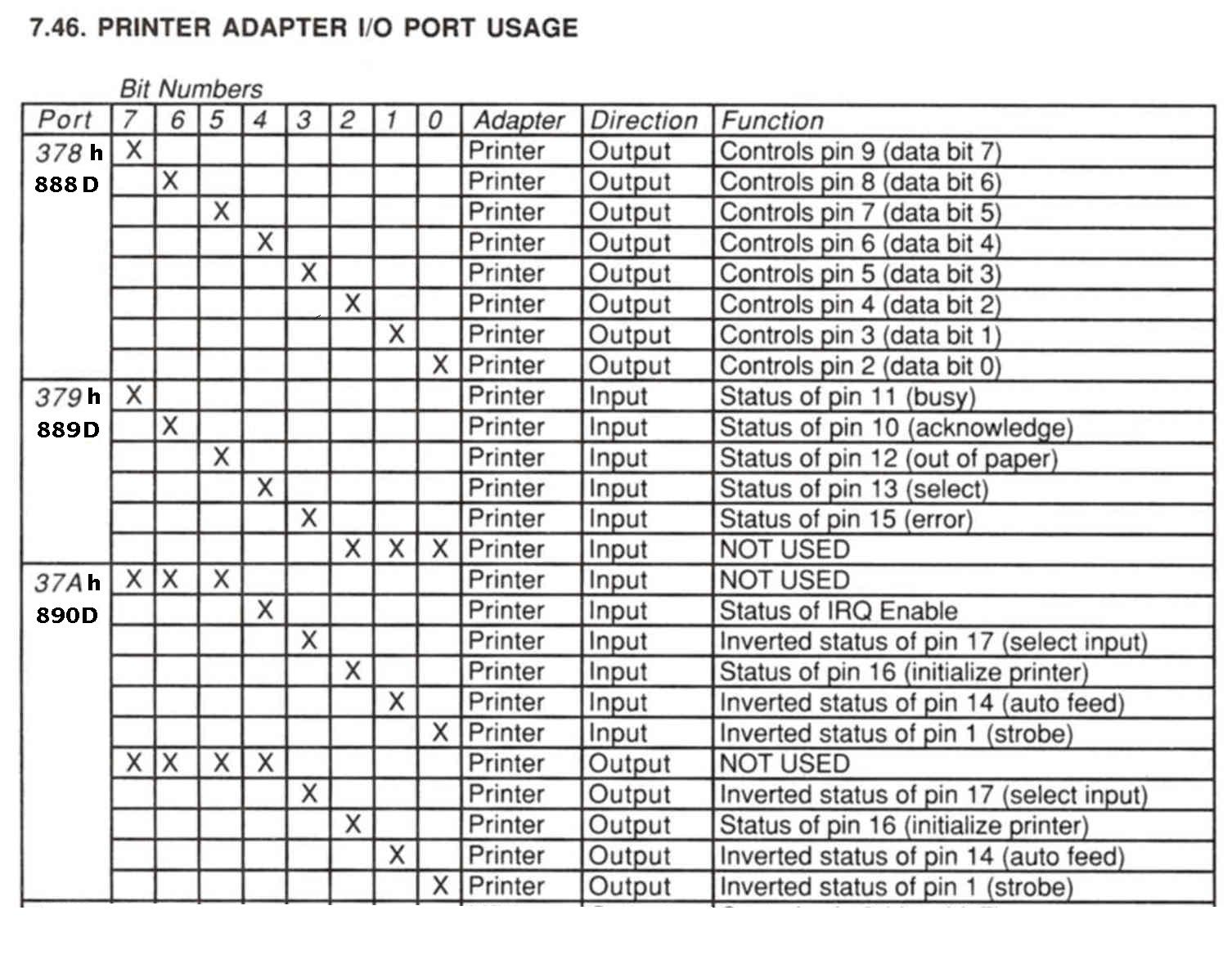
Here are the printer port addresses in hex and decimal.
This brand of mother board has a printer port on card. You
can see it just to the right of the video connector and
bit higher.
What you see here is what a programmer has to deal with when
writing real time code to control hardware. This is exactly
what the people that designed the fly by wire F16 and Airbus
had to deal with. It is not so much what is done but how much
time it takes to do it and when it is done.
-----------------------------------------------
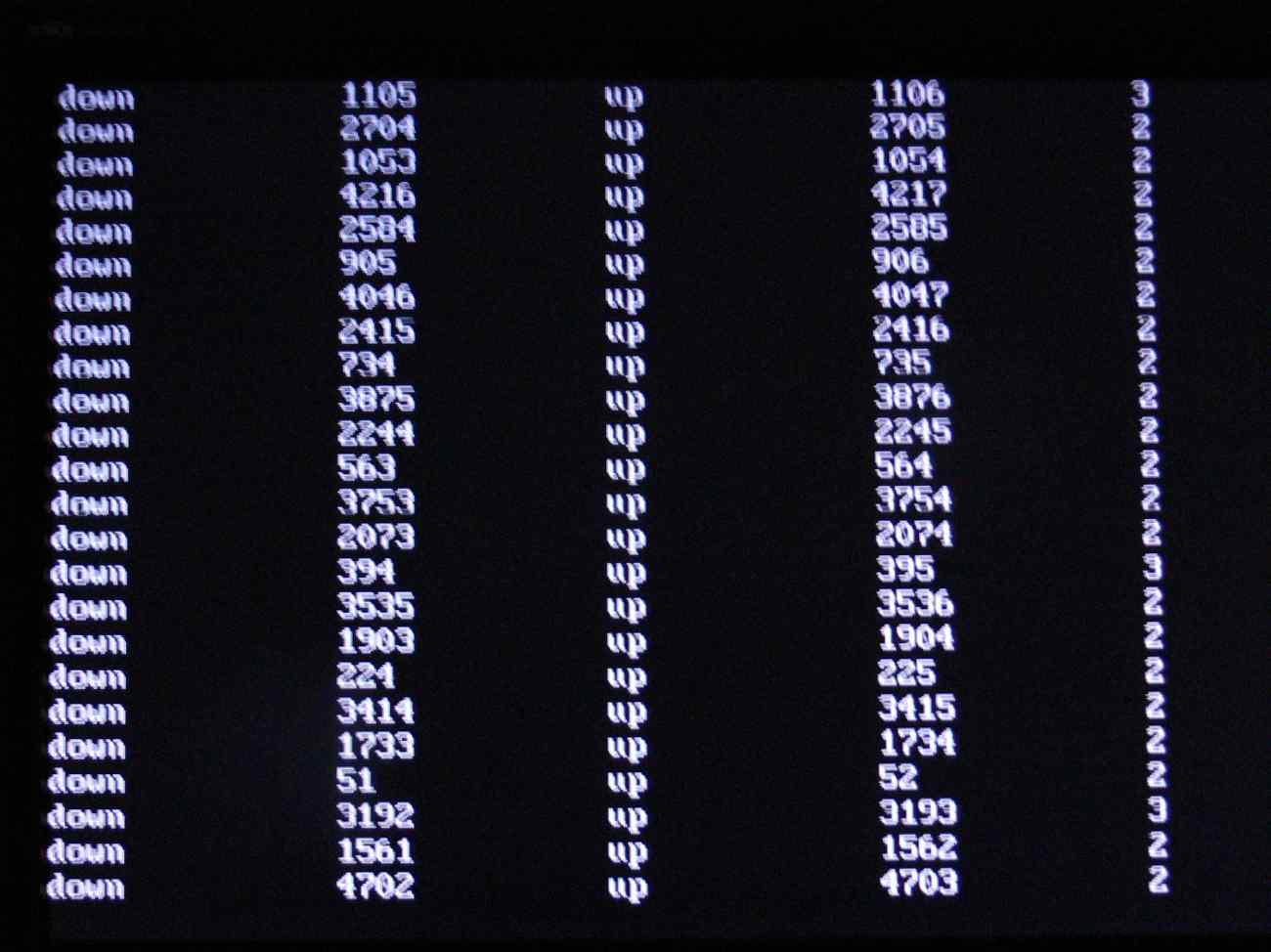
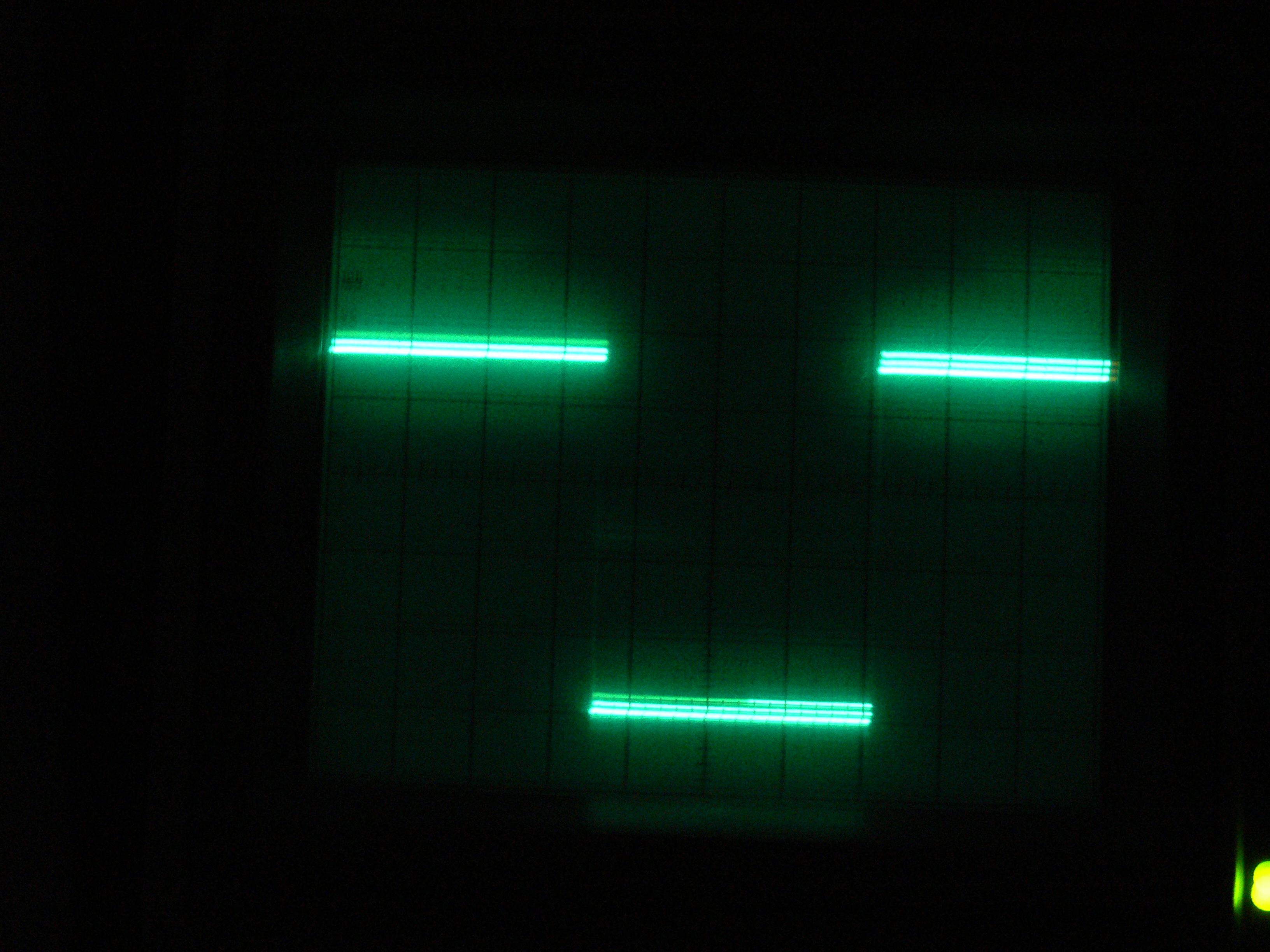
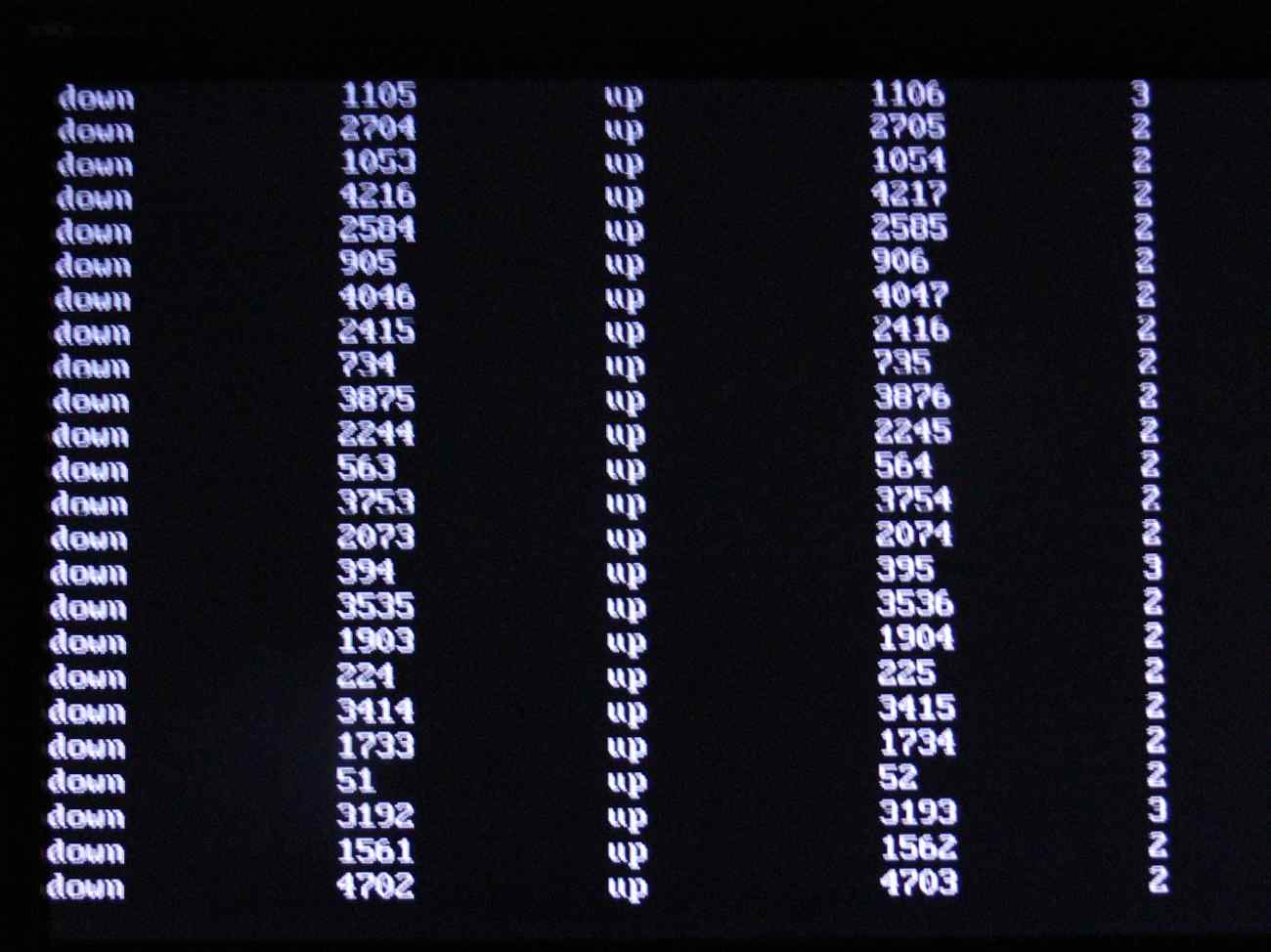
I got the printer port hardware interrupt working with this program.
The first two number columns are how many times the software went
through the loop until it detected a change in the incoming
7 ms period square wave. This is the worst case scenario
and it corresponds to a rotary revving at 7500 RPM
The data is a bit strange as DOS takes
time out to refresh the dynamic ram and perhaps some other time keeping
chores. The actual time it took to go through the loop in micro seconds
is on the right most column. I am still figuring out what this means.
DEFINT A-Z
$EVENT OFF
CLS
FOR Z = 1 TO 24 : x = 0
begin1:
x = x +1
for y = 1 to 30:next y
sbyte = INP (889)
if sbyte =120 goto begin1
begin:
for y = 1 to 30:next y
sbyte = INP (889)
if sbyte = 216 goto begin
print "down",
start2:
x = x+1
for y = 1 to 30:next y
sbyte = INP (889)
if sbyte=120 goto ItIsUp
goto start2
ItIsUp:
print x,
print " up",
MTIMER
ItIsUp2:
x=x+1
for y = 1 to 30:next y
sbyte = INP (889)
if sbyte = 216 goto ItIsUp2
print x,
ElapsedTime!=MTIMER
print ElapsedTime!
NEXT Z
I took a photo of the output of the screen as it takes
as long as one ms to write data to a file on the hard disk.
Writing to the screen is also time consuming.
The y delay loop is to make sure I am reading the leading
edge of the square wave as it has almost a microsecond of
rise time from my wave form generator. I am using pin 11
printer busy as the input pin.
Paul Lamar
--
The Rotary Engine NewsLetter. Powered by Linux.
ACRE NL web site.
http://www.rotaryeng.net
Youtube key word UTUBPLEASE
Copyright 1998-2009 All world wide rights reserved.