OK I'll render that.
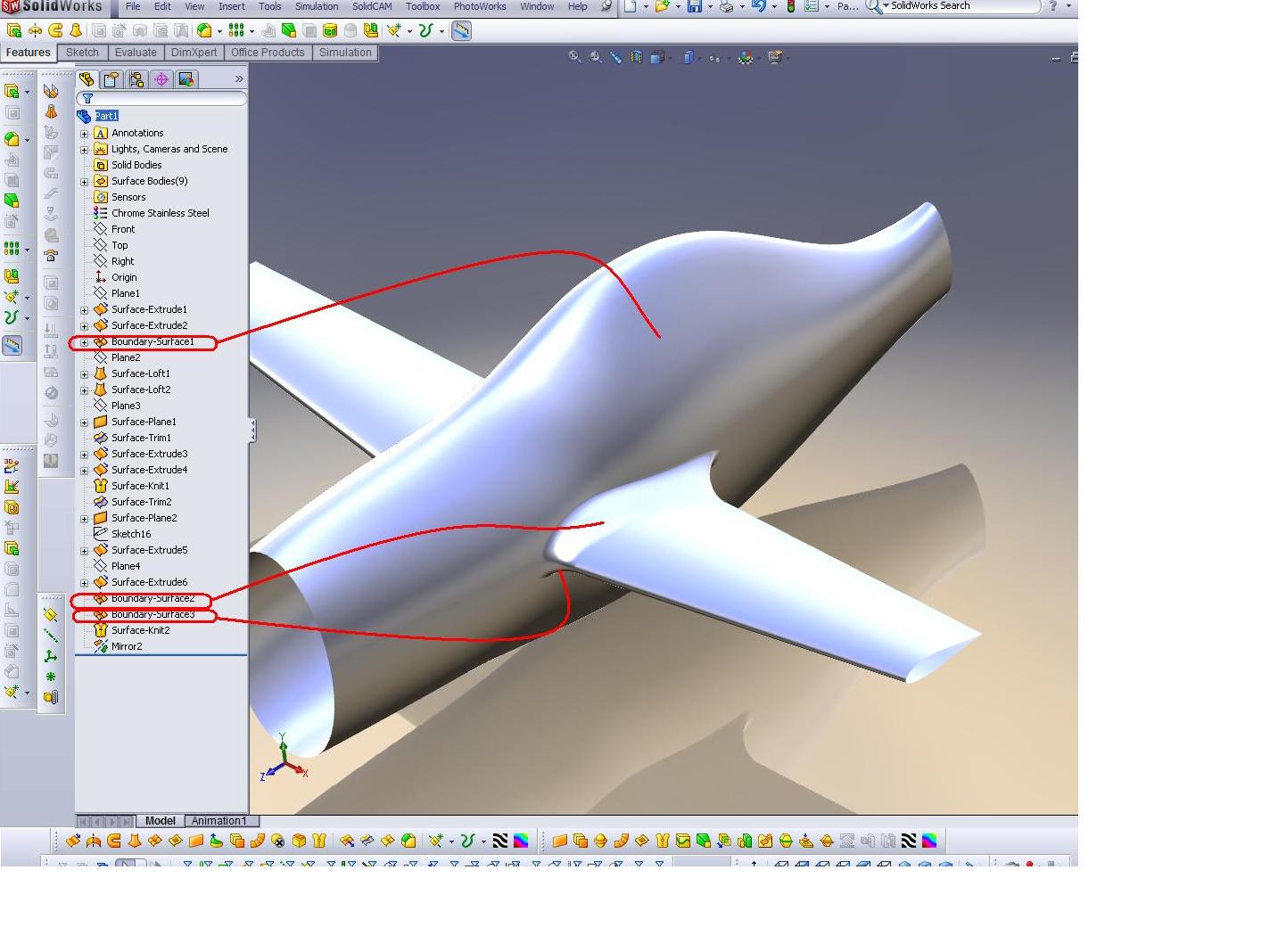
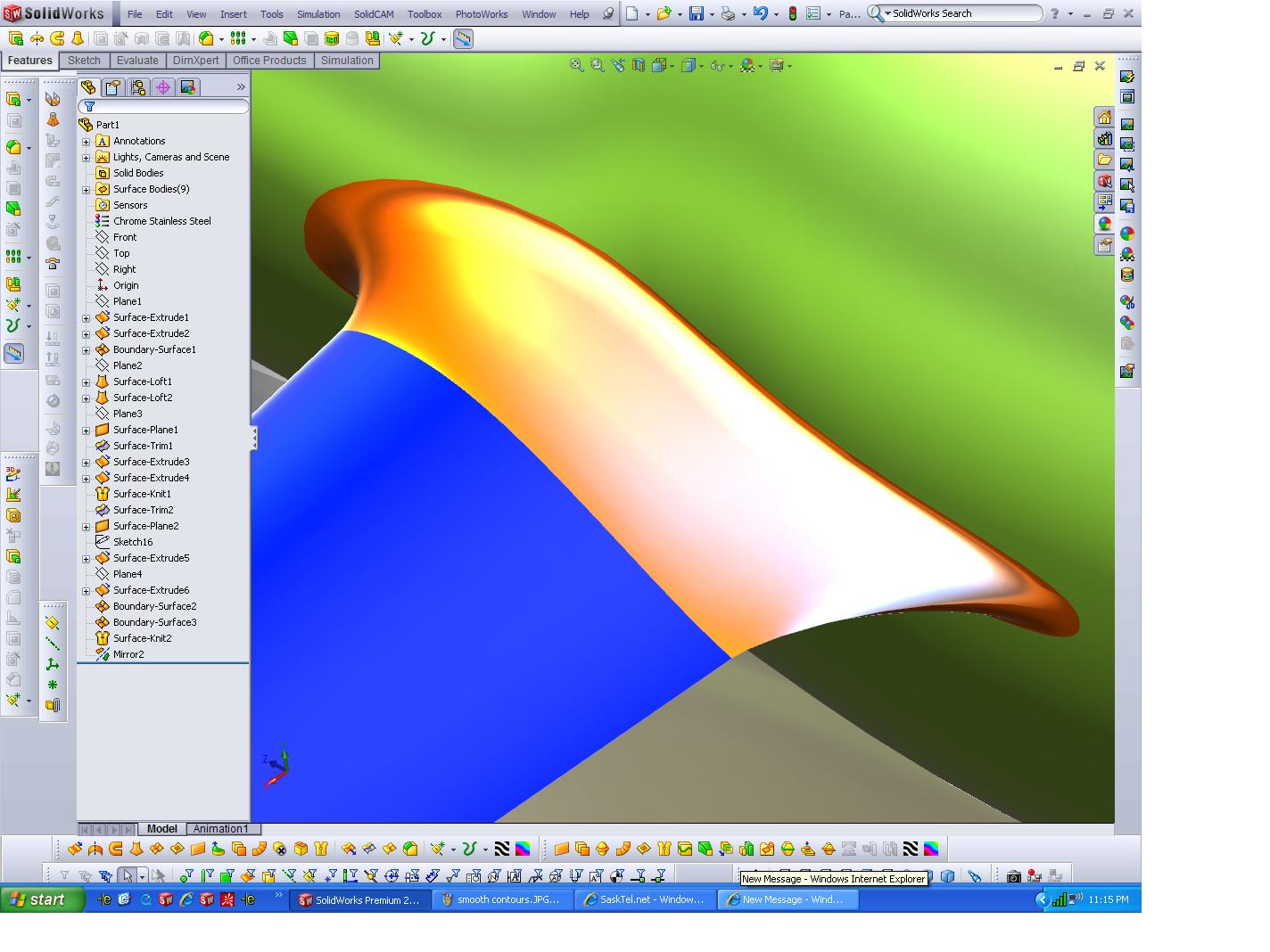
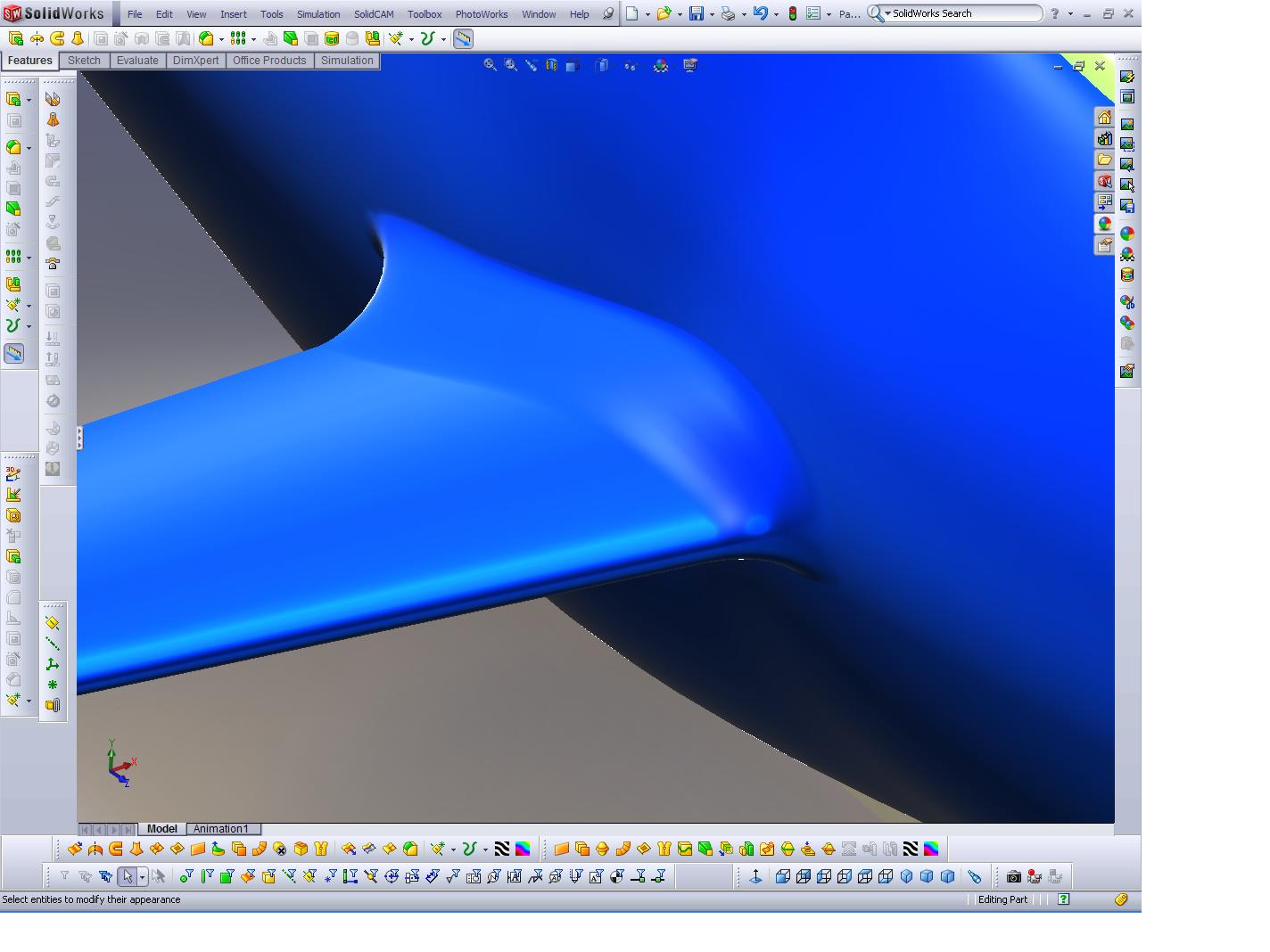
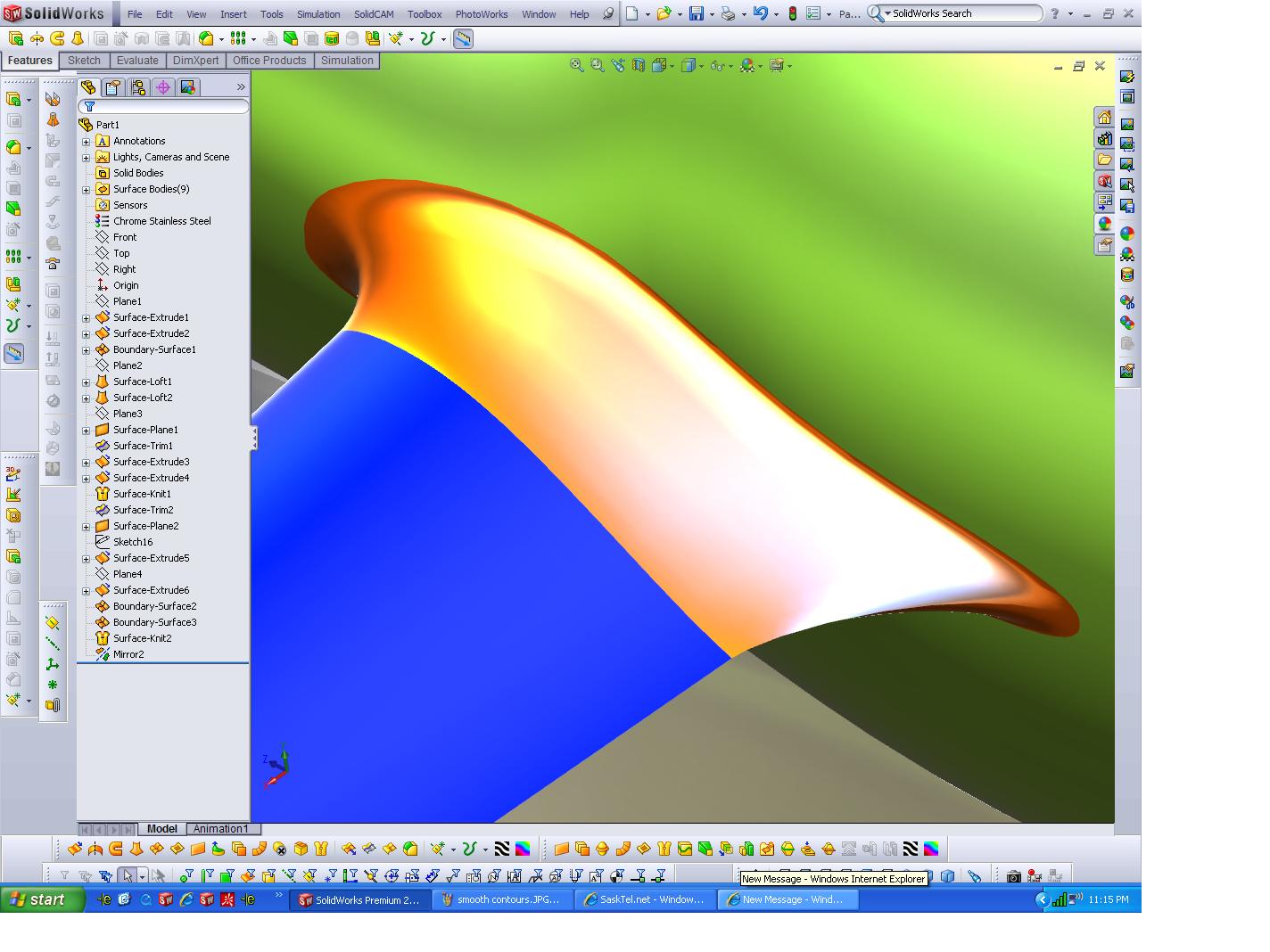
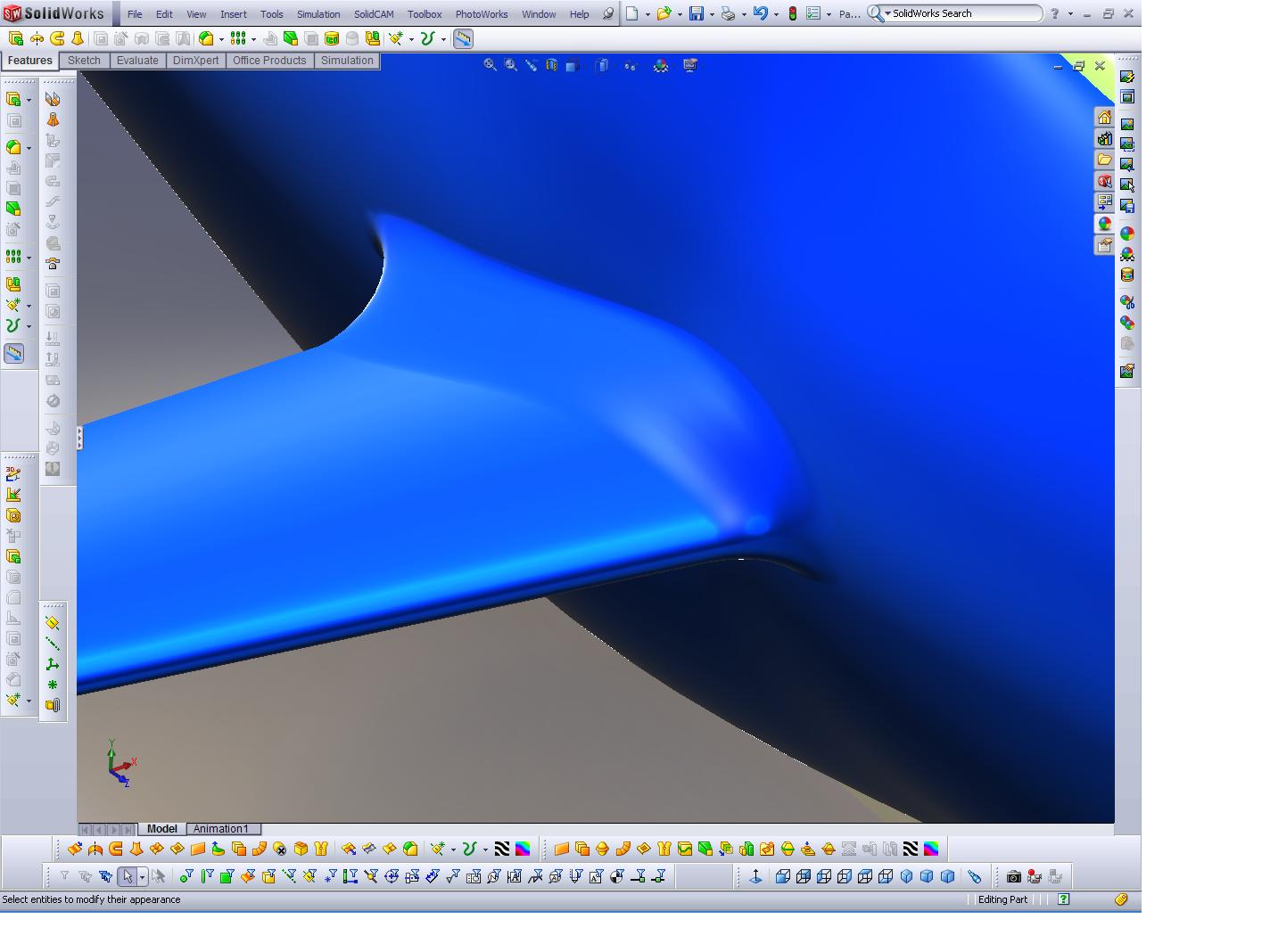
Is this what you had in mind for a wing fuse interface?
Paul Lamar
Paul, I can't remember who the original poster was re: wing fillets & was to flogged w/
work to reply when I first saw this. Anyhow I thought I'd share a niffty tool when it
comes to making complex surface geometry [such as wing fillets] using SolidWorks and
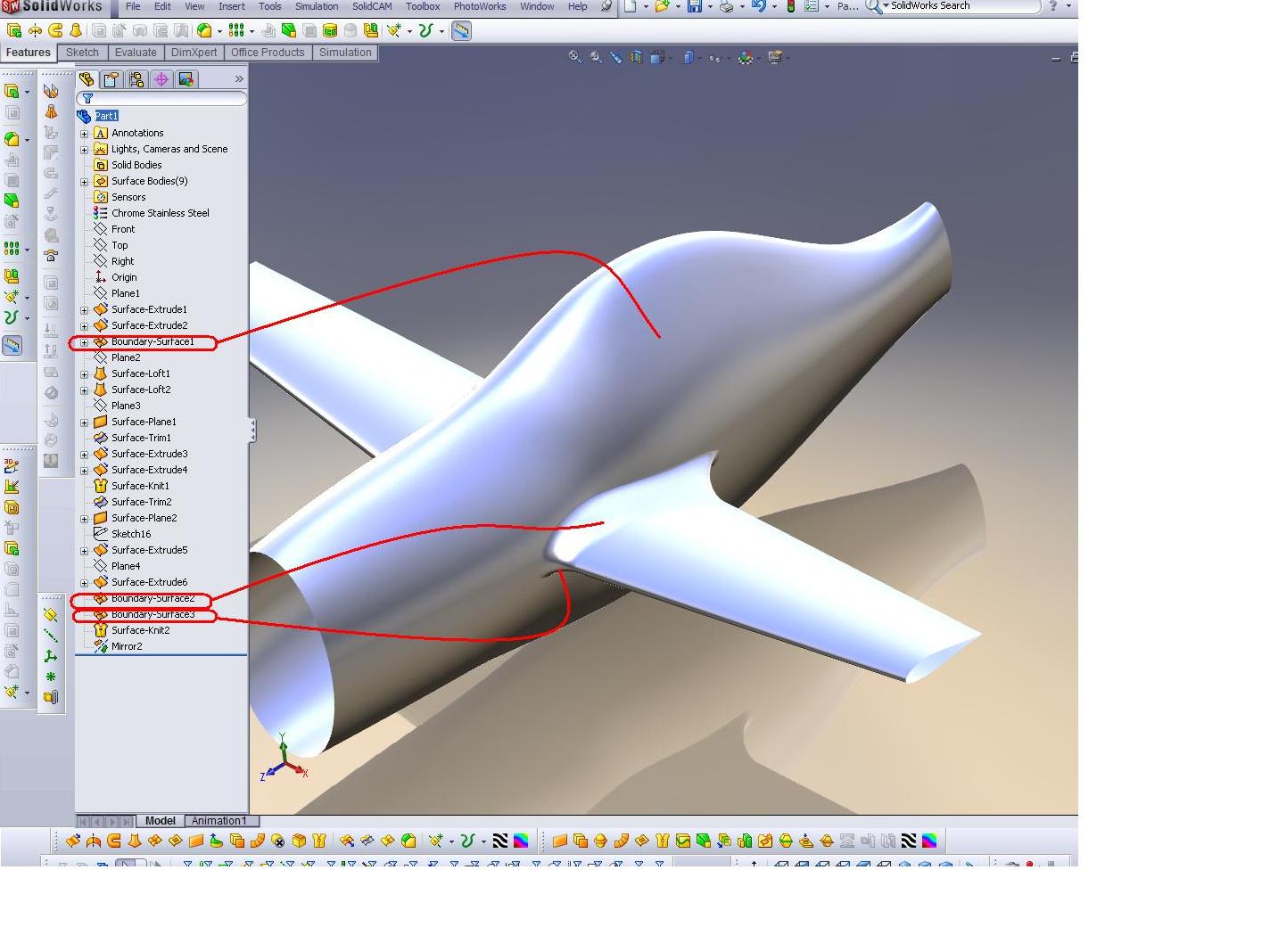
surfaces. He'd mentioned having some difficulty in this area. I've attached a screen shot
of a quick model I knocked out.. [my next 20B powered air-race prospect :-) , using next
generation "zero" drag airfoils {very much tongue in cheek}]
The trick w/ these complex shapes is to use a little known tool called a 'Boundry Surface'
along w/ curvature continuous edge constraints. I think he'll find that when using this
magic tool.. nearly ANYTHING is possible.. I can send this model if he is interested in
looking at how this was done.
Hth
Jarrett
The corresponding tool in Rhino is called "blend surfaces"
The Solid Works tool may work better from the looks of
what you sent. I have not tried Rhino 4 or 5 for that matter.
I am still using 3.
Paul Lamar
--
The Rotary Engine NewsLetter. Powered by Linux.
ACRE NL web site.
http://www.rotaryeng.net
Youtube key word PaulLamar2
Copyright 1998-2009 All world wide rights reserved.