Hi Ed,
As per our conversation enclosed is Quick Basic.
This is based on Windows XP.
Step 1.
Make a folder under the C: drive called QB using Windows
Explorer.
Step 2.
Copy the zip file over to the QB folder using Windows Explorer.
Step 3.
Extract or unzip the QB.
Step 4.
Goto all programs > Accessories > Command Prompt
and click on it. You will see something like C:\xxxx
Step 5.
type "CD .." and press return. Keep doing that until you see
"CD:\>" You are now in the so called root directory.
Step 6.
Type "dir /p" this will give you the first page of a list
of all the folders on your C: hard drive in your computer.
Press return to see the next page. What you are looking
for is the QB folder. If it is there you have done everything
right so far. Keep pressing return until you get to the end
of the list.
Step 7
Type "cd QB" and press return. You should see "C:\QB>"
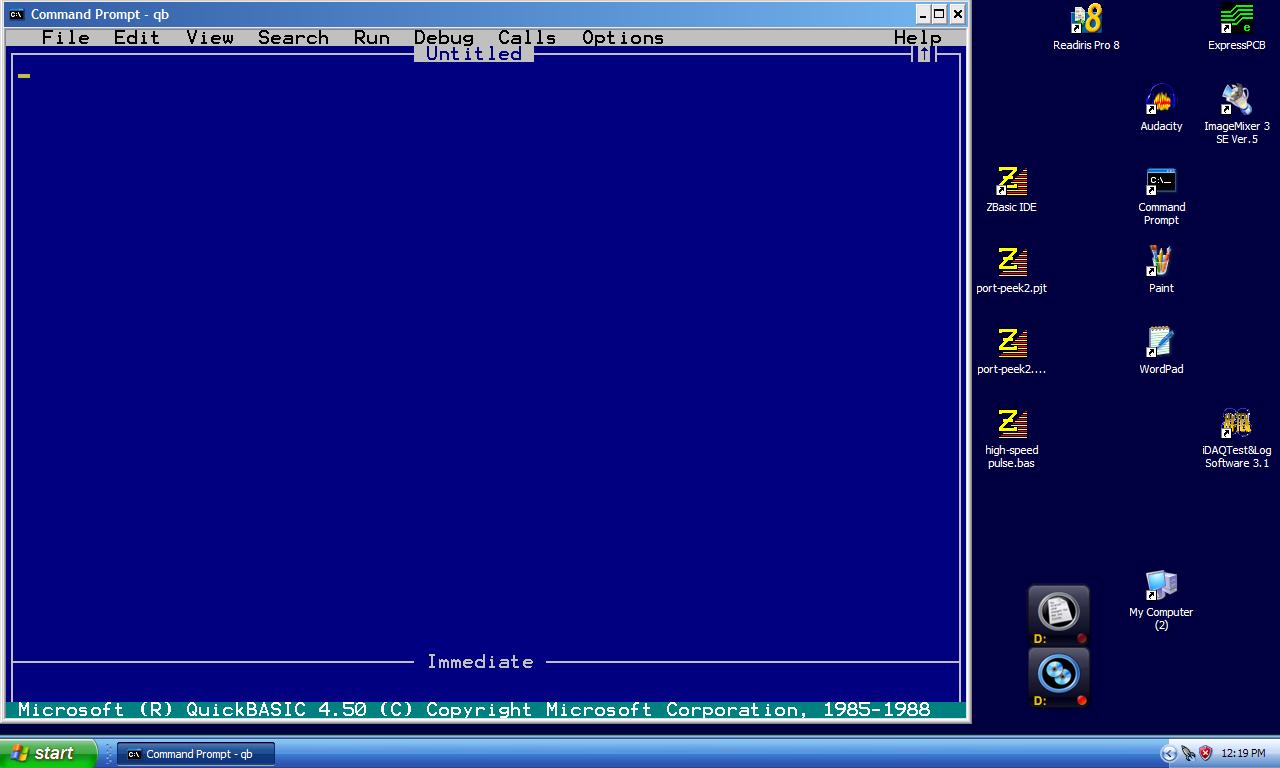
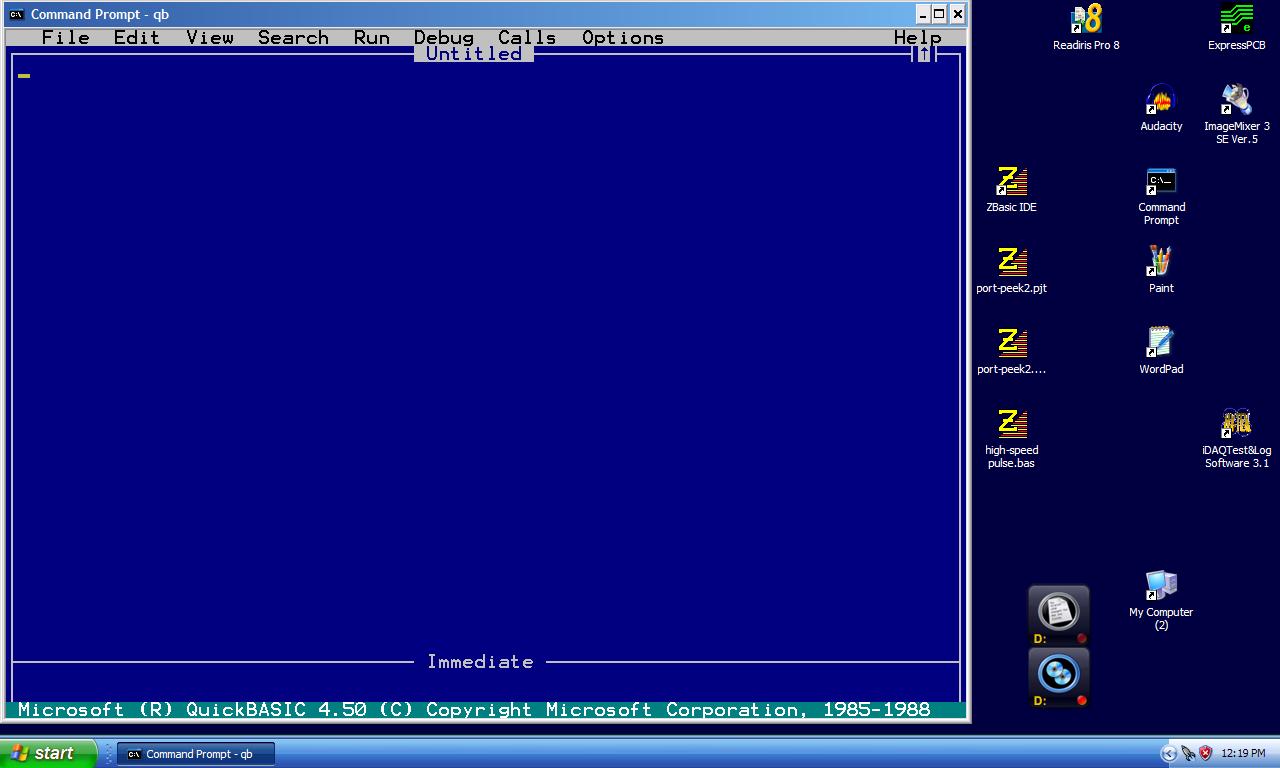
Now type "QB" and return. You should then see something
that looks like the QB-screen.jpg on your screen.
You are now ready to learn how to program in Quick BASIC.
Read the tutorial qb-tut2.pdf and have a go.
QB is very similar to Atmel Basic.
Paul Lamar
--
The Rotary Engine NewsLetter. Powered by Linux.
ACRE NL web site.
http://www.rotaryeng.net
Youtube key word PaulLamar2
Copyright 1998-2010 All world wide rights reserved.