Paul,
One more thing. Got the following from this link
http://catb.org/gpsd/
"gpsd is a service daemon that monitors one or more GPSes or AIS
receivers attached to a host computer through serial or USB ports,
making all data on the location/course/velocity of the sensors
available to be queried on TCP port 2947 of the host computer. With
gpsd, multiple location-aware client applications (such as
navigational and wardriving software) can share access to receivers
without contention or loss of data. Also, gpsd responds to queries
with a format that is substantially easier to parse than the NMEA 0183
emitted by most GPSes. The gpsd distribution includes a linkable C
service library, a C++ wrapper class, and a Python module that
developers of gpsd-aware applications can use to encapsulate all
communication with gpsd."
Basically it reads data from a GPS Mouse (Actually an active GPS
Antenna with a serial interface) and outputs it to a serial port. gpsd
reads the serial data, (it finds the port of the gps mouse) and
re-exports it to TCP port 2947. Once exported to TCP port 2947, anyone
on the TCP/IP can connect to it and find the location of the GPS
Mouse. I am not sure that is what you want to do!
regards,
Henry
On Sun, Oct 9, 2011 at 10:28 AM, Henry Nee <
hpc.nee@gmail.comwrote:
Paul,
I think NEMA calls for 4800 baund 8N1, (8 data bits, no parity, 1 stop
bit.) Did you set your terminal to communicate at that baud rate and
8N1 setting? Once connected, it should show data. Also, remove your
gpsd for now. It talks to the gps and present data to your application
if I am not mistaken. So it should not be there.
regards,
Henry
On Sat, Oct 8, 2011 at 11:01 AM, Rotary Engine <
rotaryeng@earthlink.netwrote:
Hi Henry,
I am making a bit of progress on reading the GPS.
It is on port ttyusb0 according to lsusb
Bus 008 Device 006: ID 1163:0200 DeLorme Publishing, Inc.
I found a gpsd daemon and installed it but I don't know how to get
it to send data to the Ubuntu 10 terminal or anywhere
else for that matter.
The system monitor does not tell me it is running.
The GPS is plugged in and blinking.
Any tips on that?
Paul Lamar
I about where you are in getting my GPS to talk to me. Difference is
that my GPS doesnt blink at me, the red light is just steady.
I used the Ubuntu Synaptic Package Monitor and installed minicom.
On my computer the GPS plugged into usb port is usually recognized as
ttyusb0, but when the system locks up due to my fiddling around, and I
plug it in again, it will sometimes come up as ttyusb1, and once I even
saw ttyusb2 show up in the /dev directory. ???????
When I run minicom and tell it to communicate with the correct USB port,
it just sits there and listens; no data seems to be streaming from the
GPS. I am wondering if there is some sort of a "go" command that the
GPS is looking for.
On another topic. I just bumped into a neighbor a few minutes ago at
our local recycling center, and I mentioned my aircraft project. He
says he has a 2004 RX8 engine in his garage that belongs to his buddy.
Says that he thinks the seals are bad. He wanst to get it out of his
garage.
What's it $worth?
R Berglund
What version of Ubuntu are you using Robin?
There are at least 2 formats in use. Most popular
is ASCII NEMA 0183. I think the other is binary.
Offer him $50 :)
Paul Lamar
Paul,
You may want to try this software:
http://www.visualgps.net/VisualGPS/default.htm
It is freeware, and should do the things you were thinking but needs a
Windows Mobile unit like a pocket PC instead of Android. Let me know
if you are thinking about doing the same thing in Android Tablet?
Henry
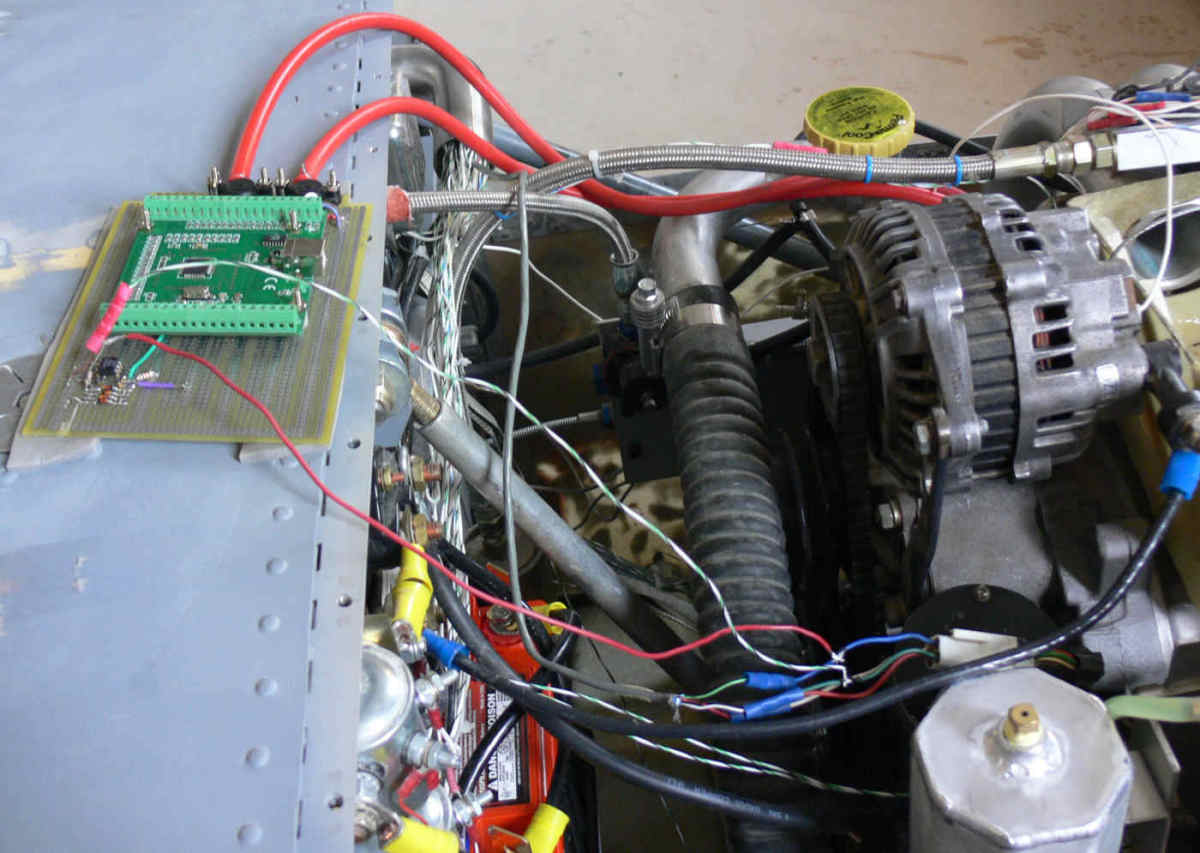
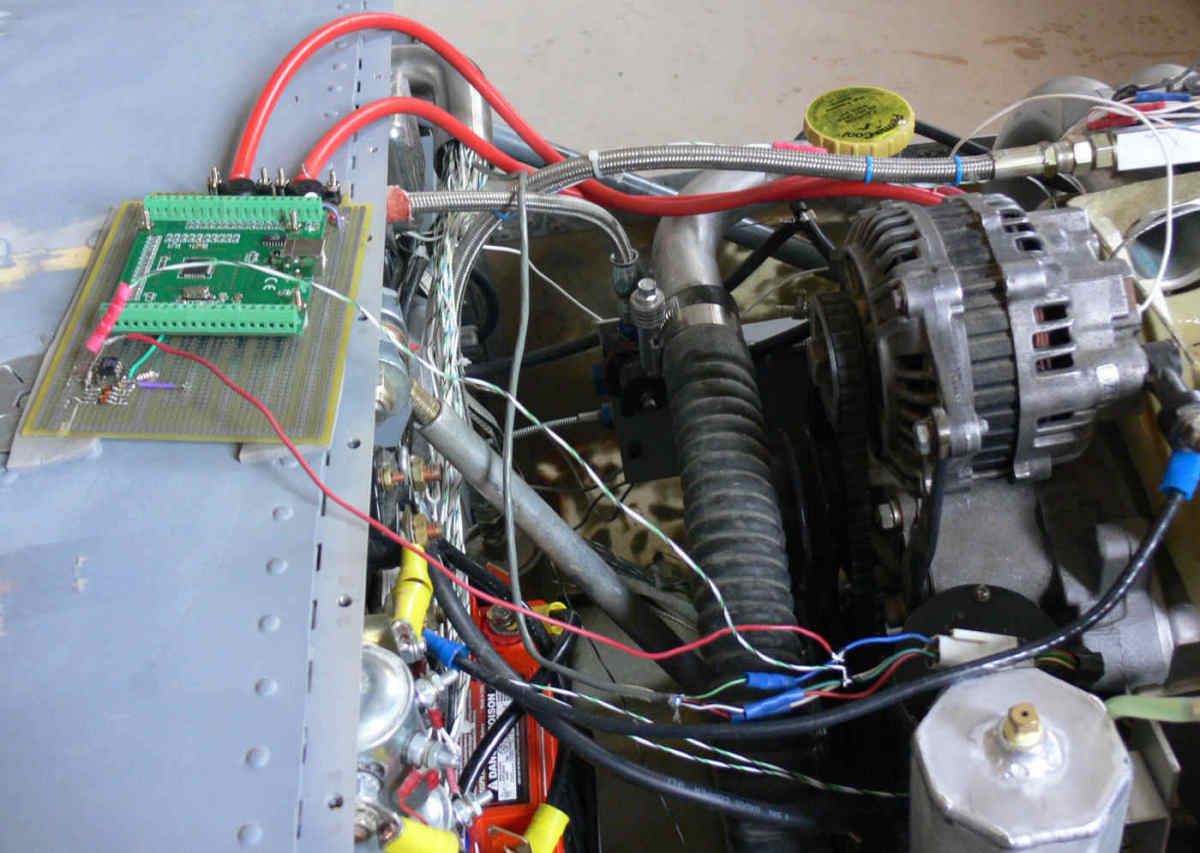
We don't really need if for the tablet as all the good ones have built in
GPS receivers. I just want them to work with Tracy's computer and latter
we can get this device to work as an EFIS. They do have some Linux source.
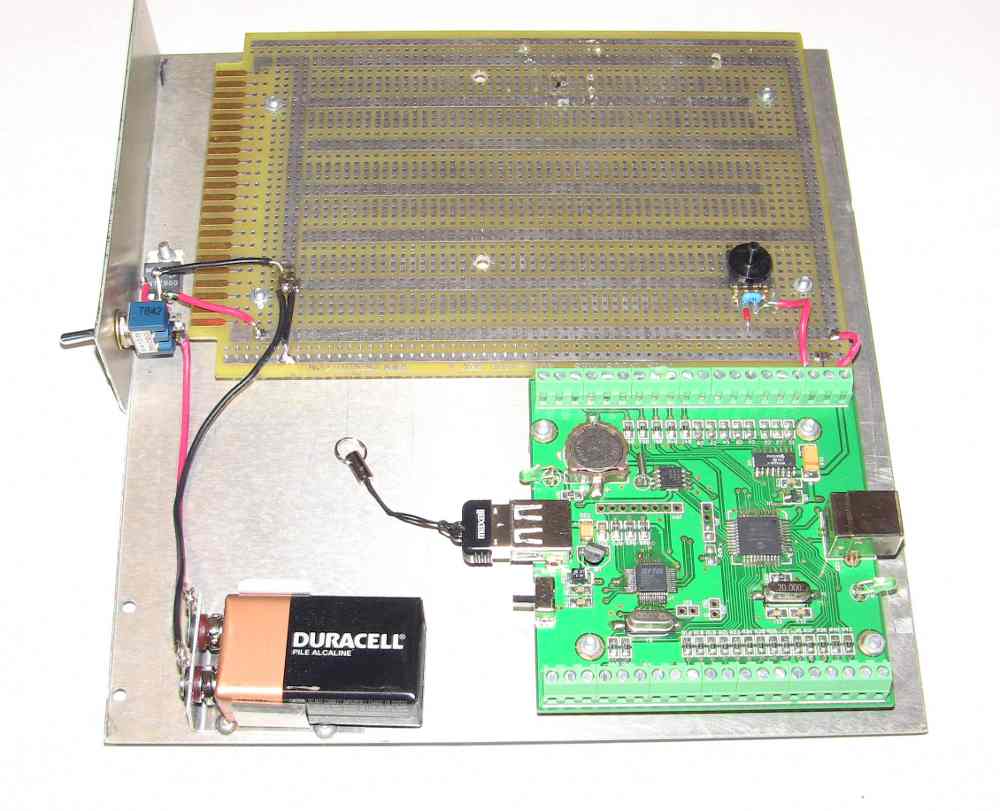
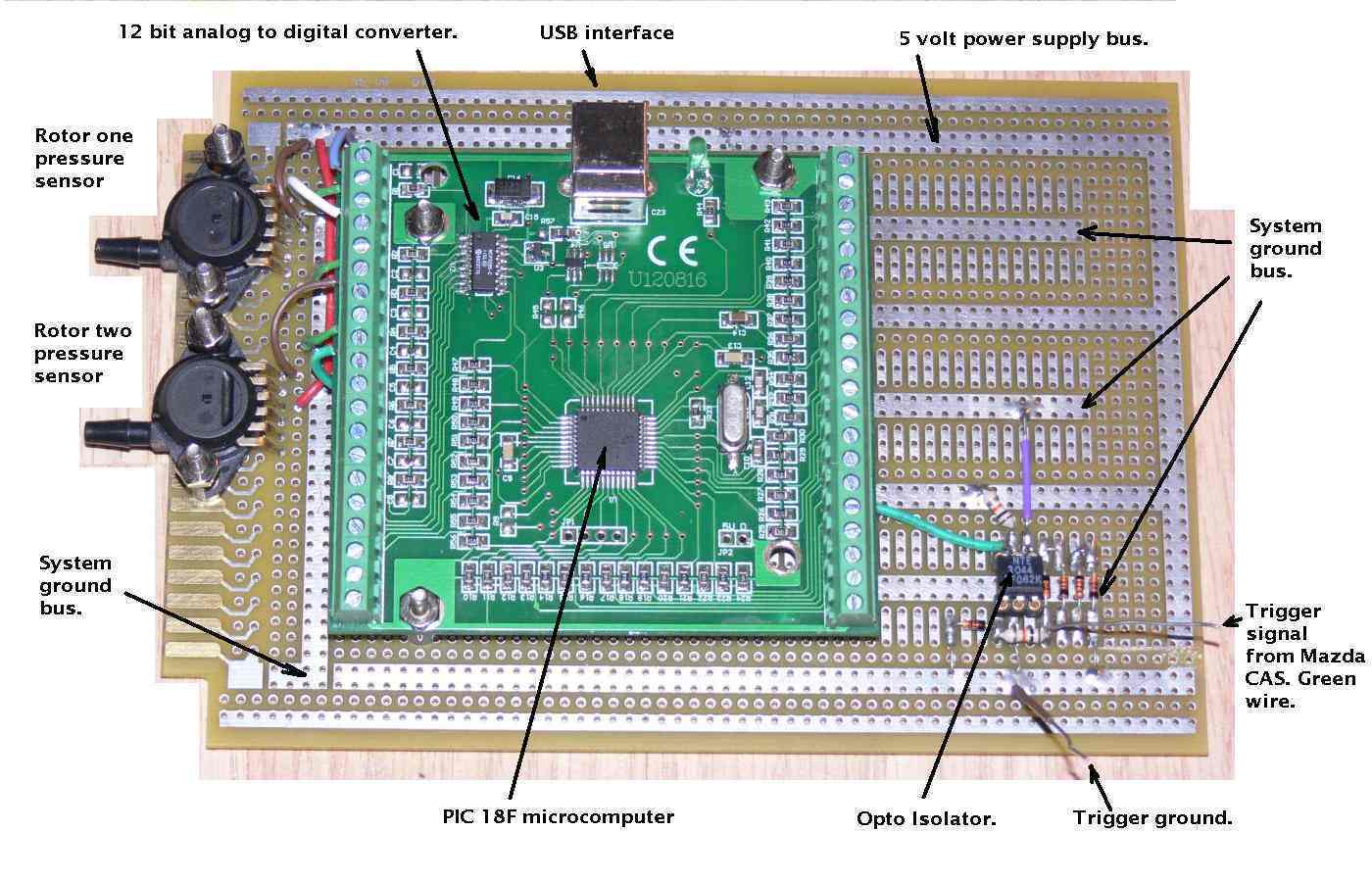
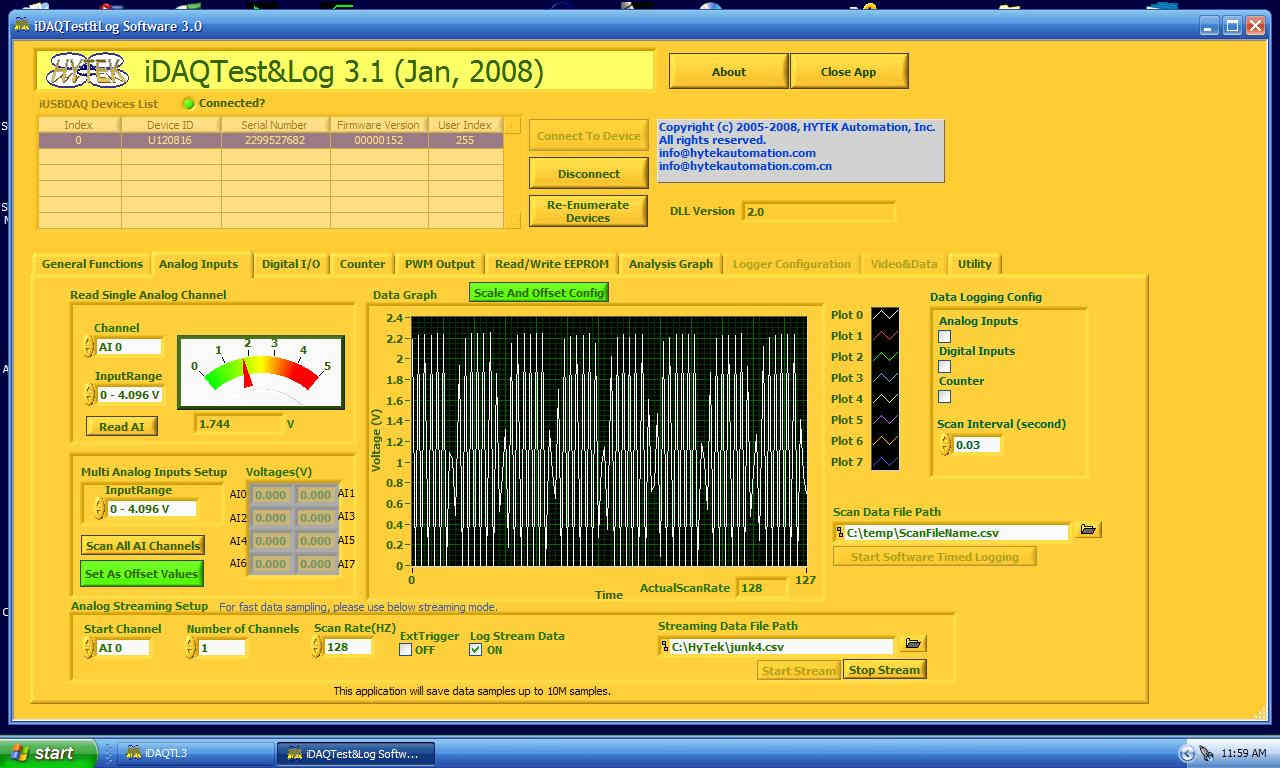
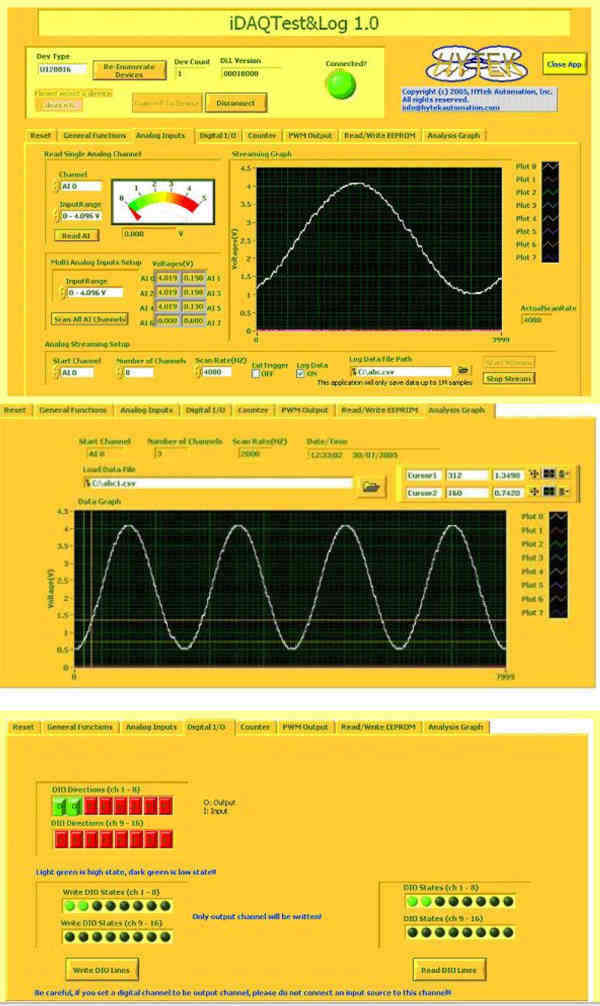
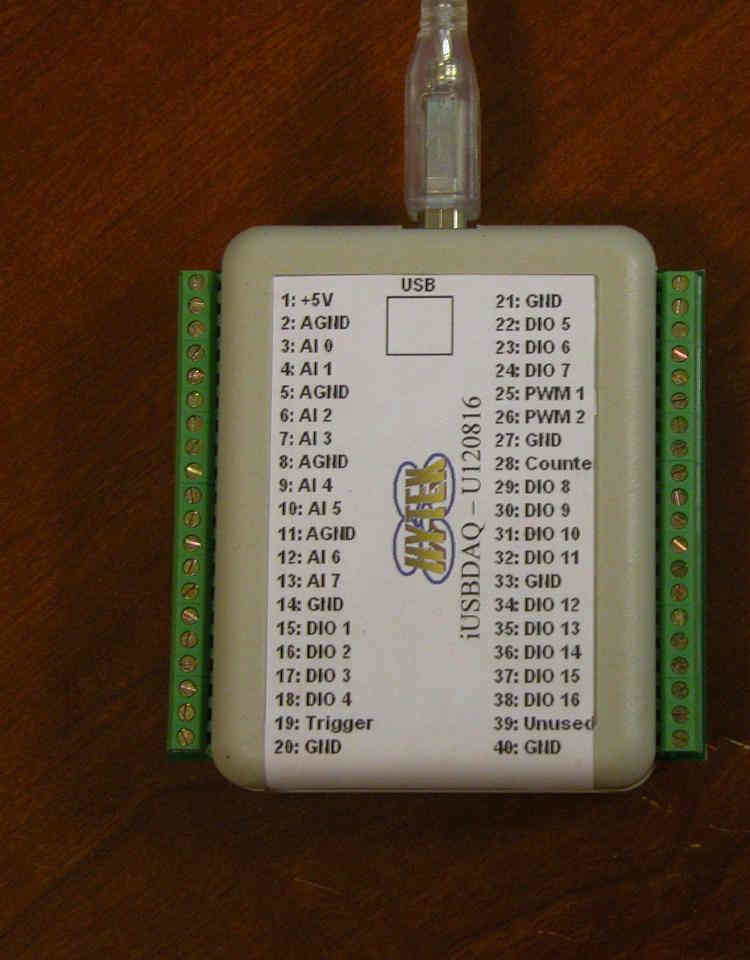
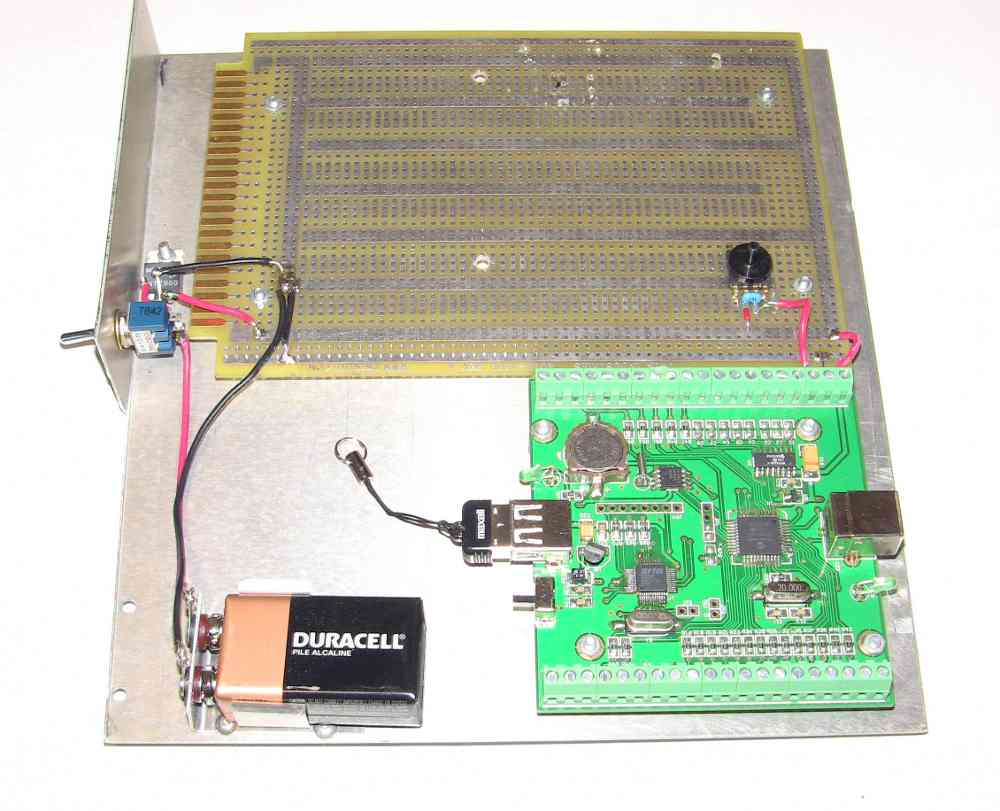
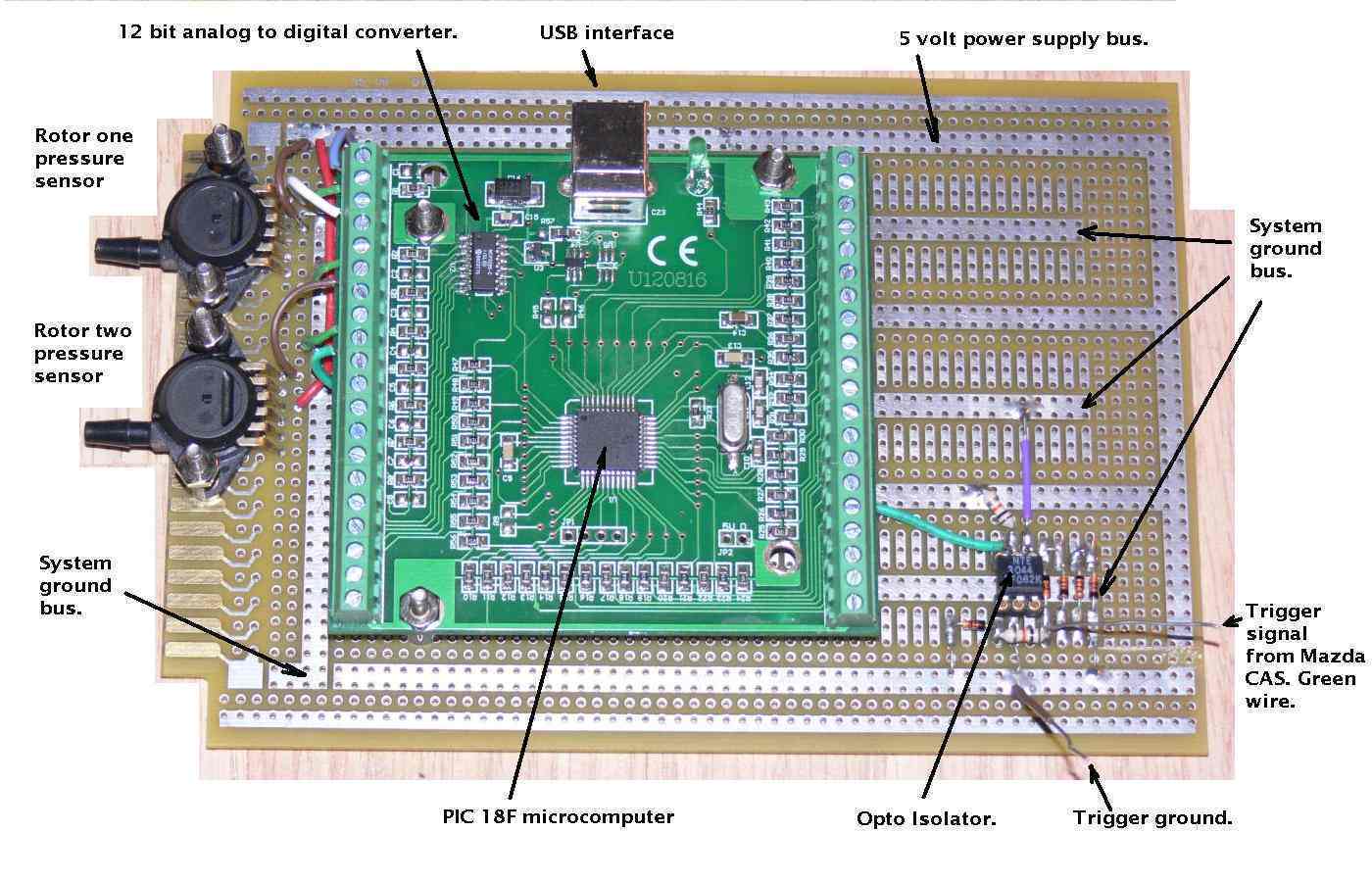
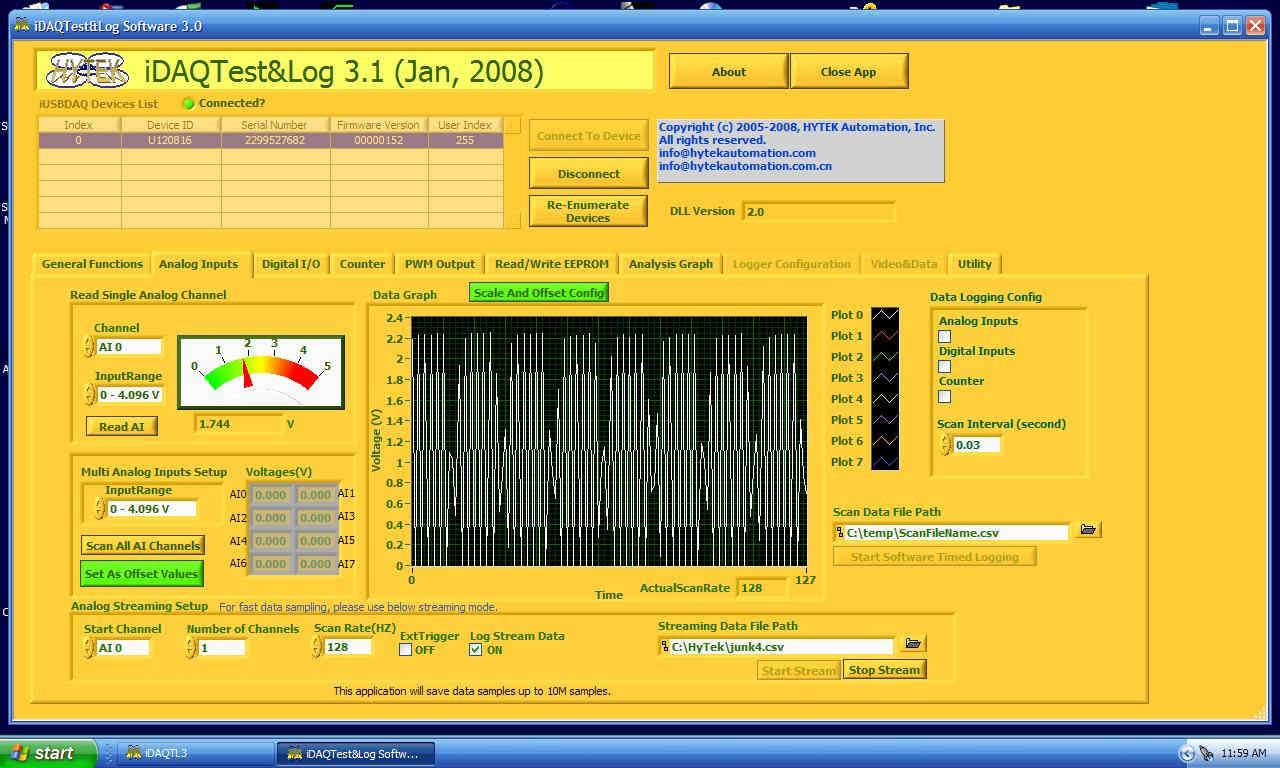
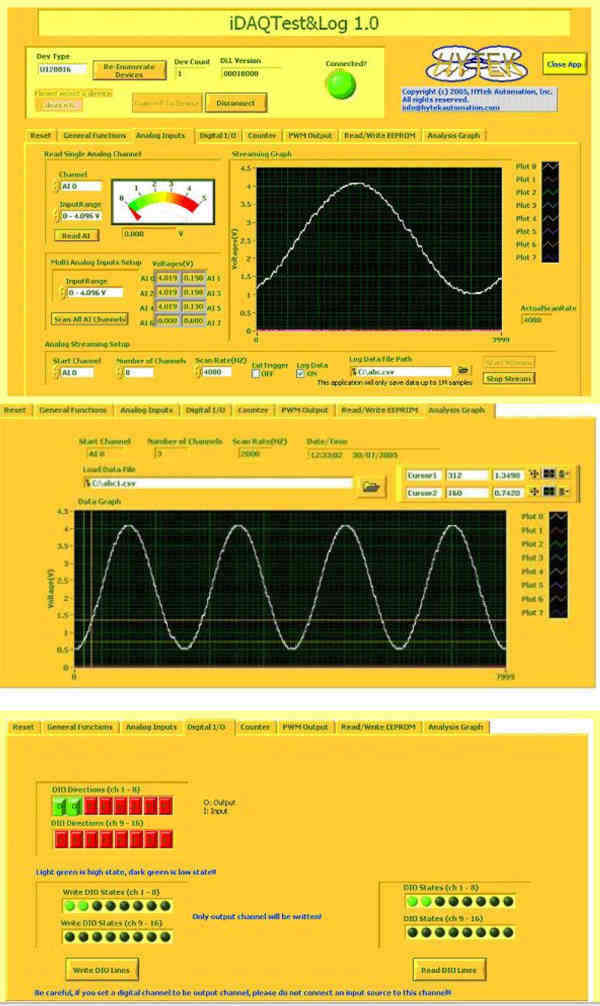
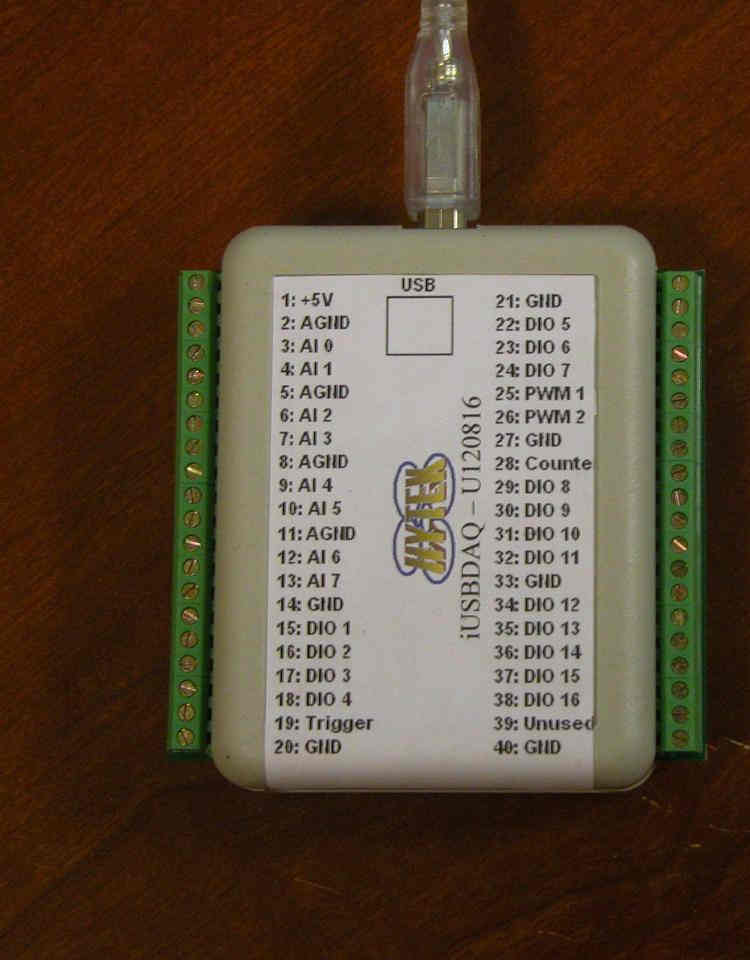
Works great on Windows XP USB and is real cheap at under $100.
http://www.hytekautomation.com/
"The iUSBDAQ - U120816 is the lowest cost USB data acquisition module which
provides eight 12-bit analog inputs, 16 digital I/O lines, two programmable
pulse-width output channels, and one 16-bit counter channel. Analog sampling
rate is up to 32 ksamples/s for all 8 channels, with single channel up to 13
ksamples/s."
I forgot about it when you were up here or I would have shown it to you.
This is the cheapest way to get an EFIS working on the tablet.
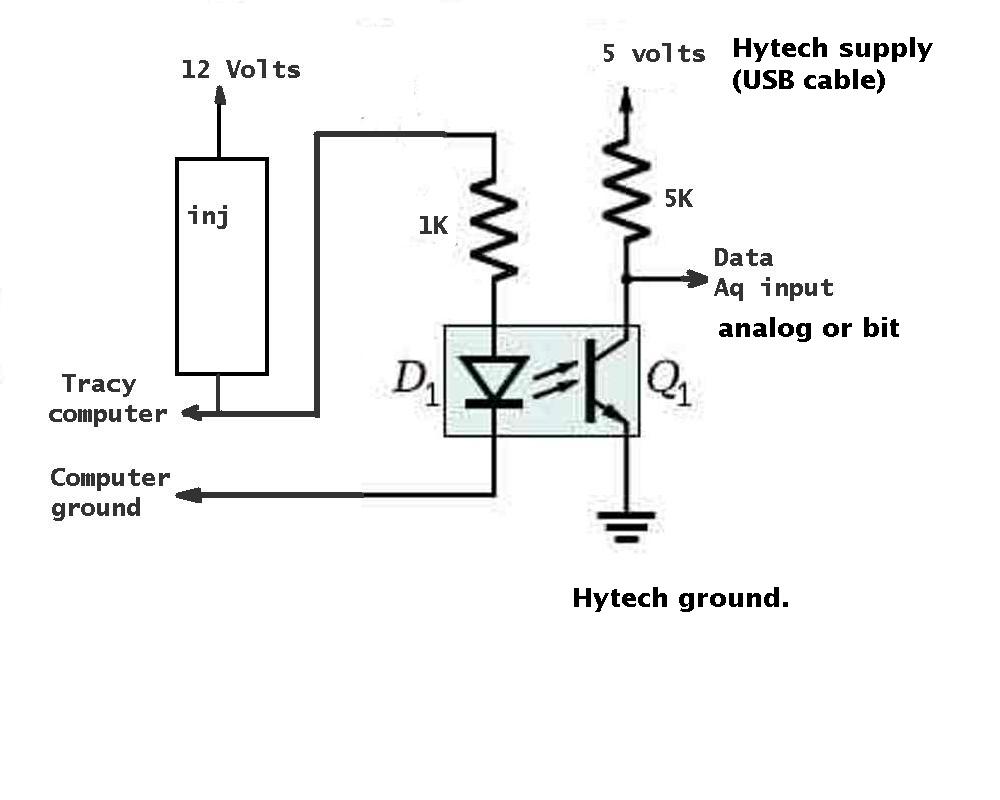
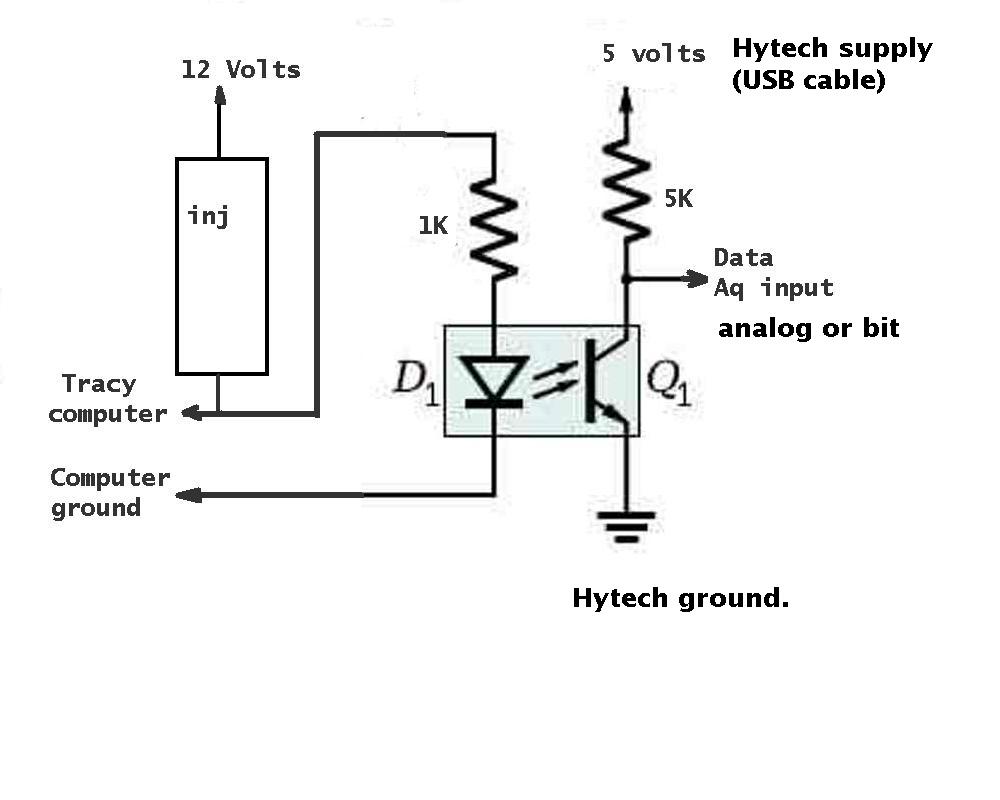
One can tell what Tracy is doing by monitoring the pulse width
on the injectors with an opto iso.
Paul Lamar
--
The Rotary Engine NewsLetter. Powered by Linux.
ACRE NL web site.
http://www.rotaryeng.net
Youtube key word PaulLamar2
Copyright 1998-2011 All world wide rights reserved.
/*********************************************************************
 *
 *  HYTEK Automation
 *  iUSBDAQ driver API for Linux
 *********************************************************************
 * FileName:        iUSBDAQ.h
 * Dependencies:    None
 * Compiler:        C++
 * Company:         Copyright (C) 2007 by HYTEK Automation, Inc.
 *
 * Software License Agreement
 *
 * The software supplied herewith by HYTEK Automation Incorporated
 * (the “Company”) for its iUSBDAQ. The software is owned by the
 * Company, and is protected under applicable copyright laws.
 * All rights are reserved.
 *
 * THIS SOFTWARE IS PROVIDED IN AN “AS IS” CONDITION. NO WARRANTIES,
 * WHETHER EXPRESS, IMPLIED OR STATUTORY, INCLUDING, BUT NOT LIMITED
 * TO, IMPLIED WARRANTIES OF MERCHANTABILITY AND FITNESS FOR A
 * PARTICULAR PURPOSE APPLY TO THIS SOFTWARE. THE COMPANY SHALL NOT,
 * IN ANY CIRCUMSTANCES, BE LIABLE FOR SPECIAL, INCIDENTAL OR
 * CONSEQUENTIAL DAMAGES, FOR ANY REASON WHATSOEVER.
 *
 * Date:       11/18/2006    Original version 1.10 completed
 ********************************************************************/

/*********************************************************************
 * Please see the iUSBDAQ User's Guide for the documentation of the
 * interface functions defined in this file.
 *
 ********************************************************************/
#ifndef HYTEK_IUSBDAQ_API_HEADER
#define HYTEK_IUSBDAQ_API_HEADER

#include <usb.h>
#define BYTE    char
#define DevSession usb_dev_handle*
#define DWORD   int

#define IUSBDAQ_API
#define IUSBDAQ_STD_API

typedef enum
{
	iUSBDAQ_NOERROR=0,
	iUSBDAQ_Unknown=1,
	iUSBDAQ_InvalidDevIndex,    //device index exceed the max device number of that type
	iUSBDAQ_WrongType,  //No such iUSBDAQ module type or wrong device type
	iUSBDAQ_HandleError,    //Open device session error
	iUSBDAQ_DeviceNotAvailable,//device maybe used by other application
				//or session already been opened
	iUSBDAQ_WriteError, //Write error, it could be the device disconnected
	iUSBDAQ_ReadError,  //Read error, it could be the device disconnected
	iUSBDAQ_NULLSession,    //NULL session
	iUSBDAQ_RcvLength,   // Partially failed, incorrect receive length
	iUSBDAQ_InvalidByteCount,//the byte count number is invalid
	iUSBDAQ_InvalidChannel,//channel number is incorrect
	iUSBDAQ_InvalidNofChs,//number of channels invalid
	iUSBDAQ_InputRange, //Wrong input voltage range
	iUSBDAQ_InvalidDutyCycle,//Duty cycle value should be between 0- 1023
	iUSBDAQ_InvalidDIOWrite,//The IO channel is not an output channel
	iUSBDAQ_InvalidPeriod,//wrong PWM period

	iUSBDAQ_TooManyScans, // iUSBDAQ_AIGetScans function asks too many scans to get, max 6400/NrOfChannels
	iUSBDAQ_ReadSamplesTimeout,
	iUSBDAQ_LowNofSamples,
	iUSBDAQ_HighNofSamples,
	iUSBDAQ_ReadWritePassAllowedAddr,
	iUSBDAQ_PMW_Period_too_big,
	iUSBDAQ_PMW_Period_too_small,
    /* first used in linux driver */
    iUSBDAQ_UsbConfig_Err,
	iUSBDAQ_MAX_ERR
} iUSBDAQ_RETURN_CODE;

iUSBDAQ_RETURN_CODE iUSBDAQ_EnumerateDev (unsigned long DevType, unsigned long* Count);

iUSBDAQ_RETURN_CODE iUSBDAQ_OpenDevice (unsigned long DevType, unsigned long DevIndex, DevSession* Session);

iUSBDAQ_RETURN_CODE iUSBDAQ_ReleaseDevice (DevSession Session);

iUSBDAQ_RETURN_CODE iUSBDAQ_GetDeviceSerialNo (DevSession Session, unsigned long* SerialNumber);


iUSBDAQ_RETURN_CODE iUSBDAQ_ReadSingleAnalogIn ( DevSession Session, int Channel,
				int InputRange, float * Voltage,
				int * reserved);

iUSBDAQ_RETURN_CODE iUSBDAQ_ReadCounter (DevSession Session, int Reset,
			unsigned int *Count);

iUSBDAQ_RETURN_CODE iUSBDAQ_DIO (DevSession Session,
		BYTE Port1to8dir,
		BYTE Port9to16dir,
		BYTE *Port1to8state,
		BYTE *Port9to16state,
		int updateDio);

iUSBDAQ_RETURN_CODE iUSBDAQ_ReadMultiAnalogIn(DevSession Session,
			int StartCh, int NofChs, int InputRange,
		  	float *Voltages, int * reserved);

float iUSBDAQ_BitsToVolt (int Bits);

int iUSBDAQ_VoltToBits ( float Voltage);

iUSBDAQ_RETURN_CODE iUSBDAQ_GetCredits (DevSession Session, BYTE* data);

iUSBDAQ_RETURN_CODE iUSBDAQ_GetFirmwareVersion (DevSession Session, unsigned long * Version);

void iUSBDAQ_GetErrorDes (int ErrorCode, char* ErrorString);//max 256 characters

iUSBDAQ_RETURN_CODE iUSBDAQ_Reset (DevSession Session);

iUSBDAQ_RETURN_CODE iUSBDAQ_PWMOut (DevSession Session, BYTE Channel, int DutyCycle, int Period);

iUSBDAQ_RETURN_CODE iUSBDAQ_STOPPWM (DevSession Session, int Channel);

iUSBDAQ_RETURN_CODE iUSBDAQ_ReadMemory (DevSession Session, BYTE ByteCount, BYTE Address, BYTE* Data);

iUSBDAQ_RETURN_CODE iUSBDAQ_WriteMemory (DevSession Session, BYTE ByteCount, BYTE Address, BYTE* Data);

iUSBDAQ_RETURN_CODE iUSBDAQ_ReadIUSB_DEVID (DevSession Session, BYTE *IUSB_DevID);

iUSBDAQ_RETURN_CODE iUSBDAQ_10bitPWMOut (DevSession Session, BYTE Channel, int DutyCycle, int period);

void iUSBDRV_LoadDLL(void);

#endif
/*********************************************************************
 *
 *                  iUSBDAQ Example Code Version 1.00
 *
 *********************************************************************
 * FileName:        iUSBDAQsample.c
 * Dependencies:    None
 * Compiler:        C++
 * Company:         Copyright (C) 2007 by HYTEK Automation, Inc.
 *
 * Software License Agreement
 *
 * The software supplied herewith by HYTEK Automation Incorporated
 * (the “Company”) for its iUSBDAQ. The software is owned by the
 * Company, and is protected under applicable copyright laws.
 * All rights are reserved.
 *
 * THIS SOFTWARE IS PROVIDED IN AN “AS IS” CONDITION. NO WARRANTIES,
 * WHETHER EXPRESS, IMPLIED OR STATUTORY, INCLUDING, BUT NOT LIMITED
 * TO, IMPLIED WARRANTIES OF MERCHANTABILITY AND FITNESS FOR A
 * PARTICULAR PURPOSE APPLY TO THIS SOFTWARE. THE COMPANY SHALL NOT,
 * IN ANY CIRCUMSTANCES, BE LIABLE FOR SPECIAL, INCIDENTAL OR
 * CONSEQUENTIAL DAMAGES, FOR ANY REASON WHATSOEVER.
 *
 * Date:       11/11/2007
 ********************************************************************/

/*********************************************************************
 * The Example shows how to open a iUSBDAQ device session and do a
 * single scan of all analog channels. Then display the scan result
 * in the console until the user hit 'q' and enter.
 *********************************************************************/


#include <stdio.h>
#include "iUSBDAQ.h"


int PrintError(int code)
{
	char a;
	char errDesc[256];

	iUSBDAQ_GetErrorDes(code,errDesc);
	printf("Error: %s\n", errDesc);
	printf("Press any key to exit\r\n");
	scanf("%c", &a);
	return -1;
}

void DisplayResult(float* buf, int numberOfCh)
{
	int i = 0;
	for (; i < numberOfCh; i++)
	{
		printf("Channel %d: %.3f V\n", i, buf[i]);
	}
}

int main(int argc, char* argv[])
{
	int bQuit = 0;
    char selection;

	unsigned long devcnt=0;
	// Device type for iUSBDAQ is 0 according to user manual
	int rt = iUSBDAQ_EnumerateDev(0, &devcnt);
	if ( rt != iUSBDAQ_NOERROR)
	{
		return PrintError(rt);
	}
	printf("Found %d of iUSBDAQ connected, reading data from first iUSBDAQ\n", (int)devcnt);
	DevSession dev;
	rt = iUSBDAQ_OpenDevice(0, 0, &dev);
	if ( rt != iUSBDAQ_NOERROR)
	{
		return PrintError(rt);
	}
	float ch8[8];

    printf("HYTEK Automation 2007\r\n");
    printf("===============================\r\n");
    while(!bQuit)
    {
        printf("Press <Enter> to get next set of data, press <q+Enter> to quit\r\n");
        scanf("%c",&selection);

        if (selection != 'q' && selection != 'Q')
        {
			printf("Voltage of 8 channels:\r\n");
			rt = iUSBDAQ_ReadMultiAnalogIn(dev, 0, 8, 0, ch8, 0);
			if (rt != iUSBDAQ_NOERROR)
			{
				iUSBDAQ_ReleaseDevice(dev);
				return PrintError(rt);
			}
			else
			{
				DisplayResult(ch8, 8);
			}

        }// end switch
		else
		{
			bQuit = 1;
		}
        fflush(stdin);printf("\r\n");
    }//end while

	iUSBDAQ_ReleaseDevice(dev);

	return 0;
}