Paul,
One more thing. Got the following from this link
http://catb.org/gpsd/
"gpsd is a service daemon that monitors one or more GPSes or AIS
receivers attached to a host computer through serial or USB ports,
making all data on the location/course/velocity of the sensors
available to be queried on TCP port 2947 of the host computer. With
gpsd, multiple location-aware client applications (such as
navigational and wardriving software) can share access to receivers
without contention or loss of data. Also, gpsd responds to queries
with a format that is substantially easier to parse than the NMEA 0183
emitted by most GPSes. The gpsd distribution includes a linkable C
service library, a C++ wrapper class, and a Python module that
developers of gpsd-aware applications can use to encapsulate all
communication with gpsd."
Basically it reads data from a GPS Mouse (Actually an active GPS
Antenna with a serial interface) and outputs it to a serial port. gpsd
reads the serial data, (it finds the port of the gps mouse) and
re-exports it to TCP port 2947. Once exported to TCP port 2947, anyone
on the TCP/IP can connect to it and find the location of the GPS
Mouse. I am not sure that is what you want to do!
regards,
Henry
On Sun, Oct 9, 2011 at 10:28 AM, Henry Nee <
hpc.nee@gmail.comwrote:
Paul,
I think NEMA calls for 4800 baund 8N1, (8 data bits, no parity, 1 stop
bit.) Did you set your terminal to communicate at that baud rate and
8N1 setting? Once connected, it should show data. Also, remove your
gpsd for now. It talks to the gps and present data to your application
if I am not mistaken. So it should not be there.
regards,
Henry
On Sat, Oct 8, 2011 at 11:01 AM, Rotary Engine
<
rotaryeng@earthlink.netwrote:
Hi Henry,
I am making a bit of progress on reading the GPS.
It is on port ttyusb0 according to lsusb
Bus 008 Device 006: ID 1163:0200 DeLorme Publishing, Inc.
I found a gpsd daemon and installed it but I don't know how to get
it to send data to the Ubuntu 10 terminal or anywhere
else for that matter.
The system monitor does not tell me it is running.
The GPS is plugged in and blinking.
Any tips on that?
Paul Lamar
I about where you are in getting my GPS to talk to me. Difference is
that my GPS doesnt blink at me, the red light is just steady.
I used the Ubuntu Synaptic Package Monitor and installed minicom.
On my computer the GPS plugged into usb port is usually recognized as
ttyusb0, but when the system locks up due to my fiddling around, and I
plug it in again, it will sometimes come up as ttyusb1, and once I even
saw ttyusb2 show up in the /dev directory. ???????
When I run minicom and tell it to communicate with the correct USB port,
it just sits there and listens; no data seems to be streaming from the
GPS. I am wondering if there is some sort of a "go" command that the
GPS is looking for.
On another topic. I just bumped into a neighbor a few minutes ago at
our local recycling center, and I mentioned my aircraft project. He
says he has a 2004 RX8 engine in his garage that belongs to his buddy.
Says that he thinks the seals are bad. He wanst to get it out of his
garage.
What's it $worth?
R Berglund
What version of Ubuntu are you using Robin?
There are at least 2 formats in use. Most popular
is ASCII NEMA 0183. I think the other is binary.
Offer him $50 :)
Paul Lamar
Paul,
You may want to try this software:
http://www.visualgps.net/****VisualGPS/default.htm<
http://www.visualgps.net/**VisualGPS/default.htm
<http://**www.visualgps.net/VisualGPS/**default.htm<
http://www.visualgps.net/VisualGPS/default.htm
It is freeware, and should do the things you were thinking but needs a
Windows Mobile unit like a pocket PC instead of Android. Let me know
if you are thinking about doing the same thing in Android Tablet?
Henry
We don't really need if for the tablet as all the good ones have built in
GPS receivers. I just want them to work with Tracy's computer and latter
we can get this device to work as an EFIS. They do have some Linux source.
Works great on Windows XP USB and is real cheap at under $100.
http://www.hytekautomation.****com/ <http://www.hytekautomation.**com/<
http://www.hytekautomation.com/
"The iUSBDAQ - U120816 is the lowest cost USB data acquisition module which
provides eight 12-bit analog inputs, 16 digital I/O lines, two programmable
pulse-width output channels, and one 16-bit counter channel. Analog
sampling
rate is up to 32 ksamples/s for all 8 channels, with single channel up to
13
ksamples/s."
I forgot about it when you were up here or I would have shown it to you.
This is the cheapest way to get an EFIS working on the tablet.
One can tell what Tracy is doing by monitoring the pulse width
on the injectors with an opto iso.
Paul Lamar
The Arduino Mega may be cheaper. Found one yesterday for under $60 on
Mouser.
Chris Cosman
I'll bet it is not 12 bit A to D :)
Paul Lamar
I think you are right. It looks like 8 bit.
Chris
Paul
The Maximite board I mentioned yesterday has 10 bit ADC which is overkill
for our needs.
Most importantly those ADC are under 'basic' control as are the graphics
commands and it costs $85.
Read serial stream, ADC, freq, period, output VGA or Composite all under
"BASIC" control. Think TRS80 on hormones and and a fraction of the price.
Steve Izett
No doubt that is a real cool system Steve.
However it is not what we need for an EFIS as we want to send data
to a Android tablet running Linux. The tablet already runs some
fantastic aviation moving map software. The tablet has far higher
full color resolution. One must see one in bright sun lite to appreciate
it.
I only have room for one 10 inch screen in the cockpit of the RV4.
In some side by side airplanes like your Glasair you could put both
in there.
The maximite would make a great basis for a stand alone EFI controller.
Using that I could knock a new EFI out in a couple of days using compiled
BASIC. It
looks like the same processor Tracy uses. It would need an additional PC
board with
pressure sensors and injector amplifiers on it. It could switch the
ignition
coils directly. The instrument panel display would be a huge improvement
over what Tracy offers with the EM.
In my opinion it would be easier to implement and better than Megasquirt
as anybody, including a six year old child, can learn to program in
BASIC. Megasquirt does not have a display function either.
We must deal with the dozens of airplanes out there already running Tracy's
system. I don't think many would scrap it and start over with a new
system as good as that would be. I could be wrong. If you do build one
keep us informed. It would be nice to have an EFI BASIC program in open
source.
BTW how is your Glasair coming?
Paul Lamar
Hi Paul
Glasair is progressing well though not in the last month.
Wings gear flaps and ailerons should be complete for Christmas.
I didn't realise you were seeking a full EFIS. A tablet would be excellent.
I was simply thinking of a front end to Tracy's systems with additional data
in and out etc.
Cheers
Steve Izett
Another factor is small monochrome computer flat monitors may be drying up.
I am not even sure if they were ever made. That is a weird size
480 by 482. There are lots of CRT monitors around in that size sort of.
Of course you would not want to put them in an airplane.
SG12232A LCD Display Driver example is only a disappointing 122 by 32.
http://geoffg.net/SG12232A_Driver.html
This one would be a lot better.
http://www.sii.co.jp/components/custom/productDetailStnEN.jsp?recordID=50367
Now we are talking.
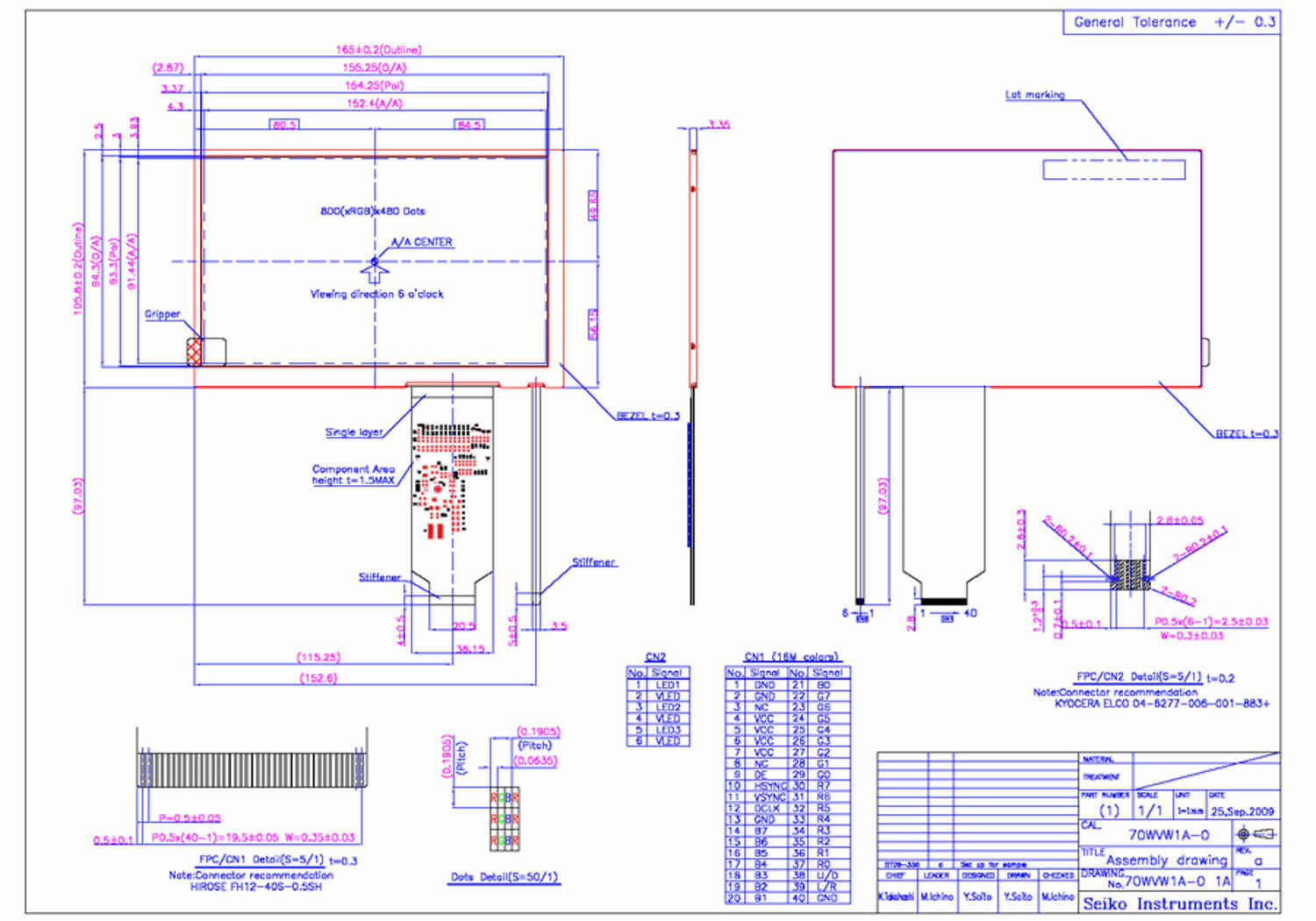
http://www.sii.co.jp/components/custom/productDetailTftEN.jsp?recordID=50353
Paul Lamar
--
The Rotary Engine NewsLetter. Powered by Linux.
ACRE NL web site.
http://www.rotaryeng.net
Youtube key word PaulLamar2
Copyright 1998-2011 All world wide rights reserved.