Paul:
I ordered a USB Data Acquisition board from Digikey to use when testing
my HomebrewedGlassPanel. I didn't order the programmable
development/testing board you mentioned, I didn't want to take the time
to learn the language. So I just ordered a dumb interface board with 20
I/O ports, 14 that can be used A/D.
If I choose to put a custom glass-panel in my project, I think I would
want the control functionality separated as much as possible from the
display-system anyway, so I will not worry about ECU functionality for
now. ...
R. Berglund
Send pictures of the board you ordered and the price.
Did you look at this one?
http://www.hytekautomation.ca/U120816.aspx?productId=1
Paul Lamar
No ... I had not looked at that one. I spent about 15 minutes surfing
the web, came up with a handful of manufacturers/vendors, but most units
were in the several-hundred-dollar range. The one I ordered was
$49.95 ... a bit out of my price range, but seems to be fairly easy to
connect to; it requires no additional sockets, I will not need to spend
a weeks worth of days and nights learning how to program the thing.
That should be worth $20 to me
This is the unit:
http://search.digikey.com/us/en/products/DLP-IO20/813-1027-ND/2135093
R.Berglund
Wow that is a bargain. I wonder what CPU chip they are using?
The Linux driver is a huge advantage. The USB port works on Linux.
It has my favorite connectors on it as well.
Hytek comes only with a Windows driver.
IMHO the missing link at the moment is how do you access it on Linux.
It appears you need to write a C program to pipe the data to your TCL
program.
Perhaps a Linux serial terminal program will read
the USB port with high speed serial ASCII data coming in.
Does TCL have a command to read a USB port?
HyTek supplies a windows program that stores the data in a file on the
hard disk in comma delimited form readable by a spread sheet.
Paul Lamar
TCL Read Command USE WITH SERIAL PORTS
For most applications a channel connected to a serial port should be
configured to be nonblocking: fconfigure channelId -blocking 0. Then read
behaves much like described above. Care must be taken when using read on
blocking serial ports:
read channelId numChars
In this form read blocks until numChars have been received from the serial port.
read channelId
In this form read blocks until the reception of the end-of-file
character, see fconfigure -eofchar. If there no end-of-file character has
been configured for the channel, then read will block forever.
EXAMPLE
This example code reads a file all at once, and splits it into a list, with
each line in the file corresponding to an element in the list:
set fl [open /proc/meminfo]
set data [read $fl]
close $fl
set lines [split $data \n]
---------------------------------------------
It appears that READ can handle only ASCII data with the DLP
sends out binary. I could be wrong.
--------------------------------------------------------------
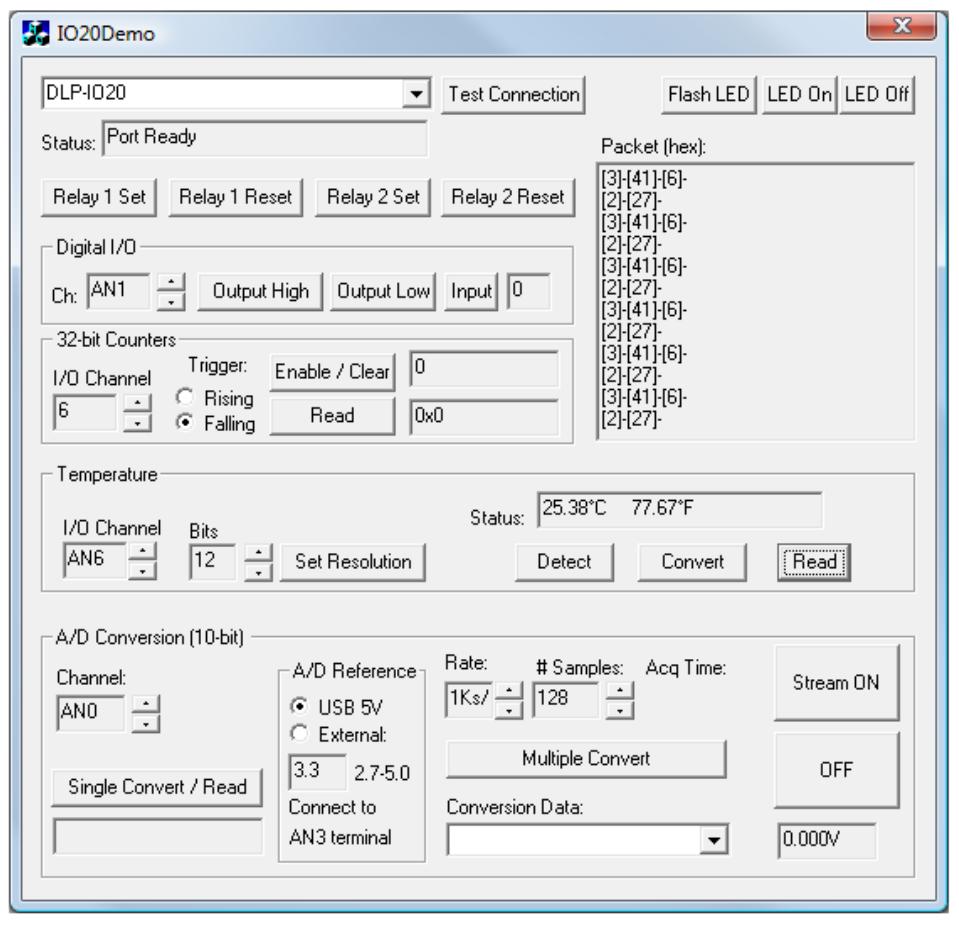
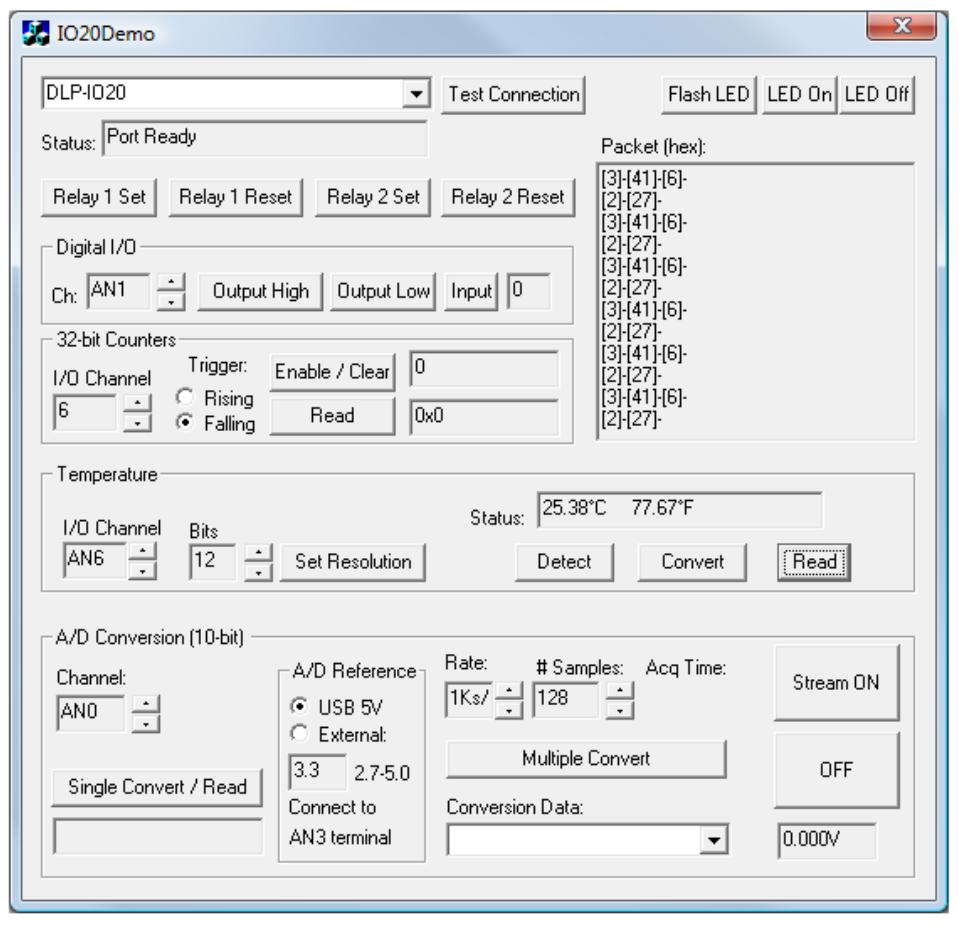
You can either utilize the TestApp program (described in the following
section number 8) provided
with the DLP-IO20, or write your own program in your language of choice.
Begin by opening the COM
port, and send multi-byte commands as shown in Table 2 below. There is no
need to set the baud
rate because the DLP-IO20 uses a parallel interface between the USB IC and
the microcontroller. The
Ping command can be used to locate the correct COM port used for
communicating with the DLP-
IO20, or you can look in Device Manager to see which port was assigned by
Windows.
----------------------------------------------------------------
Looks like you will have to write some that looks like this in C for Linux.
I would be nice if the DLP talked ASCII.
However you are getting closer. Almost there.
Paul Lamar
--
The Rotary Engine NewsLetter. Powered by Linux.
ACRE NL web site.
http://www.rotaryeng.net
Youtube key word PaulLamar2
Copyright 1998-2011 All world wide rights reserved.