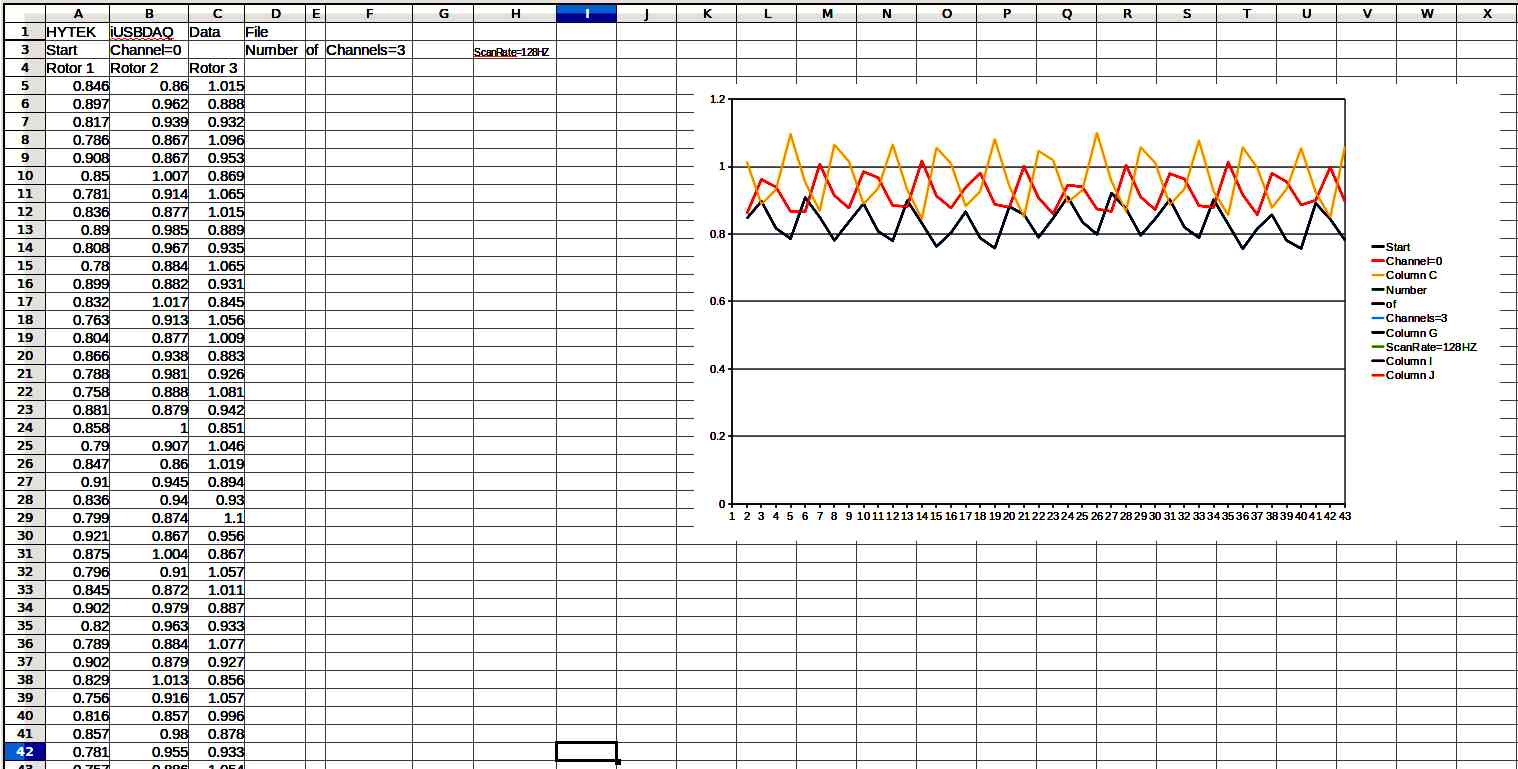
Does anybody know how to increase the text size in open office spread
sheet charts. It is hard to read these titles.
Paul Lamar
(1) Highlight are a spreadsheet (I usually click on diagonal corners of
desired are while holding down Shift-Key),,else select entire spread
sheet with Edit/SelectAll
(2) On pulldown menues use Format/Cells/Font and use mini-scroll-bars to
select find type/size
R Bergland
That works fine for the font in the cells but the numbers on the chart
are still small.
Here is the csv raw file. Give it a try.
Paul Lamar
Hey Paul
Open Office 3.2.1
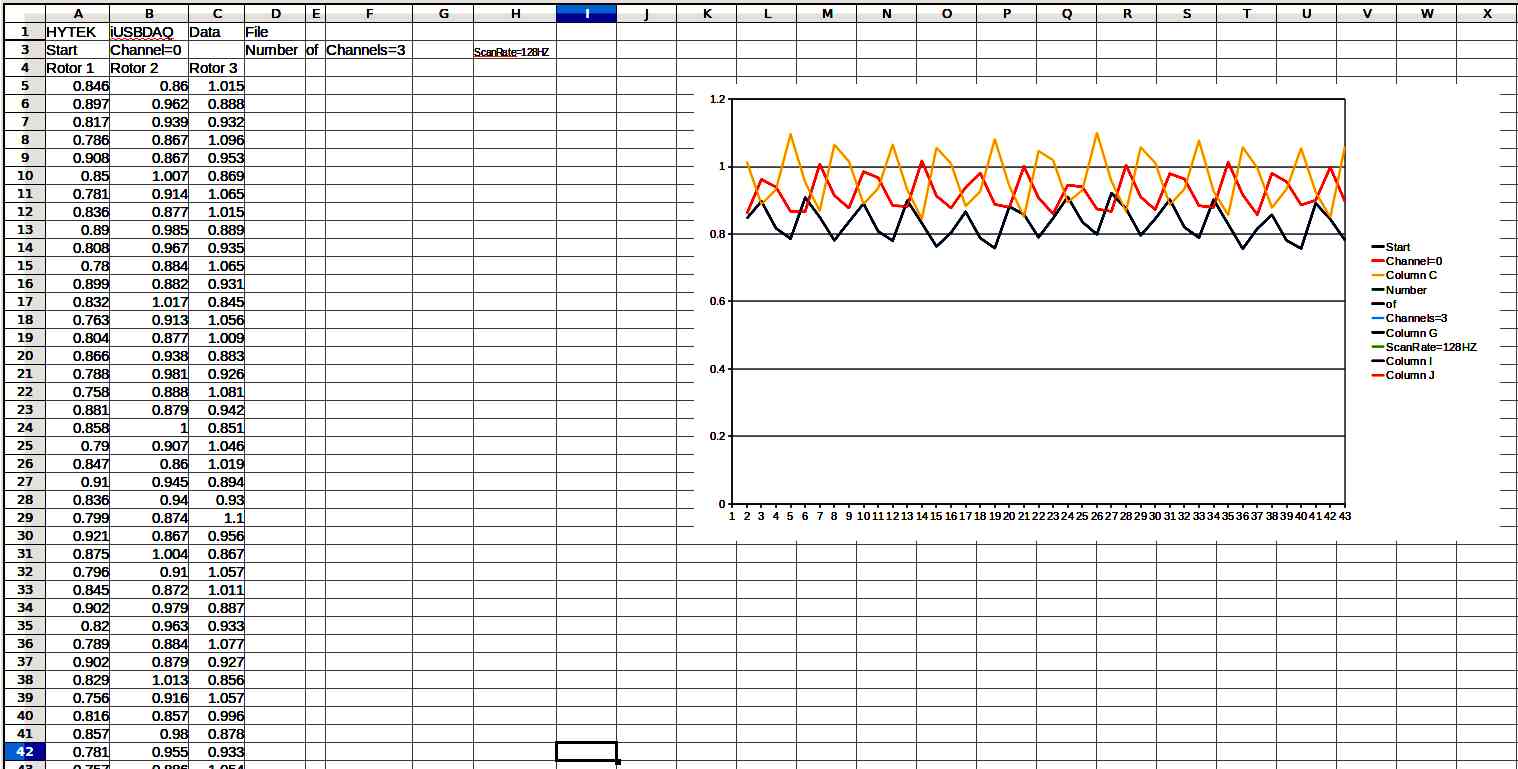
To adjust the font on the finished chart double click on the offending
lable, side/bottom/key, and set the font in the resulting dialog box.
Mark LaPierre
That worked Mark. Thanks here is the screen capture.
Paul Lamar
--
The Rotary Engine News Letter. Powered by Linux.
ACRE NL web site.
http://www.rotaryeng.net
You Tube key word PaulLamar2
Copyright 1998-2012 All world wide rights reserved.