Paul and others,
1. Is there a relatively easy way to enter a parametric curve into Rhino? Specifically, the parametric curve for the
epitrochoid housing?
2. When you show threads on the bolts in your drawings, are those threads of a particular pitch and cut? If so, how
does one enter that in Rhino?
3. When you show gear teeth on the gears in yours drawings, are those teeth of a particular tooth profile? If so, how
does one enter that in Rhino?
Many thanks,
Tom Sash
1. I am not that familiar yet with 4 to know if that is possible.
I don't have 5. Ask Rhino head quarters support.
Could be "Select profile curves".
2. I use the "helix" command and then loft the two curves.
I also cheat and download bolt 3D IGES from McMaster Carr :)
It would be nice if Rhino did threads automatically.
3. So far if you want a particular profile you have to plot the curves
manually in the front view. Then use a Polar array to get a front view of
gear. Then trim any overlapping lines. Then join all the teeth curves together.
Now you have a front 2D view of the gear.
Then extrude the curve in the top view to make a straight cut gear.
If you want a helical gear copy the front 2D curve to the back side of the gear,
rotate it the proper amount and loft the two curves.
It would be nice if Rhino did gears automatically.
Cheat and download the gear 3D IGES from Arrow Gear soon to be available.
They have 2D DXF's. You can try importing that and extrude or loft.
I have been doing biz with Arrow Gear for the last 45 years.
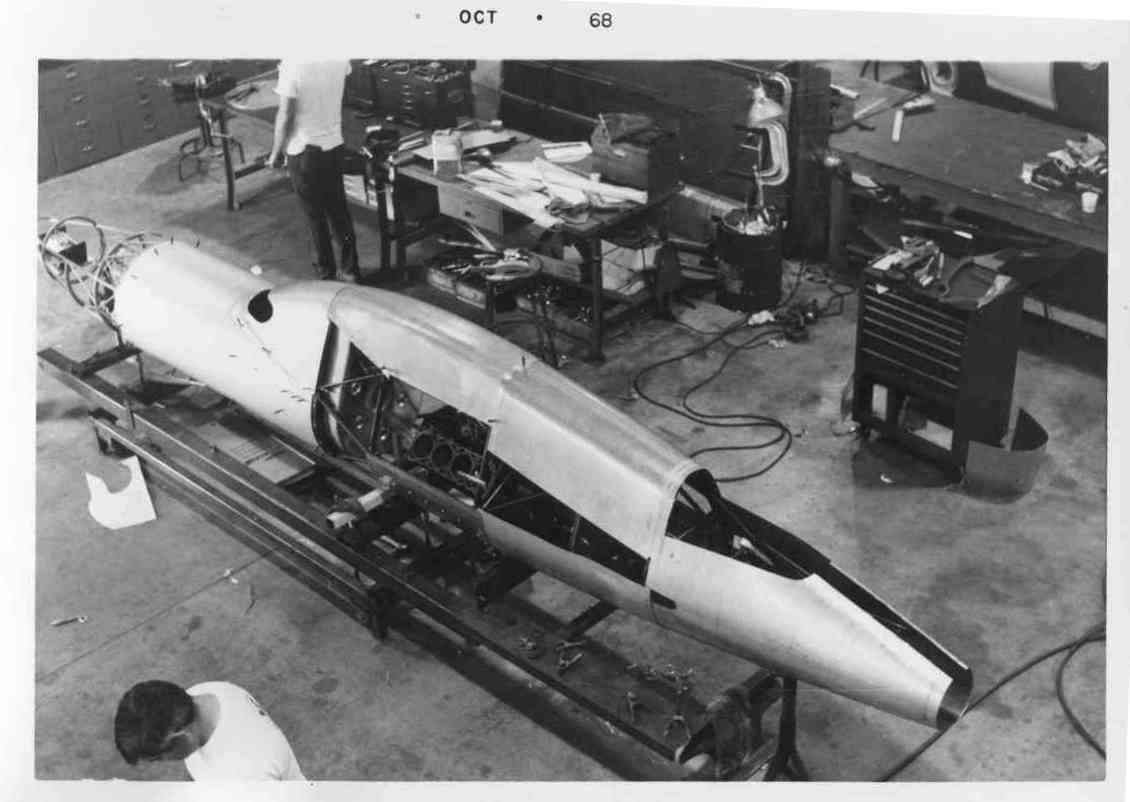
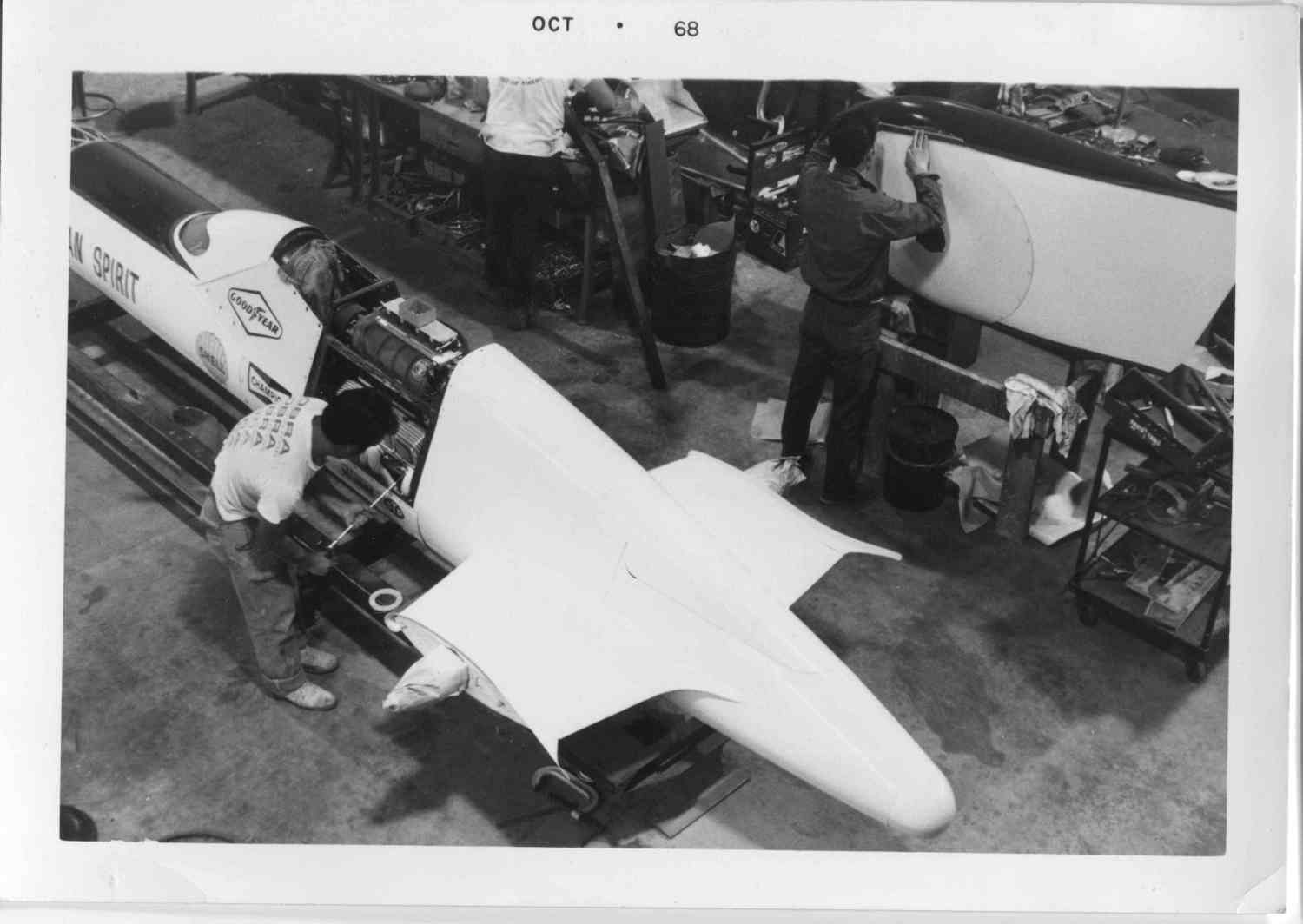
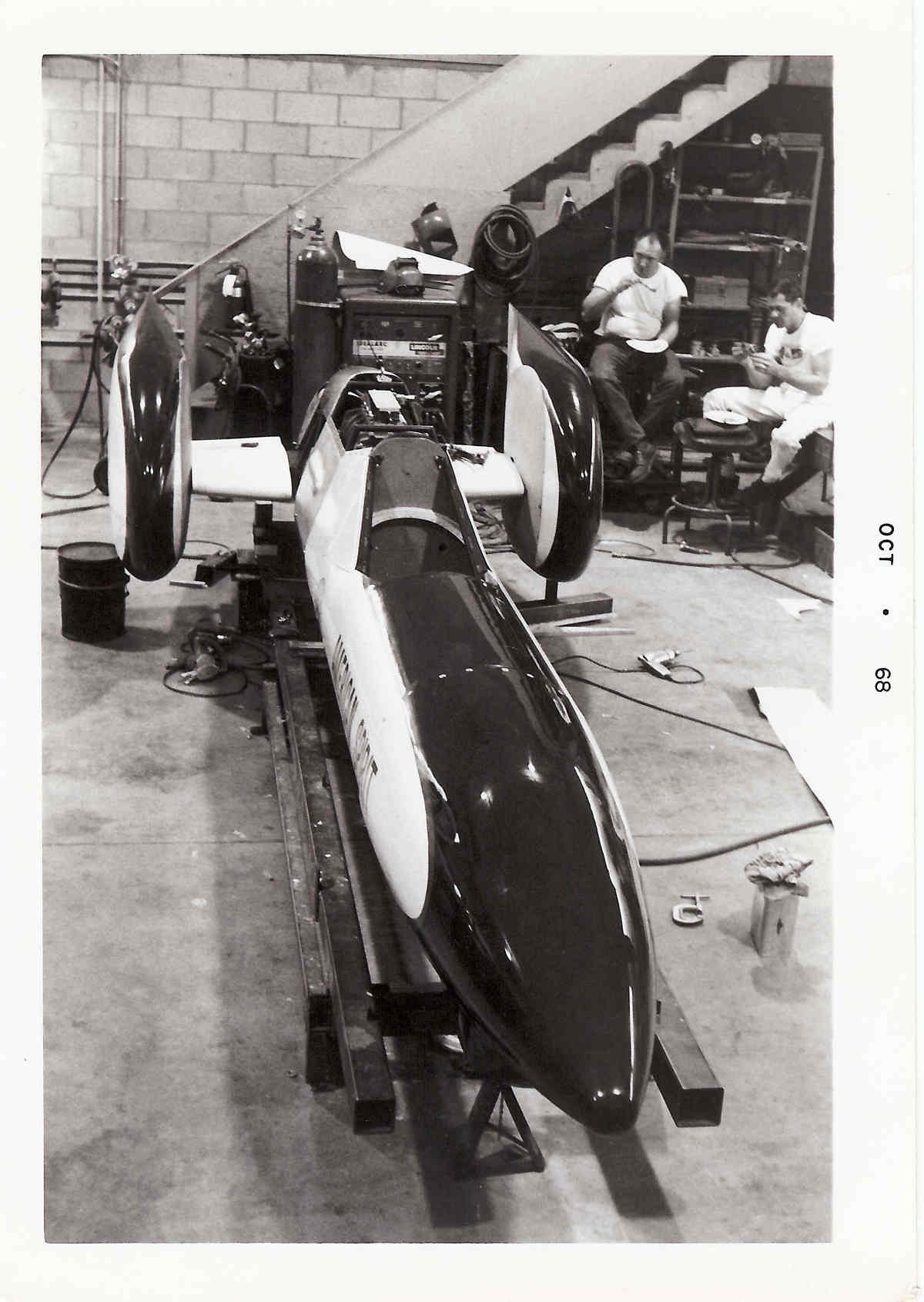
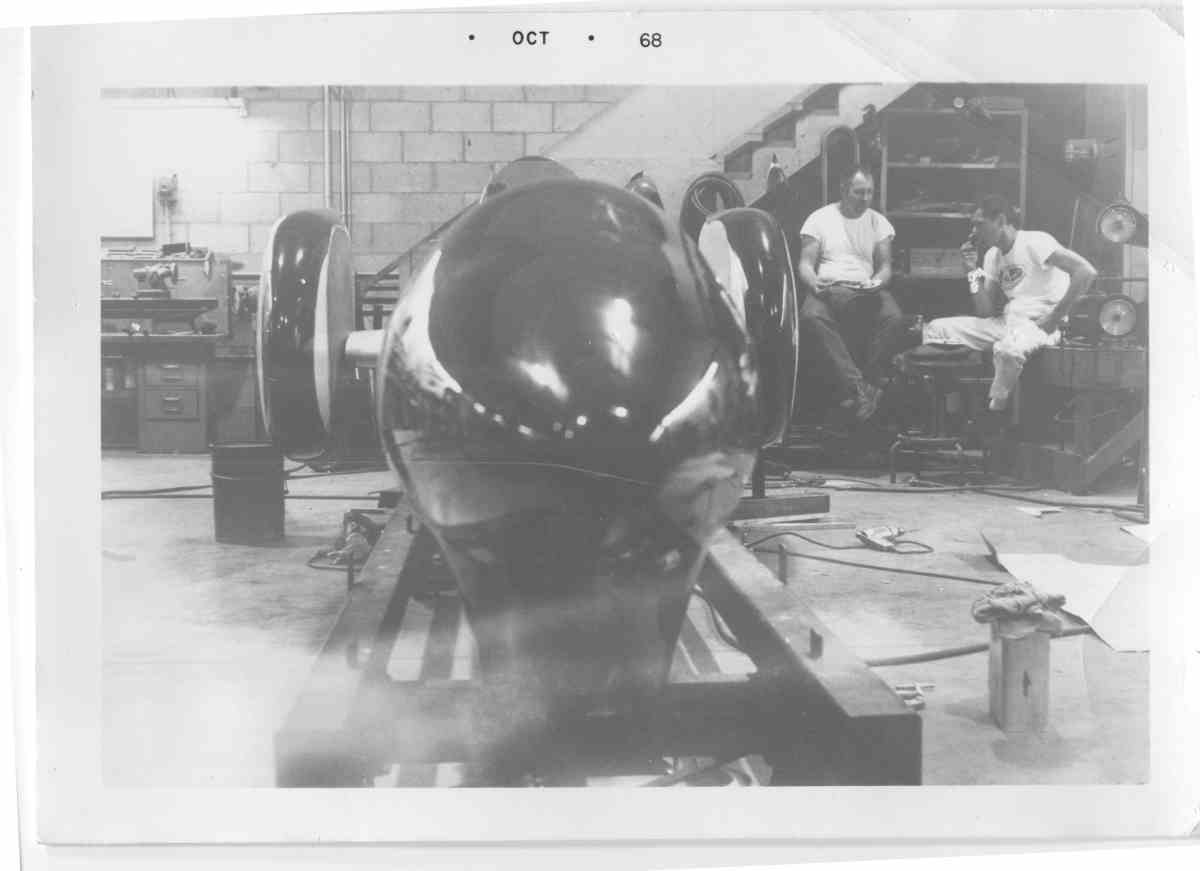
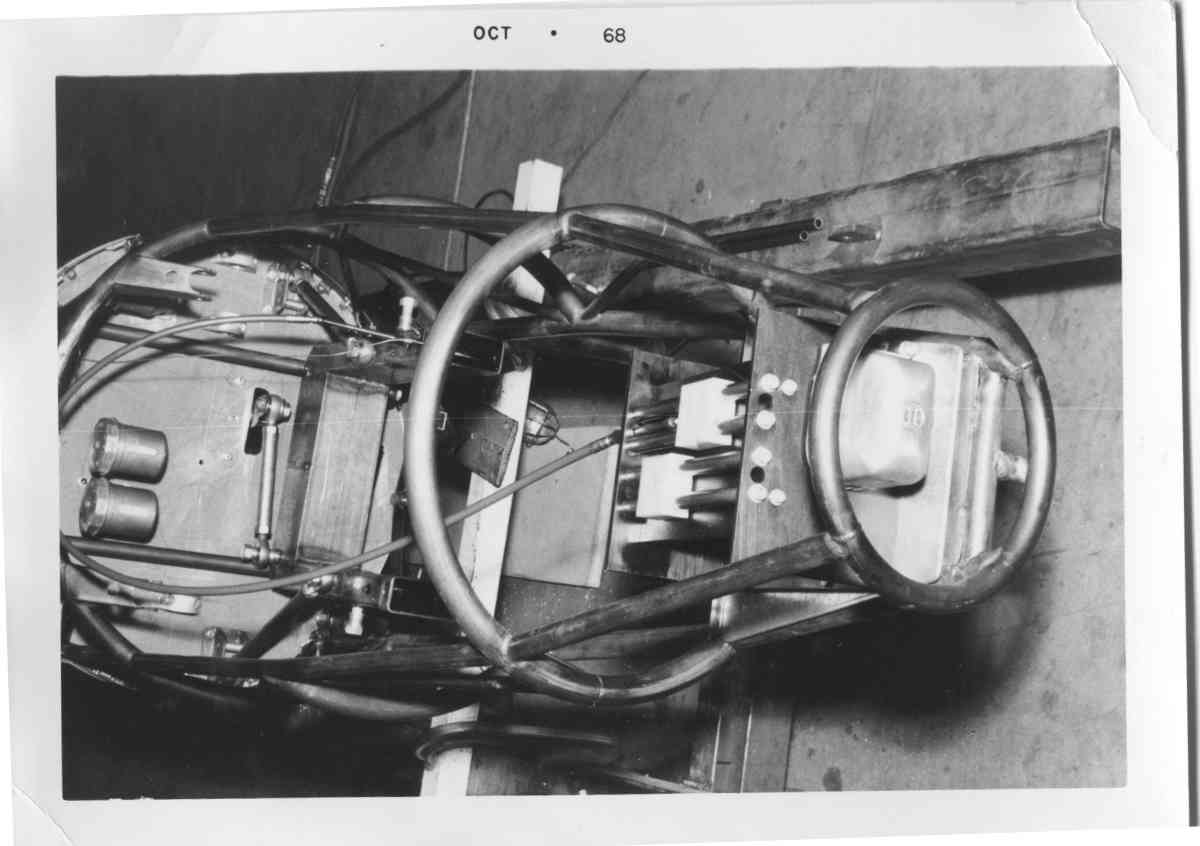
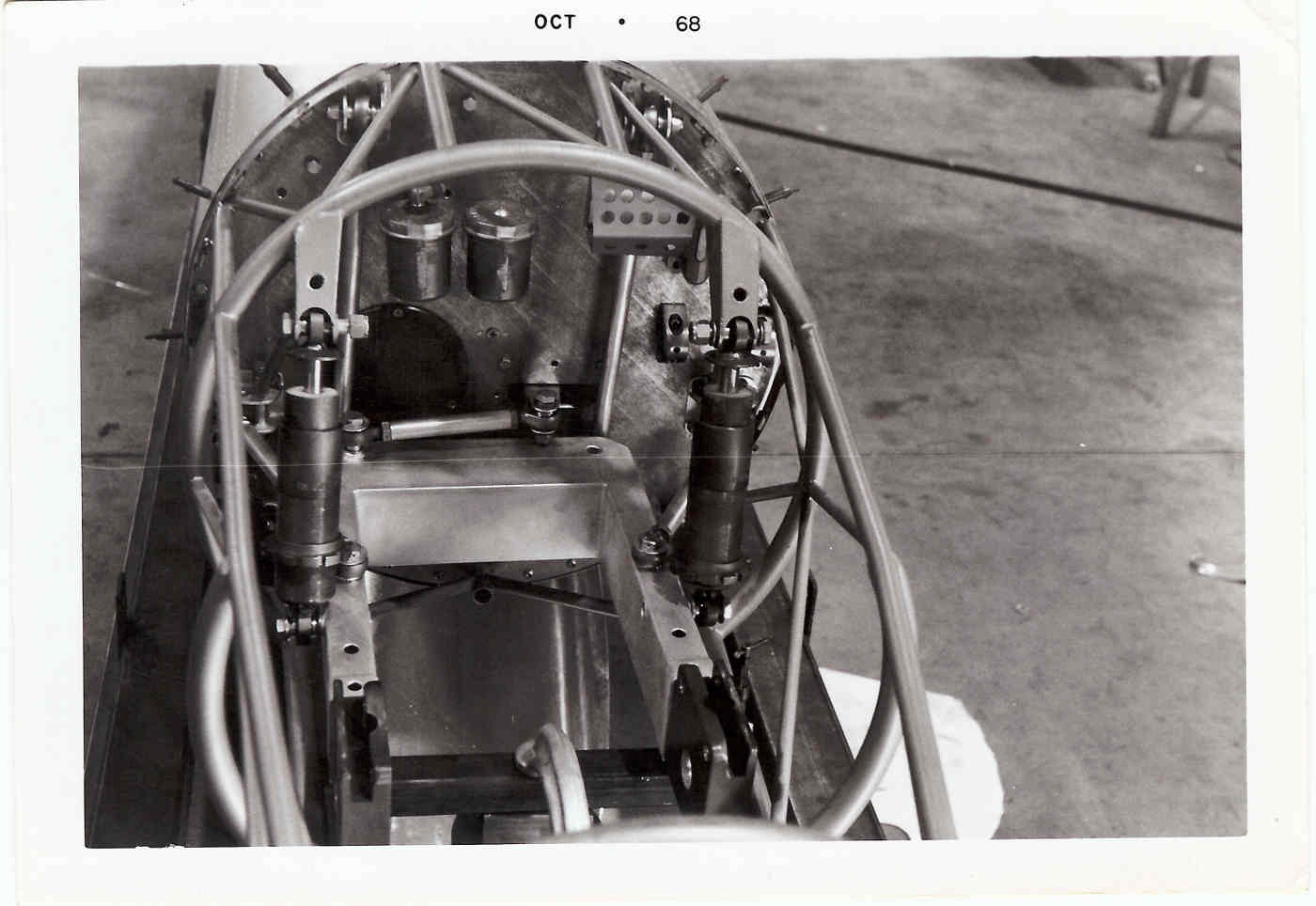
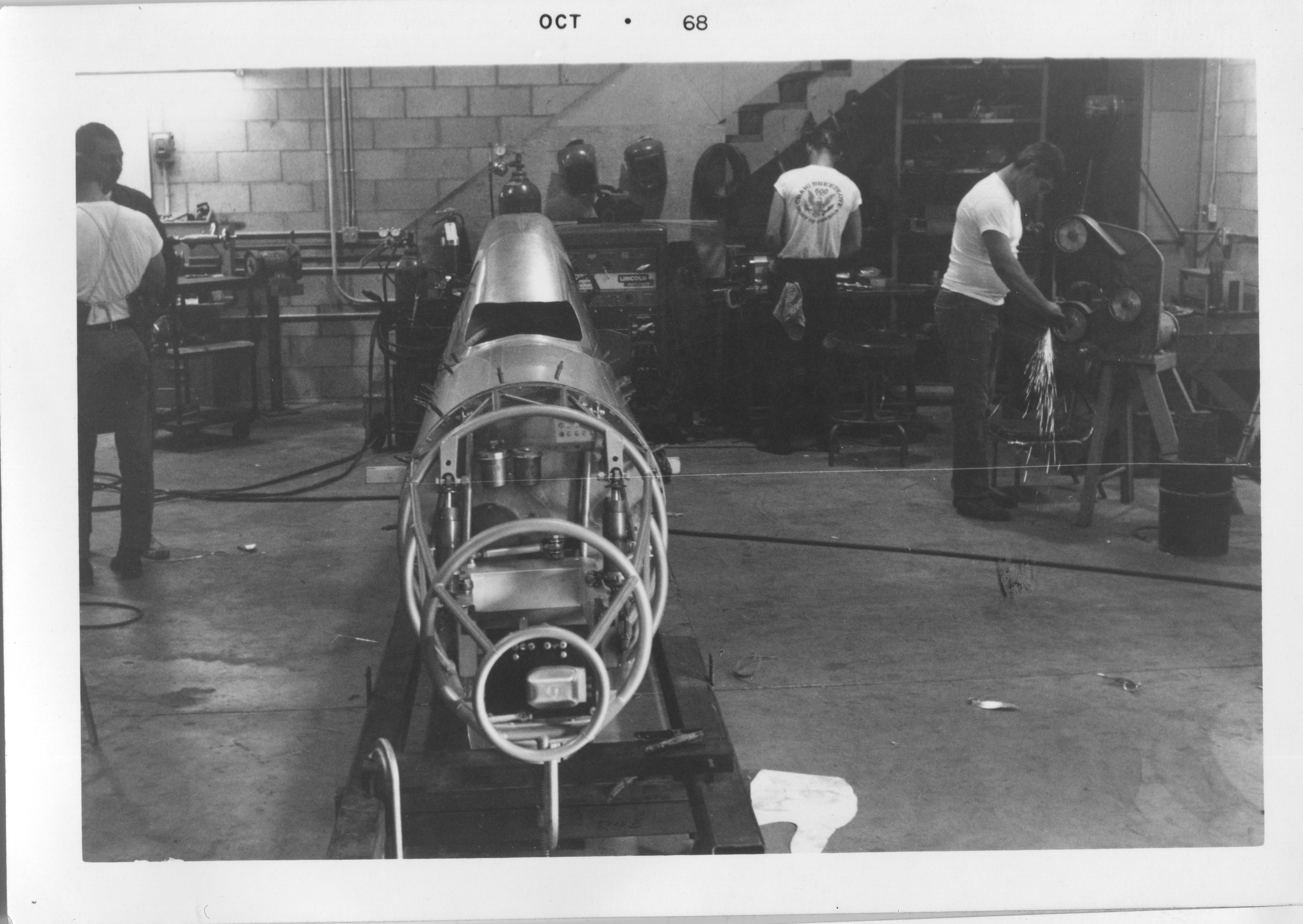
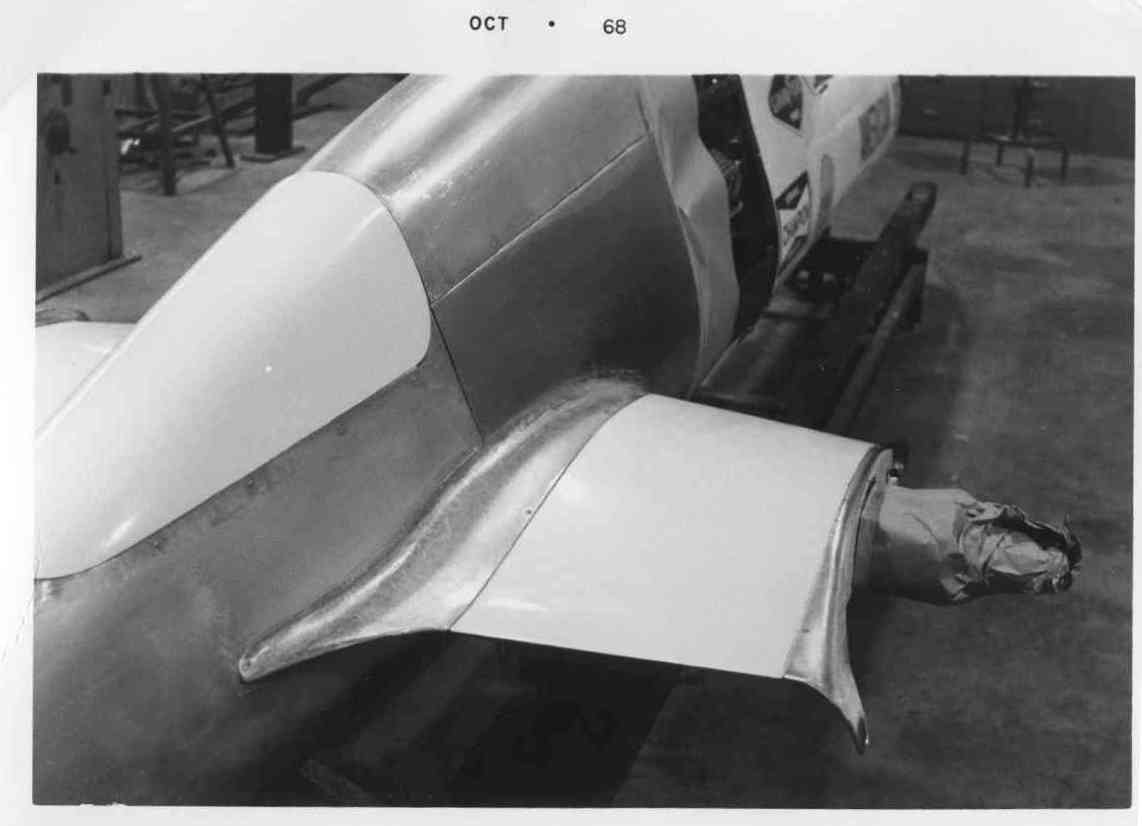
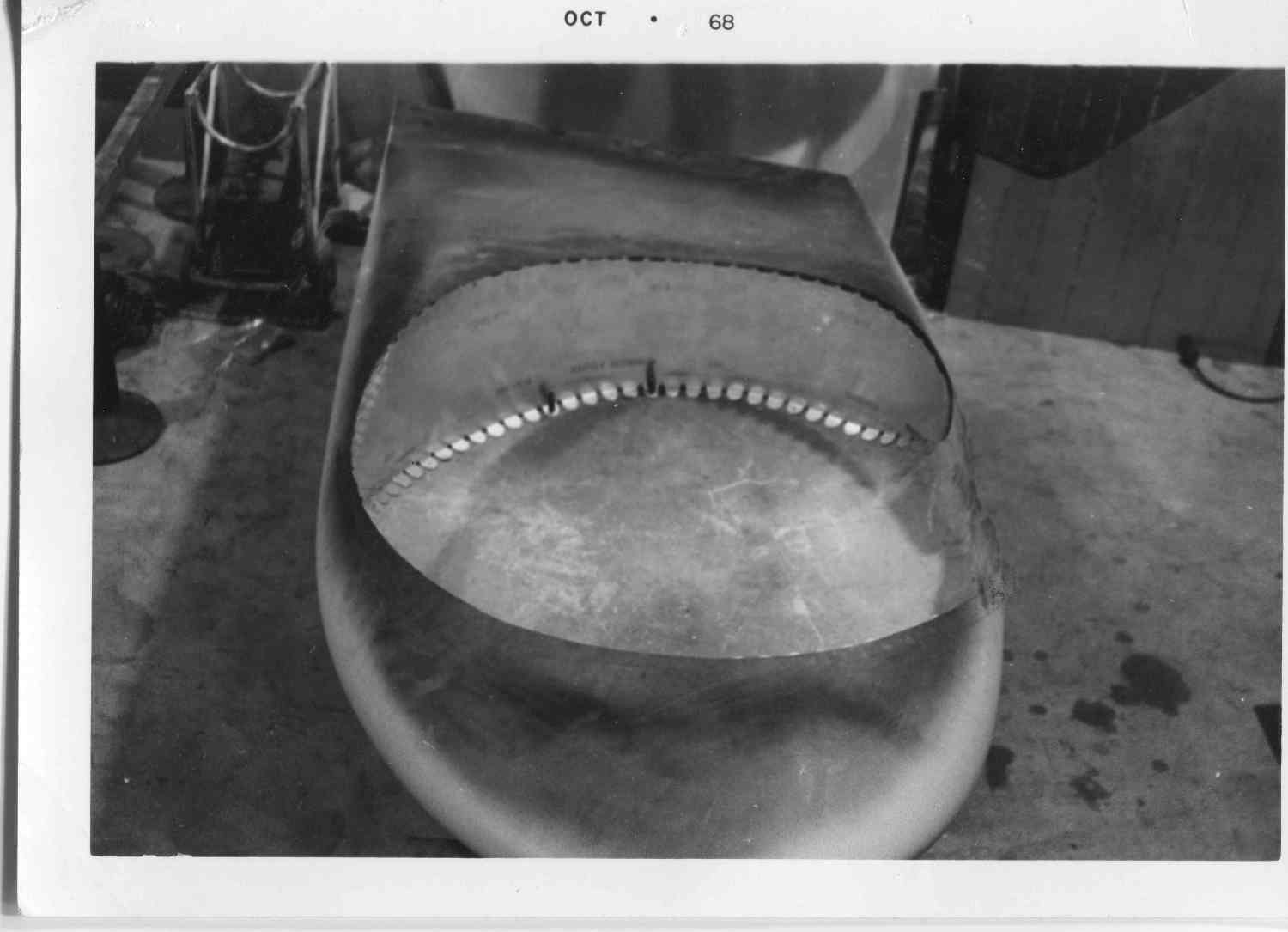
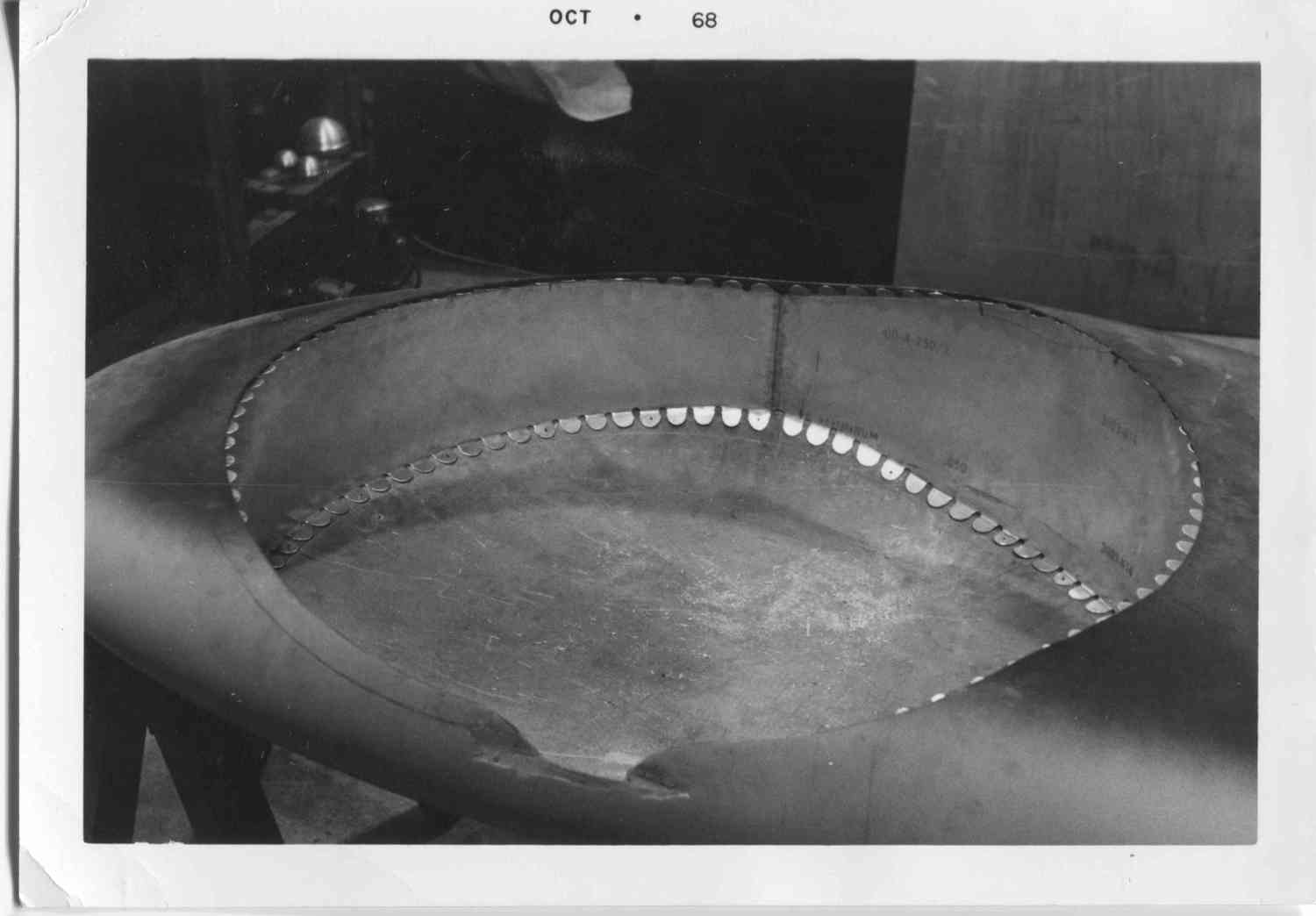
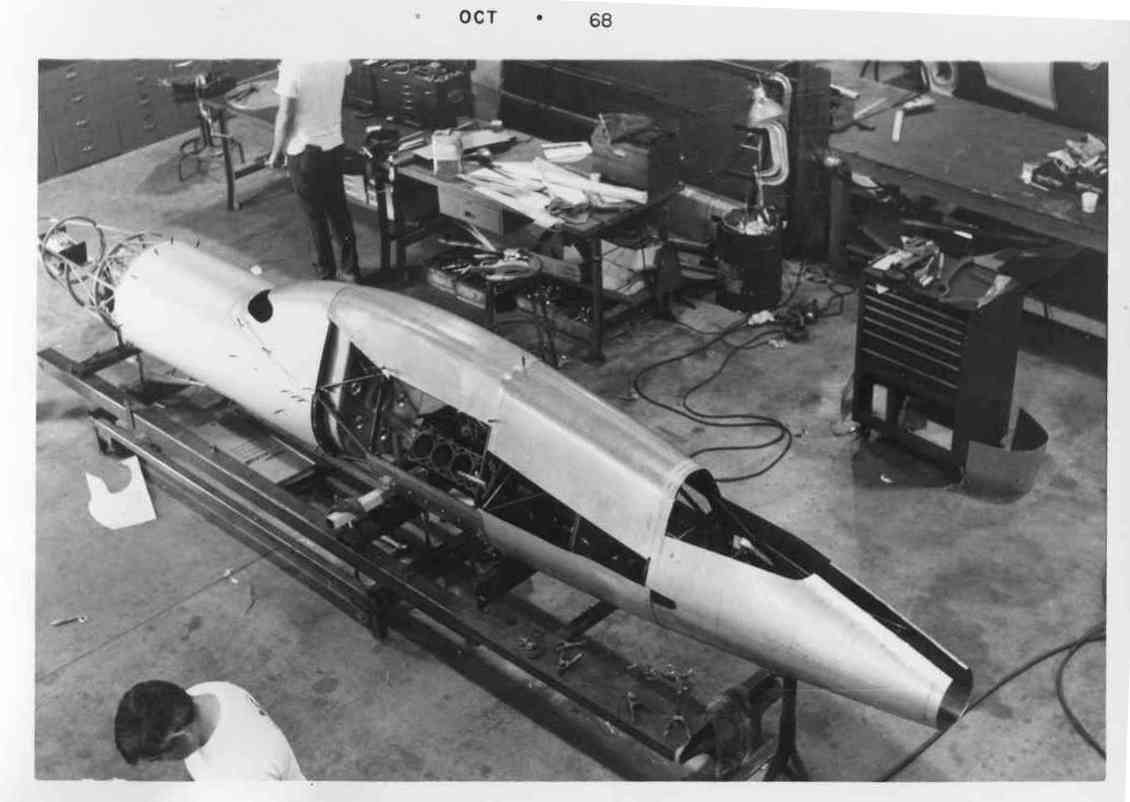
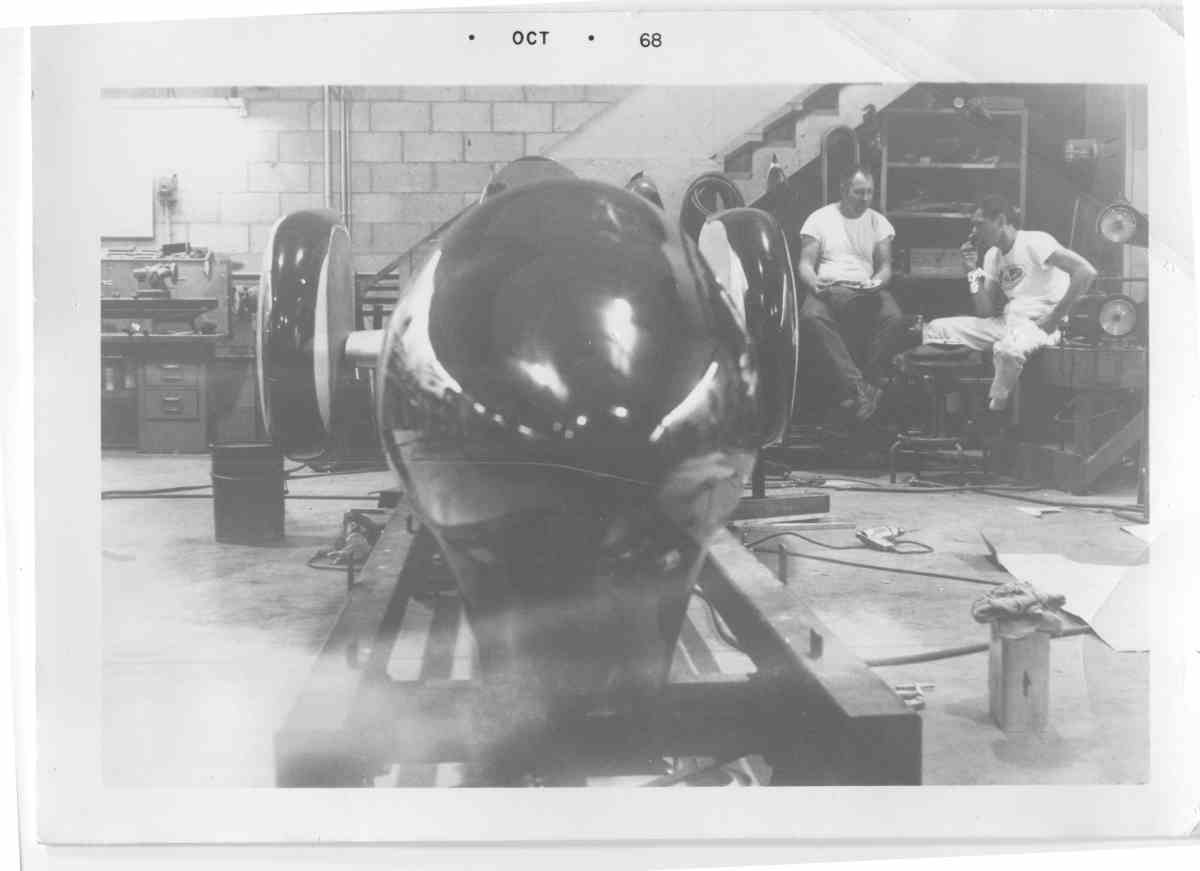
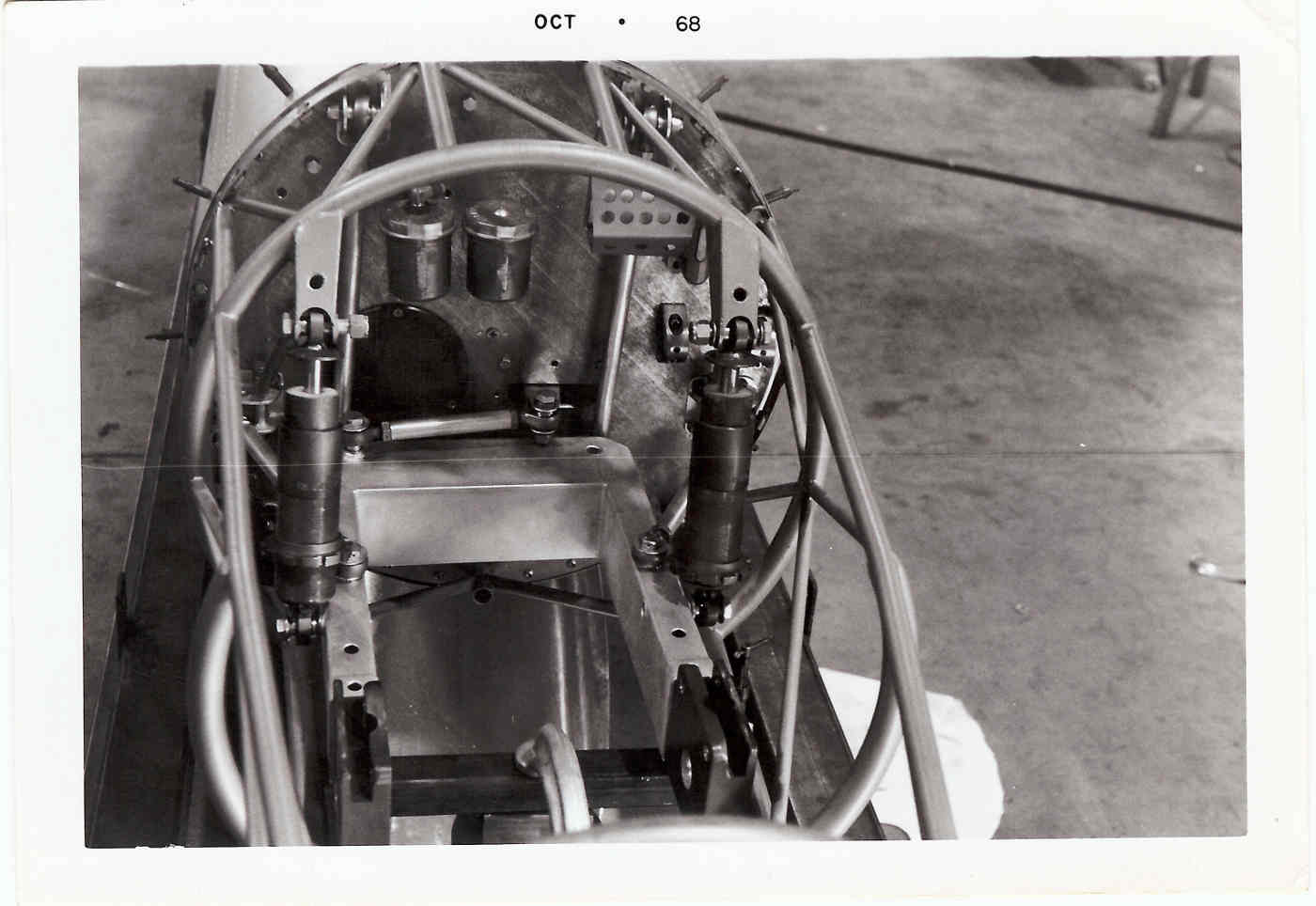
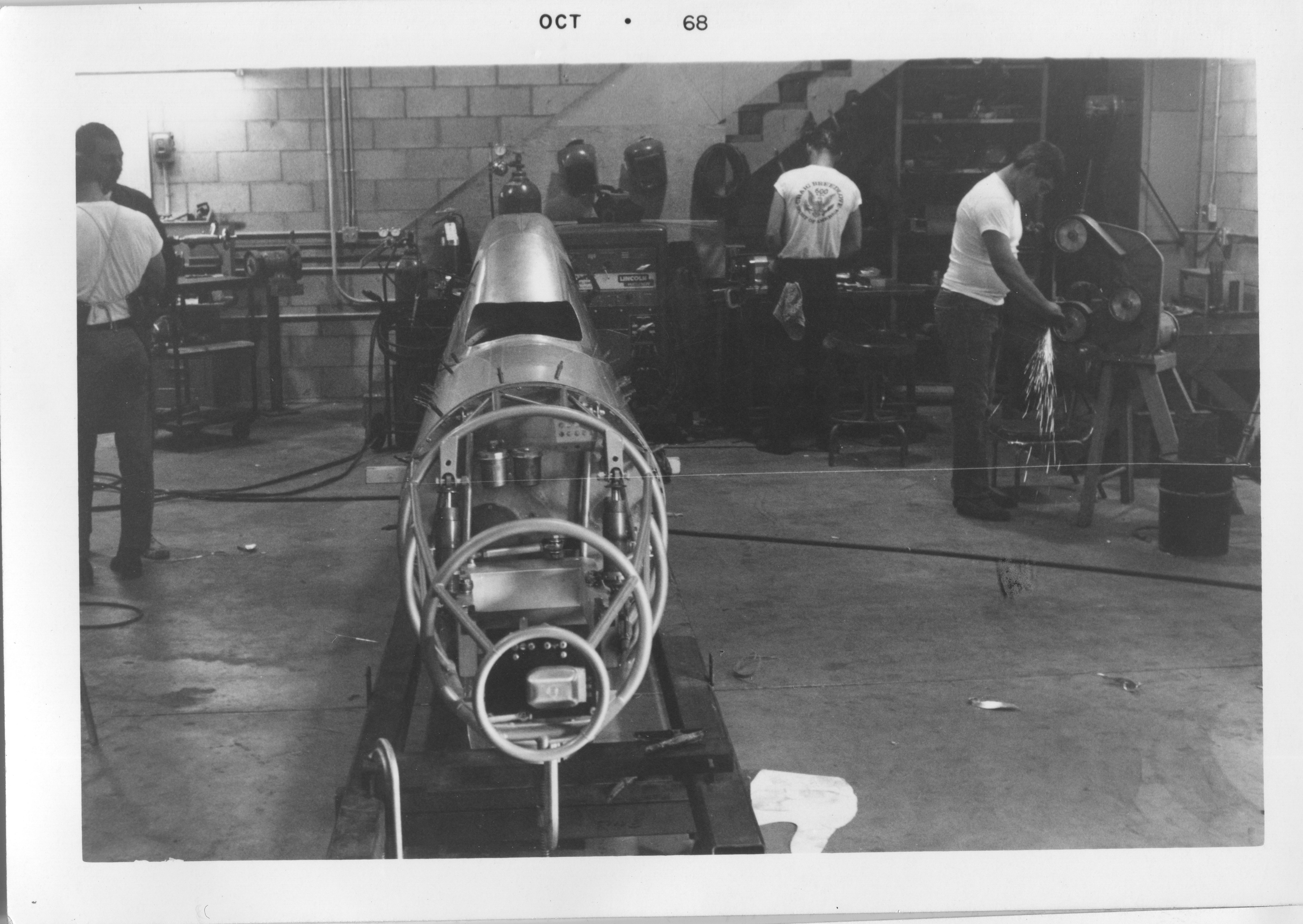
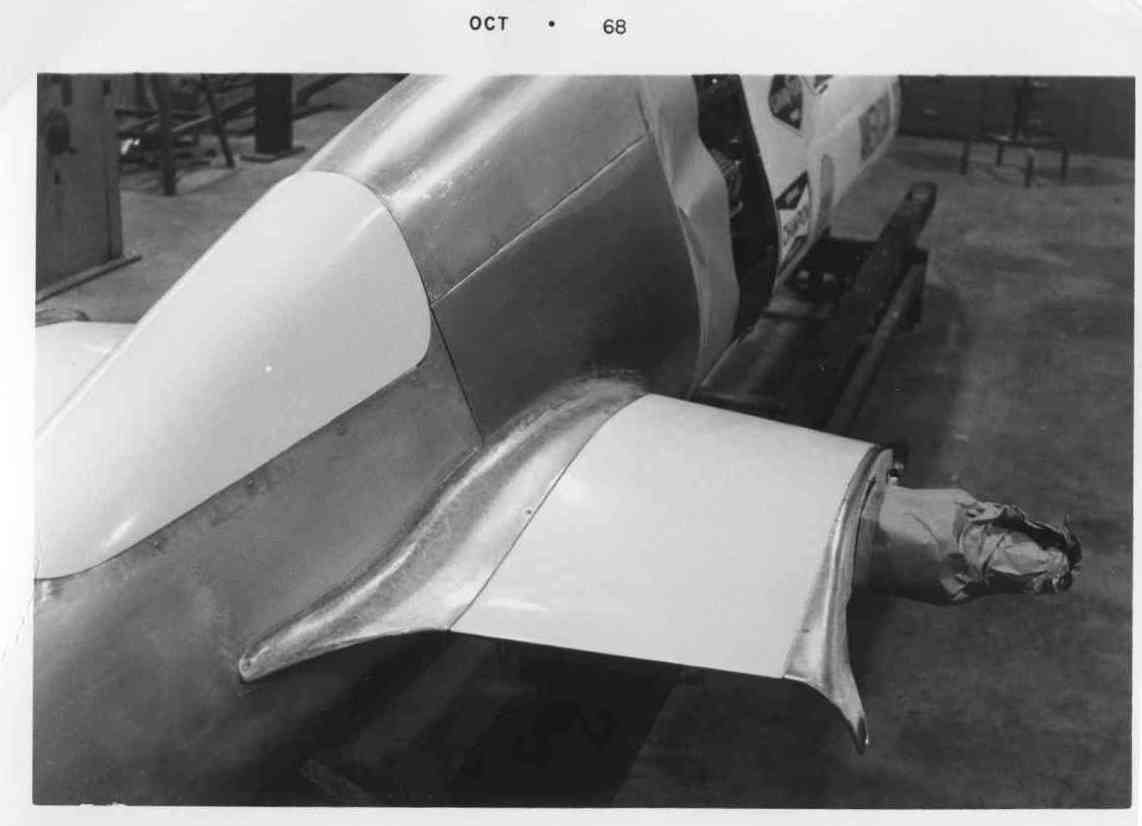
I was working as an engineer for Craig Breedlove on this wheel driven
land speed record car and Arrow supplied the final drive gears.
Later to become the Rocket Car.
Paul Lamar
The Rotary Engine News Letter. Powered by Linux.
ACRE NL web site.
http://www.rotaryeng.net
You Tube
http://tinyurl.com/beqqxas
Copyright 1998-2013 All world wide rights reserved.