I needed a control program to control my robo tube welder for
the low
cost universal motor mount.
As far I have discovered I have found nothing better than an old
mother board with a printer port on it, DOS and Quick Basic.
DOS and QB is as close to a real time OS as you are likely to find.
More than powerful enough to control most machines. Very low
cost and
very easy to program.
<
http://www.aaroncake.net/**electronics/qblpt.htm<
http://www.aaroncake.net/electronics/qblpt.htm
http://www.aaroncake.net/**forum/ <
http://www.aaroncake.net/forum/
Quote:
You need to know the address of the port you want to use. You will
also need two other things; the command to access the port and the
number you want to set it to. The command will be explained in a
little while. The ports work with numbers. These can be
expressed in
hex, binary or decimal, but for this document all values will be
expressed in decimal. It's just easier that way. Anyway, you
operate
the port by sending it a number that represents the binary
pattern of
the physical outputs on the port. For example, to set the 8 data
lines to 11111111, you would send 255. To set them to 00000000 you
would send 0. Note that these are all 8 bit binary numbers, and the
port is also 8 outputs. Coincidence? I think not.
Now that we know how to tell the port what bit patterns we want, we
have to actually apply that to the BASIC language. BASIC uses two
commands to talk to the computer's ports. These are OUT and
INP. OUT
is a statement and is used like the following:
OUT [port],[number]
We will get to INP later. As you can see, the two parameters
required
are the port address and the value we want to set it to. The
address
can be decimal or hex, as can the value. Because there are only 8
data lines, we can only send a maximum of 255 to the port (255 is
decimal for binary 11111111). The examples below illustrate
sending a
few different bit patterns to the data lines.
'set port to 00000000 OUT 888, 0 'set port to 10000000 OUT 888, 1
'set port to 01000000 OUT 888, 2 'set port to 00100000 OUT 888, 4
'set port to 00010000 OUT 888, 8
Of course, you can also turn on more than one bit:
'set port to 10110000 OUT 888, 11
The control lines are just as easy to control, but there are a few
differences. First, the address of the port is 890. Second is that
there are only 4 outputs, so the highest decimal representation of
the binary bit pattern you will be using is 15 (binary 1111).
Outputting information is easy, and inputting is just as easy.
If you
actually want to get information into the computer, you will be
using
the 5 status lines. Reading the bit pattern of a port is done using
the INP function. This function is used in the following way:
[variable]=INP([port])
End of quote;
With those four printer control lines you can use a data
selector to
control up to 16 eight bit ports. Way more than Adriano. This idea
struck me like a bolt of lighting :)
Here is a device to control two pulse width modulated DC electric
motor speeds.
Only three chips and two FET's!!!!!
It does not need the data selector as it uses two printer port
control lines directly to store data in a D to A. The D to A
controls
a very linear $1 CMOS 555 pulse width modulator. You need a another
555 as a trigger oscillator. The speed of the rotation can be
measured by using RS232 ON COM hard ware real time QB interrupt.
In theory this could be used to build an EFI for a couple of
hundred
including the mini form factor PC mother board.
It is trivial to program in QB. Compiled QB is lightening fast on
modern hardware. QB64 is not real time unfortunately.
Paul Lamar
--
I wrote this program is 5 seconds and here is the output on the
scoop.
start: out 888,1 out 888,0 goto start
Square wave more or less 3.25 ms cycle time. The Q BASIC is running
in interpreted mode. This old mother board is not fast enough for
timed fuel injection but batch mode fuel injection would work.
Tracy's EFI is batch mode. You would have to use a CD ignition
system
and fire the plugs directly.
Paul Lamar
Here are a couple of charts that come in handy when programming.
The colors are for the brand of printer cable I had lying around.
Your cable may vary.
I print these out because DOS is not multi tasking :)
BTW since I am doing the PWM in hardware it makes programming
half as
hard and the program needs far less overhead time. All single chip
computers have a PWM problem because they use a difficult to set up
timer and a hardware interrupt routine. Many of these timers
are mind
boggling complicated :)
Paul Lamar
I fooled around with this some more and compiled a QB stand
alone exe
PWM program.
I got a PW of 22 usec off and 45 usec on. Resolution about 1 %.
Here is the simple program
start: out 888,1 for x = 1 to 100:next out 888,0 for x = 1 to
50:next goto start
This is half of an EFI program if you want to fire all four
injectors
at the same time. Very little hard ware required. Just FET amps to
fire the injectors.
The micro XT mother boards continue to get smaller,faster and
cheaper. I have seen them for as little as $50. A Lava dual printer
port PCI card is available to take in data from the air temp
and MAP
for less than $50.
The MAP table can be stored, emailed and shared.
This is a EFI computer system a child can program.
Paul Lamar
-
Paul,
I just want to print out the the precision of timer in your code
depends on:
1. It is running in pure DOS mode, no windows stuff.
2. Since it uses software loop to time, the actual delay depends
on the CPU
clock speed. So delay will vary from motherboard to motherboard.
3. No TSR program is in place.
4. And the delay can still be affected by system interrupts such
as timer
updates, etc.
Therefore, it is best to have a simple uP such as 8051, running
at a fixed
CPU clock say 10MHz clock, dedicated to do this task. Your basic
program
then only have to send out variables to the 8051 to change the
PWM. The
resulting system will always have precise timing.
Henry
I am not going to use that QB PWM program directly. I just did
it to illustrate the power, simplicity and ease of programming of
this approach to EFI.
I am using this PWM hardware scheme in the attached schematic.
The mother board processor can set this PWM hardware up and go
off and do something else.
It was originally developed for use with a 8051 but I don't need
it now.
PWM is done with a hardware D to A and CMOS 555.
I will now use it with a couple of bi directional Centronics
printer ports running under DOS
on a micro ATX mother board and programed with a PC. With a VGA
LCD on the panel everything is there necessary for an EFIS as
well. One card can be expanded to 16 eight bit ports for data
ack. The other printer port will be dedicated to 4 PWM 555
injector drivers. MAP ASCII tables in comma delimited form can
be saved on HD or USB thumb drives and emailed if required.
Everybody underestimates the real time power of DOS and Quick
BASIC. The "ON" hardware interrupts are a boon for hardware
control.
Brilliant idea on my part if I do say so myself :)
I think you are the only guy so far smart enough to appreciate
this Henry :)
As usual I am probably ten years ahead of my time again. I will
probably be
dead before this brilliant idea will be recognized :)
==============================**================
2 printer ports Lava board instructions.
Installing the Parallel PCI card under DOS for use with Windows
3.x or DOS
PURPOSE OF UTILITY
The purpose of the program is to enable our board from DOS
level. It configures DOS to accept our board and it may set the
PCI bus address to what you have set as a parameter. You can
leave that parameter out and DOS will be configured to what the
PCI bus on your system has configured our card to.
DOS can have a maximum of three parallel ports enabled. So
you can have up to 3 Parallel PCI cards in a system as long as
there are no other parallel ports in the system. The three
standard addresses are 3bc 378 278. The lava card cannot install
on 3bc because it may cause problems with video cards. You may
assign the card any address you wish other than 3bc. You must
omit parameter 2 and three if there is only one parallel Pci card
in your system.
INSTALLATION INSTRUCTIONS
1) Insert the Lava Parallel PCI into a free PCI slot.
2) Boot into DOS.
3) With the Lava Parallel PCI floppy diskette in the floppy
drive, copy the setaddr.sys file to root directory of the hard
drive.
Use the following command:
copy a:\DOS\setaddr.sys c:\
4) Add the following line to your config.sys above (following)
all devices to be loaded such as HIMEM and EMM386, or if you are
running DOS under Windows 95 add this line also to your Config.dos.
device=c:\setaddr.sys [1] [2] [3]
where [1] [2] [3] (leave the [] out) are the I/O addresses
that you wish to assign to the Lava Parallel PCI cards started
with Lava Parallel PCI with the lowest PCI slot number. Consult
your motherboard manual to verify which slot is the lowest slot
number. You can use other addresses for the Parallel PCI card
such as 378 or non standard addresses such as 288,238,2b8,338.
NOTE!!
DO NOT USE THE STANDARD ADDRESS 3BC! This address could cause
problems with your video.
here are some examples:
2 Lava Parallel PCI cards installed on address 278 and 378 first
card 378 second card 278.
device=c:\setaddr.sys 378 278
You can also leave out these parameters and the Parallel PCI
card will be assigned the PCI bus assigned address like
6000,5000....
5) Reboot into DOS and our setaddr.sys utility will report the
IRQ and address assigned to our card.
==============================**============
Paul Lamar
Henry,
I messed around all morning interfacing the TI.... TLC7226
DAC to the
printer port. I could not think of why
it was not working for the life of me. Then I noticed I did not
ground the
PC to the prototype board.
Shessss!
Getting old is hell on the mind :)
These are some of the programs I tried thinking it was the program.
I got this out of the DOS machine on a 3.5" floppy and read it
into Linux
on a USB 3.5" floppy :)
I need to celebrate and have a banana split for lunch :)
Paul Lamar
I have been looking for an RX-8 with stick shift but without success.
Finally I settle on a 2003 automatic as it seems to be in quite good
condition. I got it last night. I will go get a banana split for
breakfast
so we can celebrate together. :)
I do have a question for you. The used car inspector claims that
there is a
bit of excessive smoke (white). I did not see it so may be it is
only when
it is cold. Is it normal? If not, what can be wrong. Also, it
seems that
the previous owner had taken out the catalytic converter, could
that be the
source of the white smoke?
Speed limits are low in Hong Kong, So I end up keeping the car in
2nd and
3rd gear so I can keep the rev up above 3500. It sounded really
good above
5,000. It is surprisingly quiet at high rev., I am now say that I am
officially converted to rotary power. The onlly
By the way, I checked retail price here on the printer cards.
Looks like
for PCIe based printer port adapter, price on eBay is about the
same as
price here. After consideration for shipping, (free on eBay) I
think it is
better to get them on line.
Cheers on the banana split! Good health to you and Robin.
Henry
Congratulations. I love they way they sound 6000 to 9000 RPM full
chat.
You found an RX8 in Shenzing or Hong Kong ??
The smoke is unusual. It usually means the o-rings on the sides
of the rotor
are damaged from overheating. I have not seen that for about 20
years. I guess it could be a water leak too. If it starts OK it
is probably not a water leak. Is the white smoke just when you
start it up. If so it is rotor O-rings. Not to worry I drove
my Cosmo for 15 years with shot rotor o-rings.
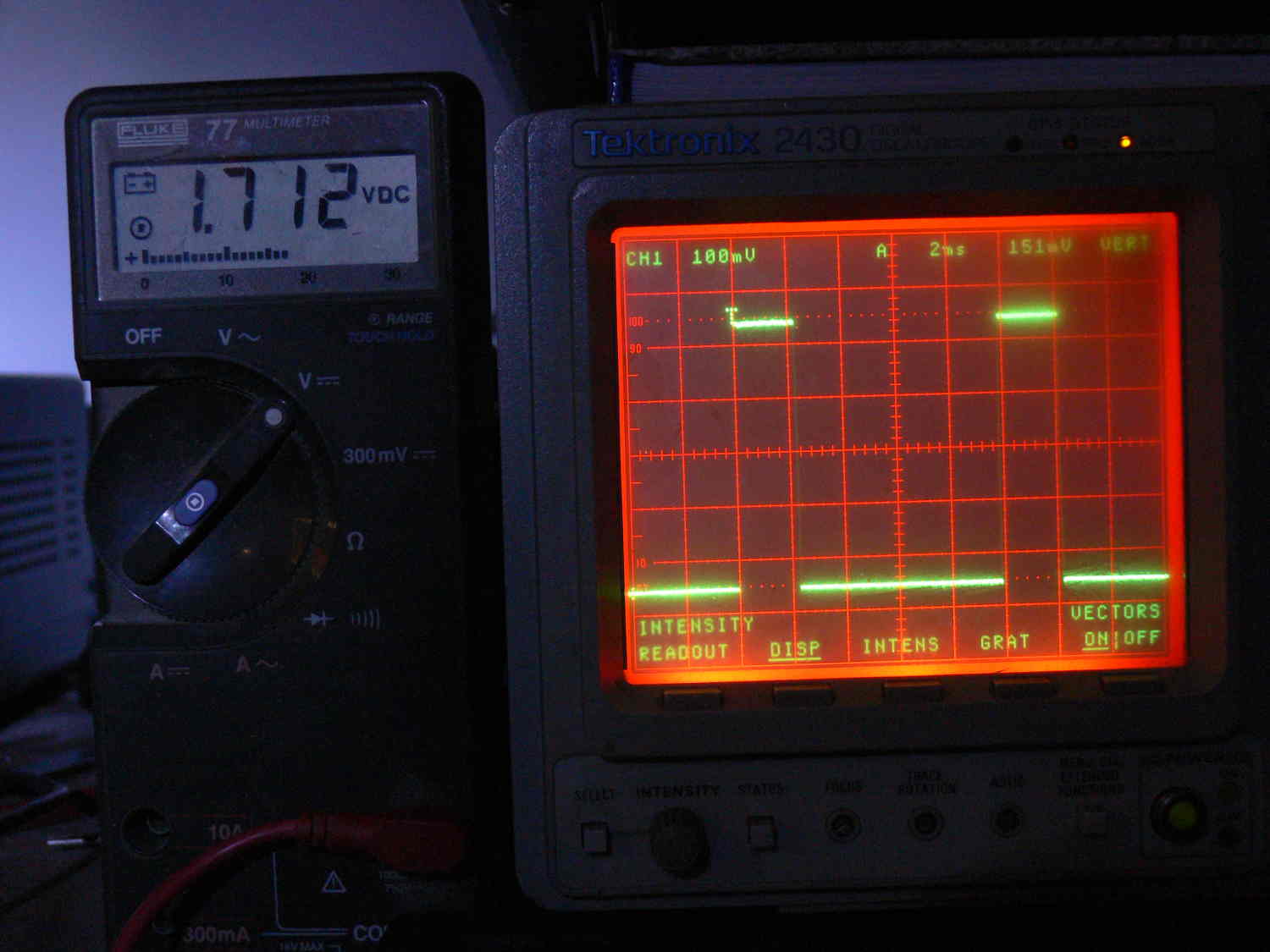
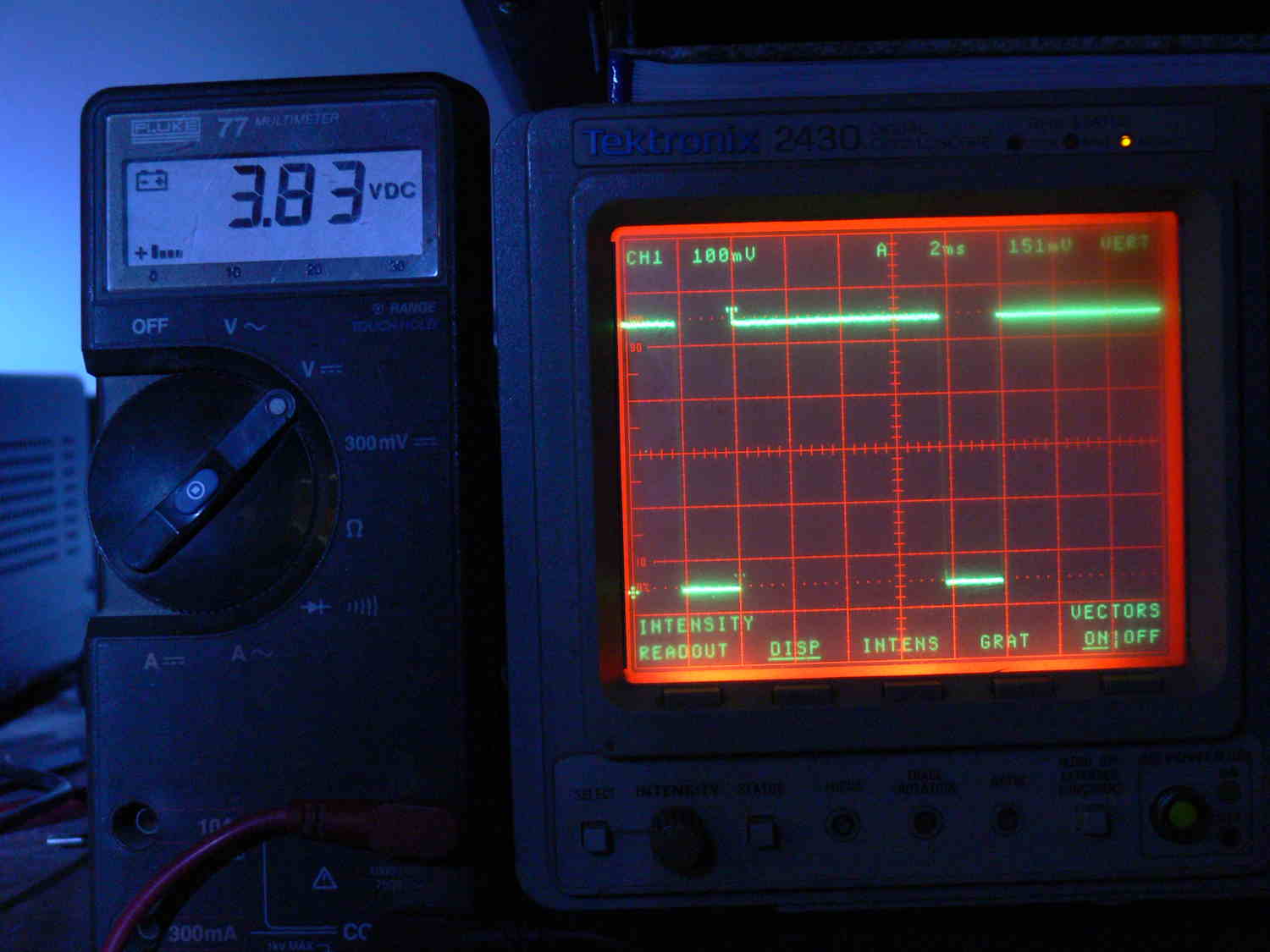
BTW I set up the CMOS 555 hardware PWM and it is working
fantastically.
This is a major breakthrough for all single chip and full blown
computers doing PWM. It is working way beyond my fondest
expectations.
The scoop pictures tell the story. Totally unloads PWM from the
program
and the computer hardware. Perfect for DC motor control and EFI.
Send it an 8 bit value and it puts out a corresponding pulse width.
Paul Lamar
The Rotary Engine News Letter. Powered by Linux.
ACRE NL web site.
http://www.rotaryeng.net
You Tube
http://tinyurl.com/beqqxas
Copyright 1998-2013 All world wide rights reserved.