Dale,
I burnt a couple of different versions of Linux on DVD and tried to
boot them on my Lenova G580 windoz hate computer. No luck. I don't
know how MS black mailed Lenovo but what ever they did they had their
way with this company. Maybe others.
They over looked booting off a ASUS USB DVD read writer that I
happened to have. I stuck the DVD with Mint Mate ISO in the USB DVD
drive and bingo. It booted.
So I burned a Mint Mate ISO on a 4 gig thumb drive and it also
booted off that.
What kind of windoz hate computer do you have? I can't guarantee
that the thumb drive I am going to send you will work in your
computer.
Take the Windoz Hate hard disk out and try to boot off the USB thumb
drive.
There are two places in the BIOS that need to be enabled for USB
boot.
Choose legacy every where else.
Then turn it off and install the new blank hard drive reboot off the
thumb and then install the Mint on the new HD.
There is another possibility but I have not tried it so far. You can
get a cheap device that turns an ordinary hard drive in to a USB hard
drive. You might be able to install Mint directly.
The programs that burn ISO's on USB thumb drives and DVD's comes
with Mint/Mate. The ordinary burner program has an ISO option.
For Windoz Hate you have to find them on the Internet if they even
exist at all.
We ought to get a class action suite going for about a billion
dollars. That should get their attention.
Paul Lamar
Hey Dale,
You have to turn off the UEFI in the BIOS before you can boot Linux.
Seeing that you can boot from the USB drive would lead me to believe
your problem is that the DVD you burned is not bootable. Did you burn
the image as a data disk? When you pop the DVD into the DVD drive with
Windows running can you see the file you burned on the DVD? Can you see
any files on the DVD? If you can you have a data disk.
Mark LaPierre
I turned off UEFI. That did not work. I burned it as an ISO. I have
probably burned
about 2 dozen before.
I'll try that right now on the USB DVD read writer.
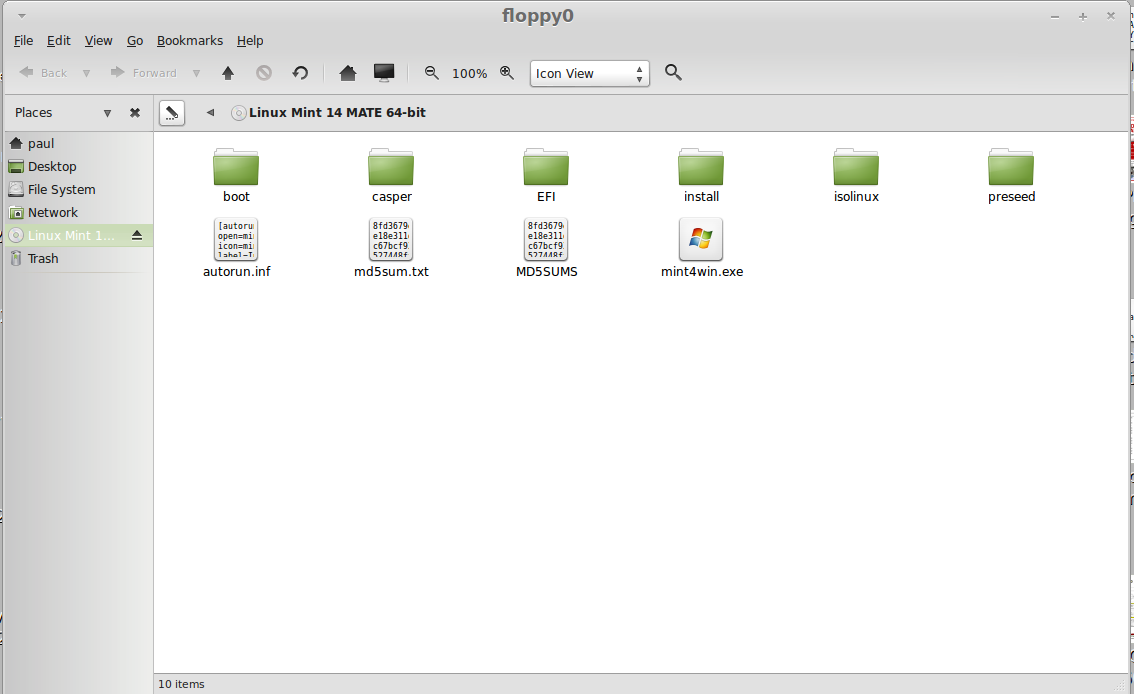
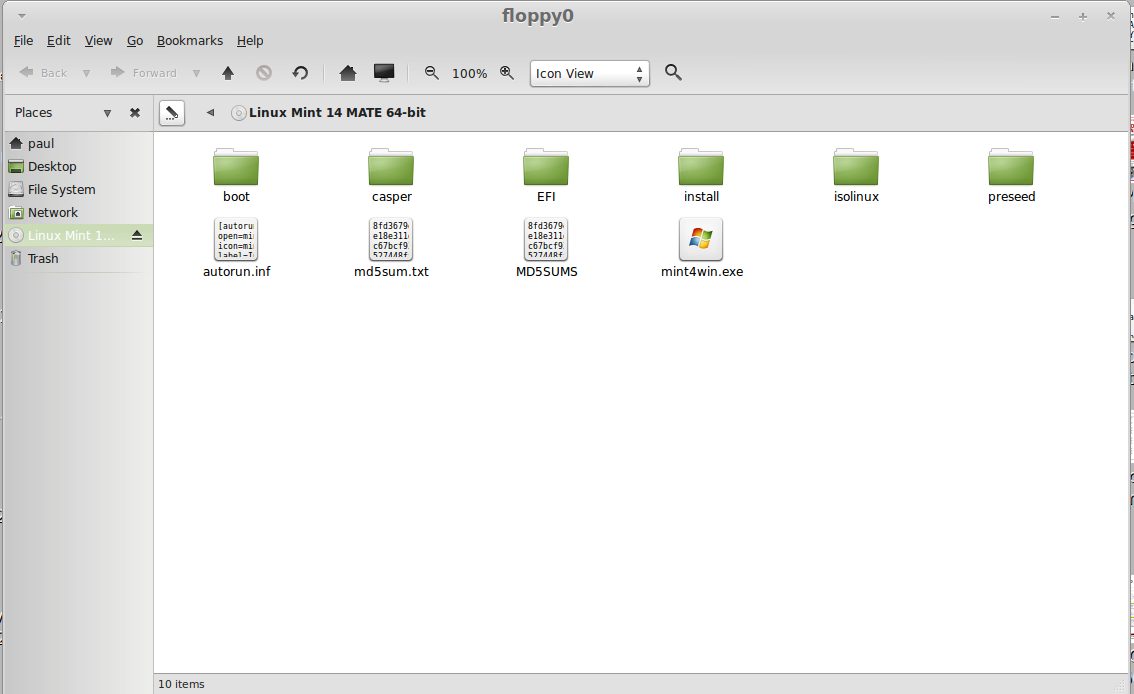
Here is what I get.
screenshot3.png
I can read some of the files.
This disk booted into live Mint Mate.
----------------------------------------------------------------------
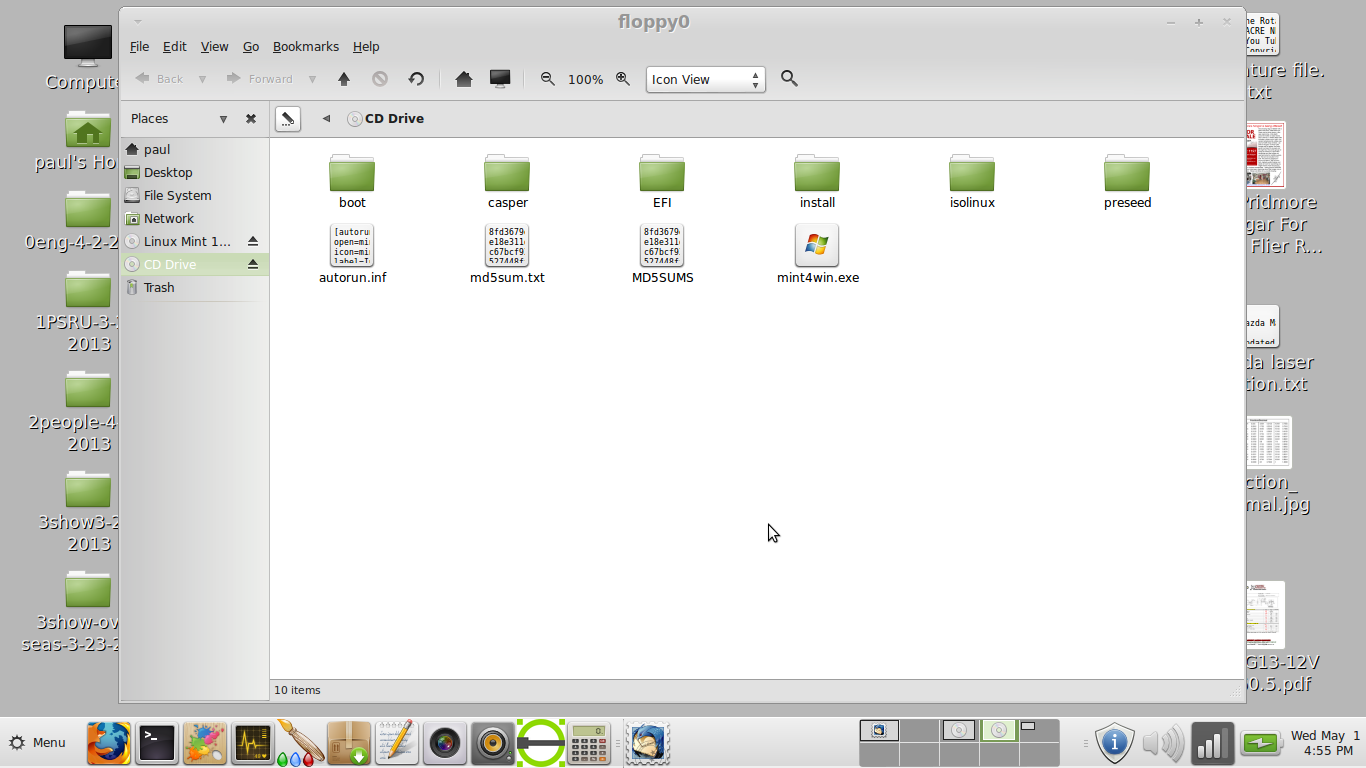
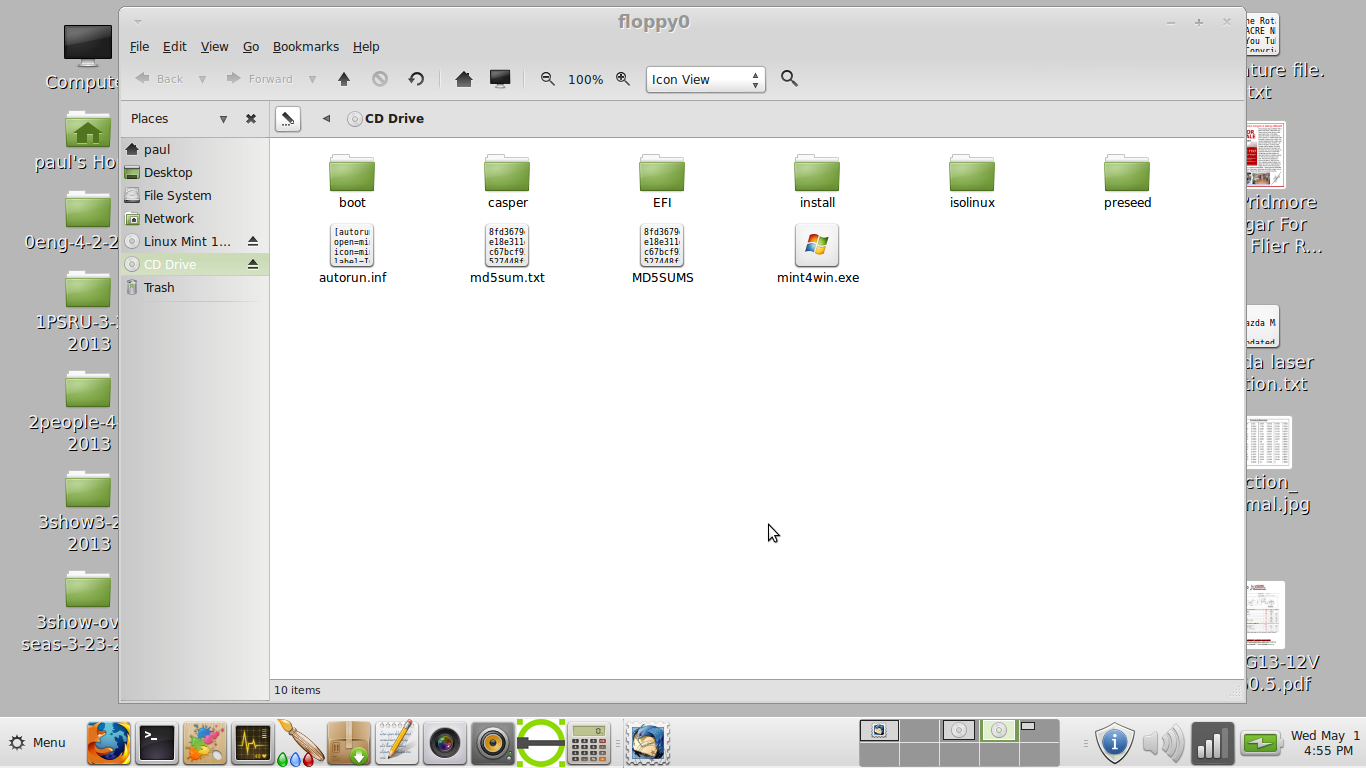
Now I will try it in the built in DVD reader.
Here it is screenshot 4
all the file names are blank files.
The files names are there but I cannot read them.
Paul Lamar