Paul,
I am new to your news letter, I own a tailwind (w10) upon which I am
thinking of installing a Mazda rotary engine.
I also own a machine shop with a new 4 axis Doosan vertical mill,
and electrical discharge machines, cnc lathe, etc.
I would like to help with any production of parts for
engines/airplanes/etc that comes up.
Keep Flying!
Randy OnMarkArms.com <
http://onmarkarms.com/ Cimarron Mfg. 113A Mill
St. Silver Cliff CO 81252 " T H A T E V E R Y M A N B E A R M E D "
Your sure can Randy. Thanks for contacting us.
We need a new gear box kit here in the states. The gears themselves
are off the shelf Ford auto trannie parts that the builder can buy
and install. That cuts the product liability exposure on your end.
Take a look at some of these Rhino's 3D"s. and tell me if any of
these ideas appeal to you. I also have a bunch of pictures and 3D's
on rotary powered Tail Winds as well.
I am also available for free Rhino help with about 12 years
experience.
Same for micro-controller programming on any automation projects you
may have in mind. I have already done three. A coil winder, a round
tube tig welder and a linear tig welder. I can also visit if you
need me as I fly UAL standby nearly free.
Paul Lamar
I am hoping that someone will step up and fill the PSRU and electronics
gap left when Tracy Crook retired. I am currently building and will
definitely be using a turbocharged rotary for my amphibious plane. I
will need a reduction unit and a controller for ignition and fuel
injection. My plane is a pusher so I would like to find a PSRU that
would change the rotation so I could use a common 72" prop in the pusher
configuration. If the PSRU is reasonably priced then I would much
rather buy one than try to make one. There are a lot of great ideas
coming out of this newsletter but for me it is trying to find time to
work on all of the projects. I would rather buy some of them and since
I'm not a machinist the PSRU will probably be purchased if they are
available. Just my thoughts.
Ron Reynolds
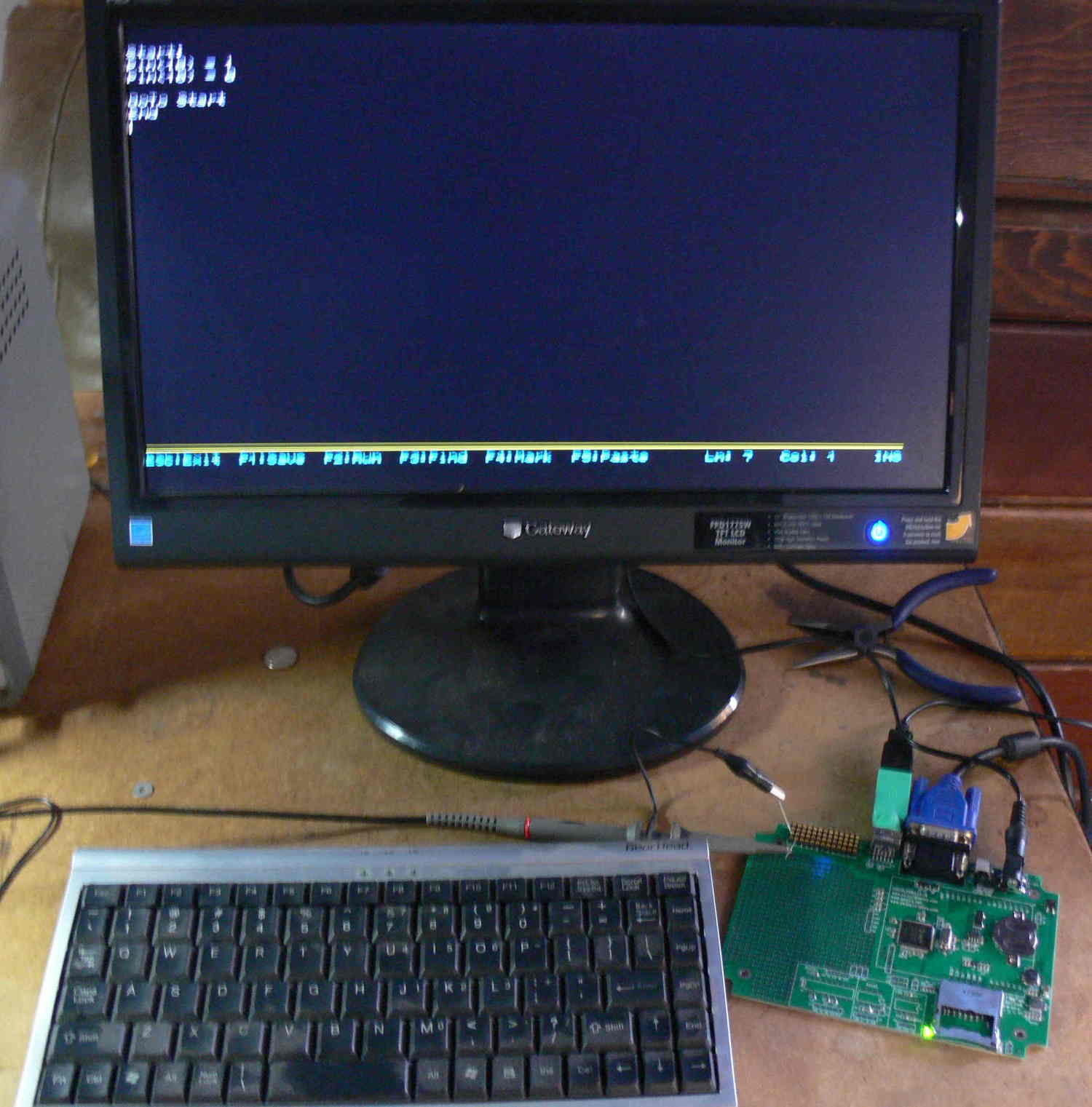
The EFI is real easy to do it your self with this very easy to program
micro controller. I can give you a lot of help to get you started.
The big advantage is no secret source code. Open source. We can all
work together and share our mixture maps.
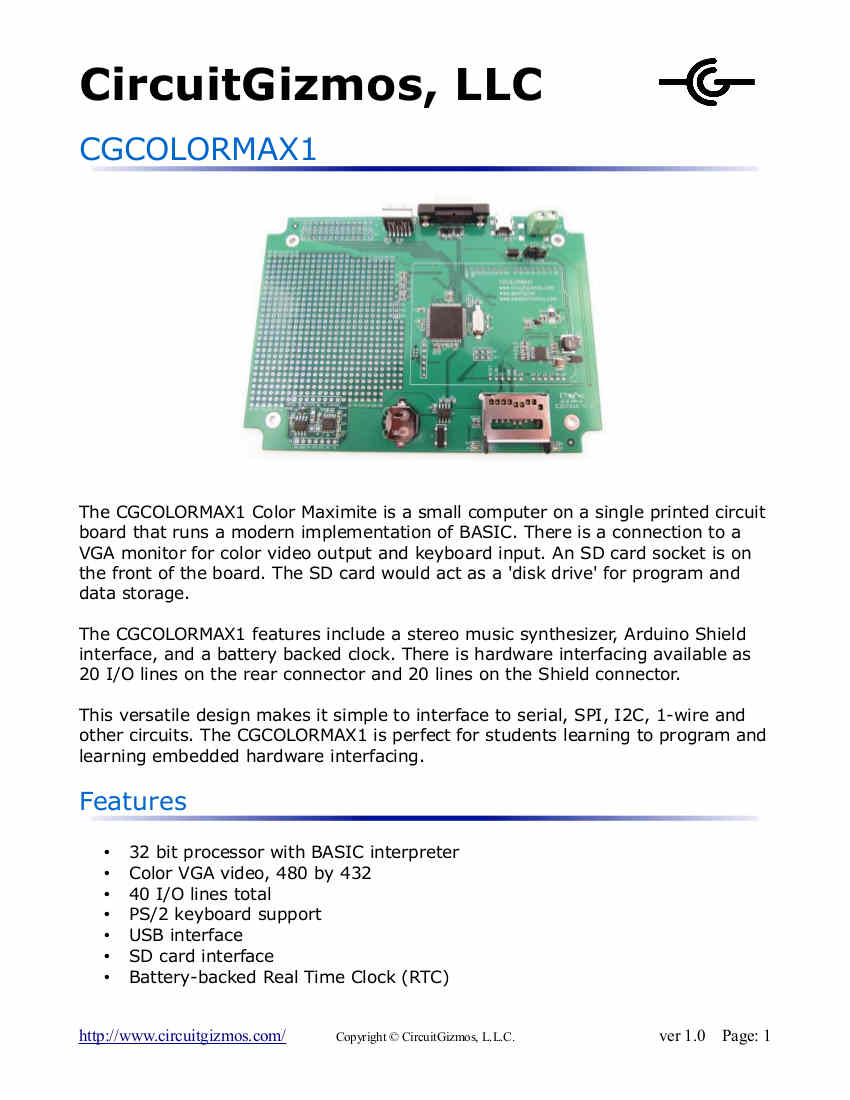
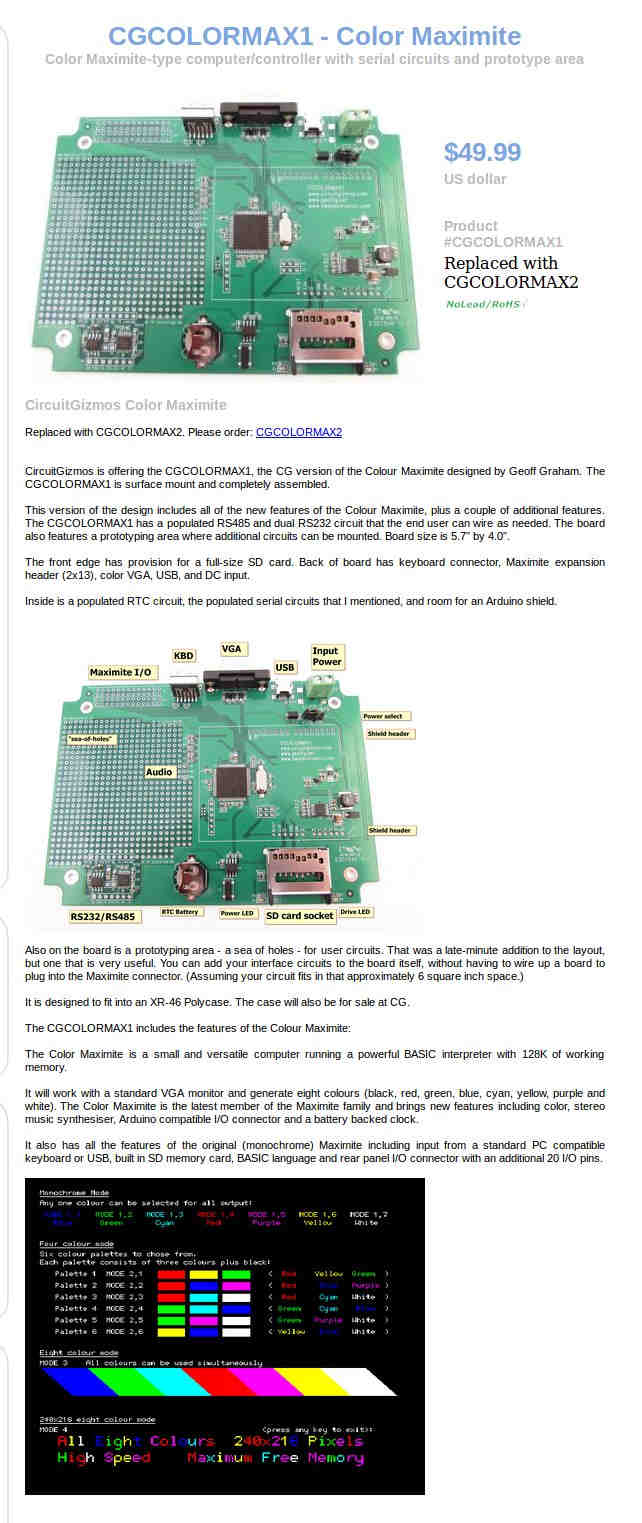
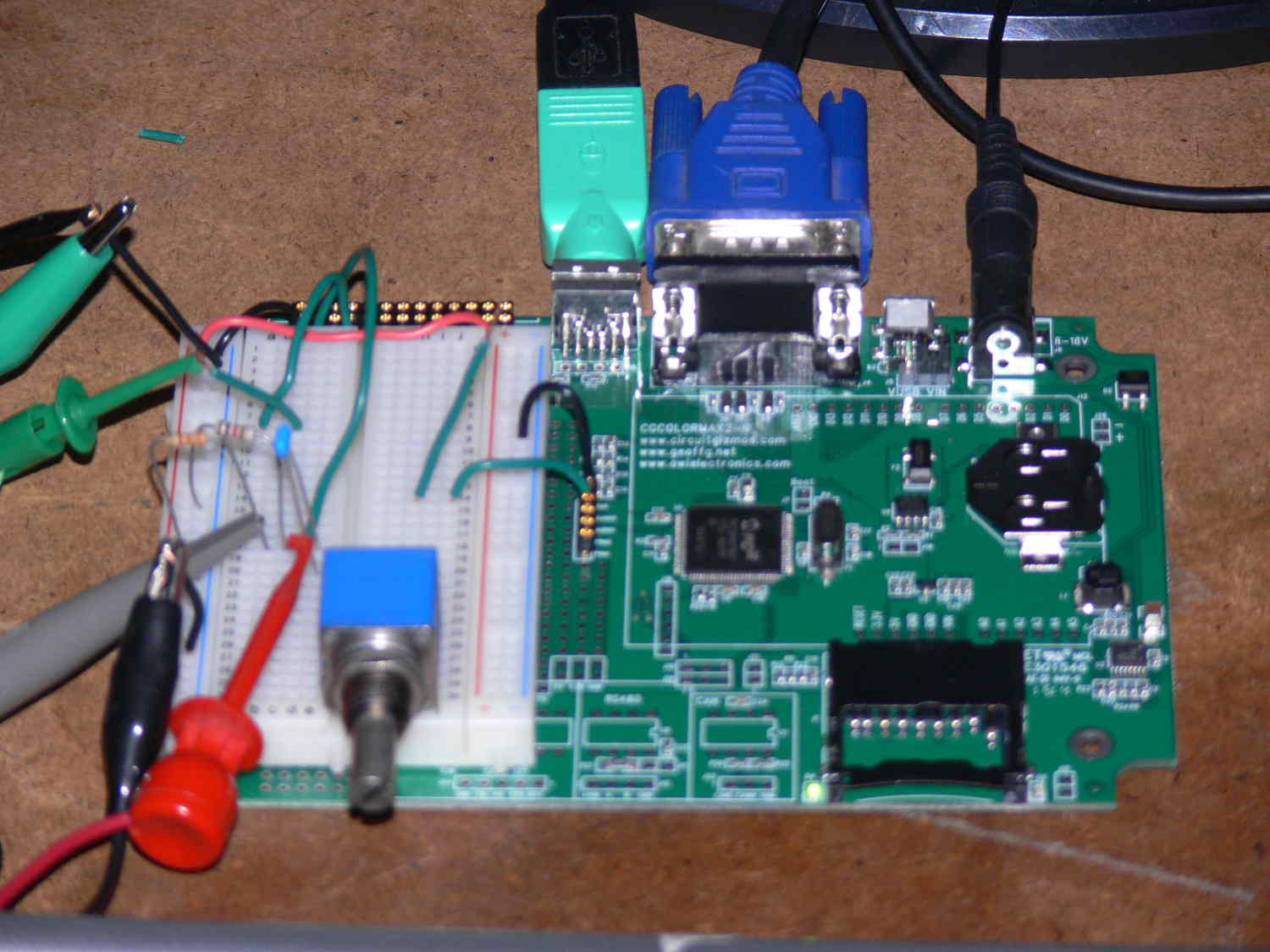
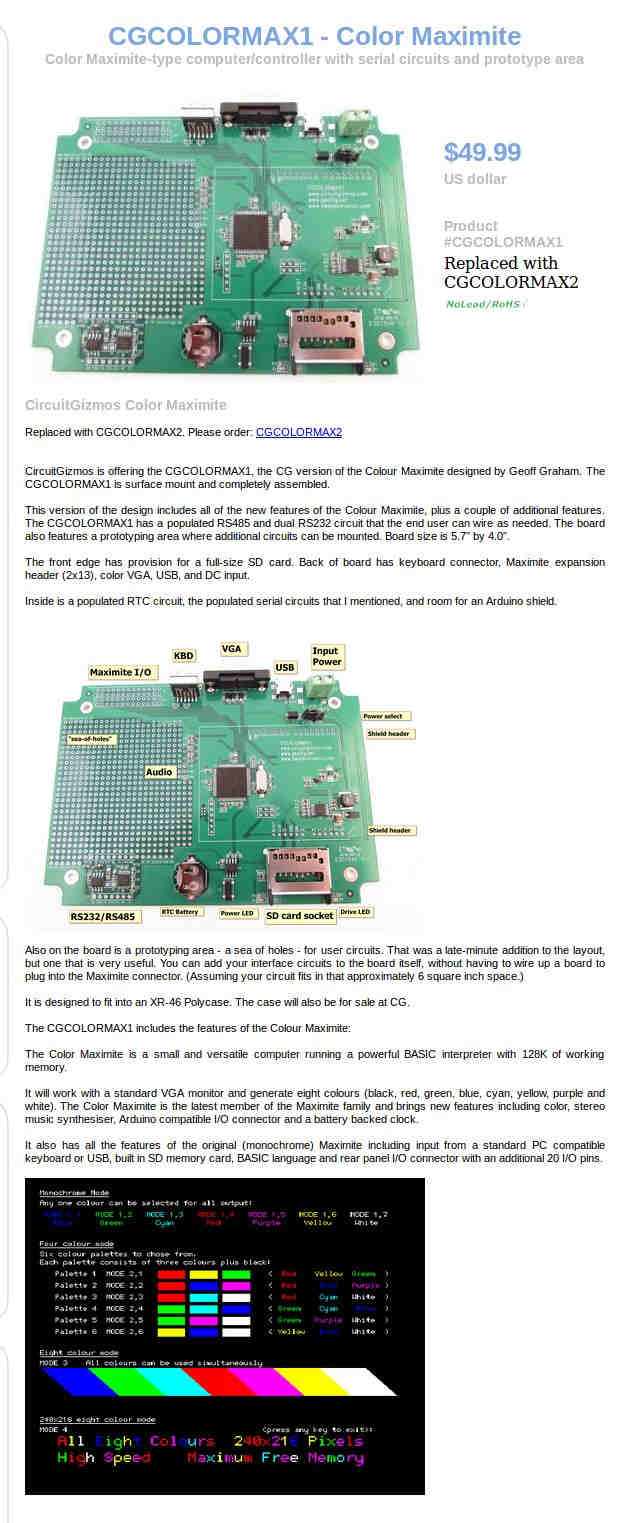
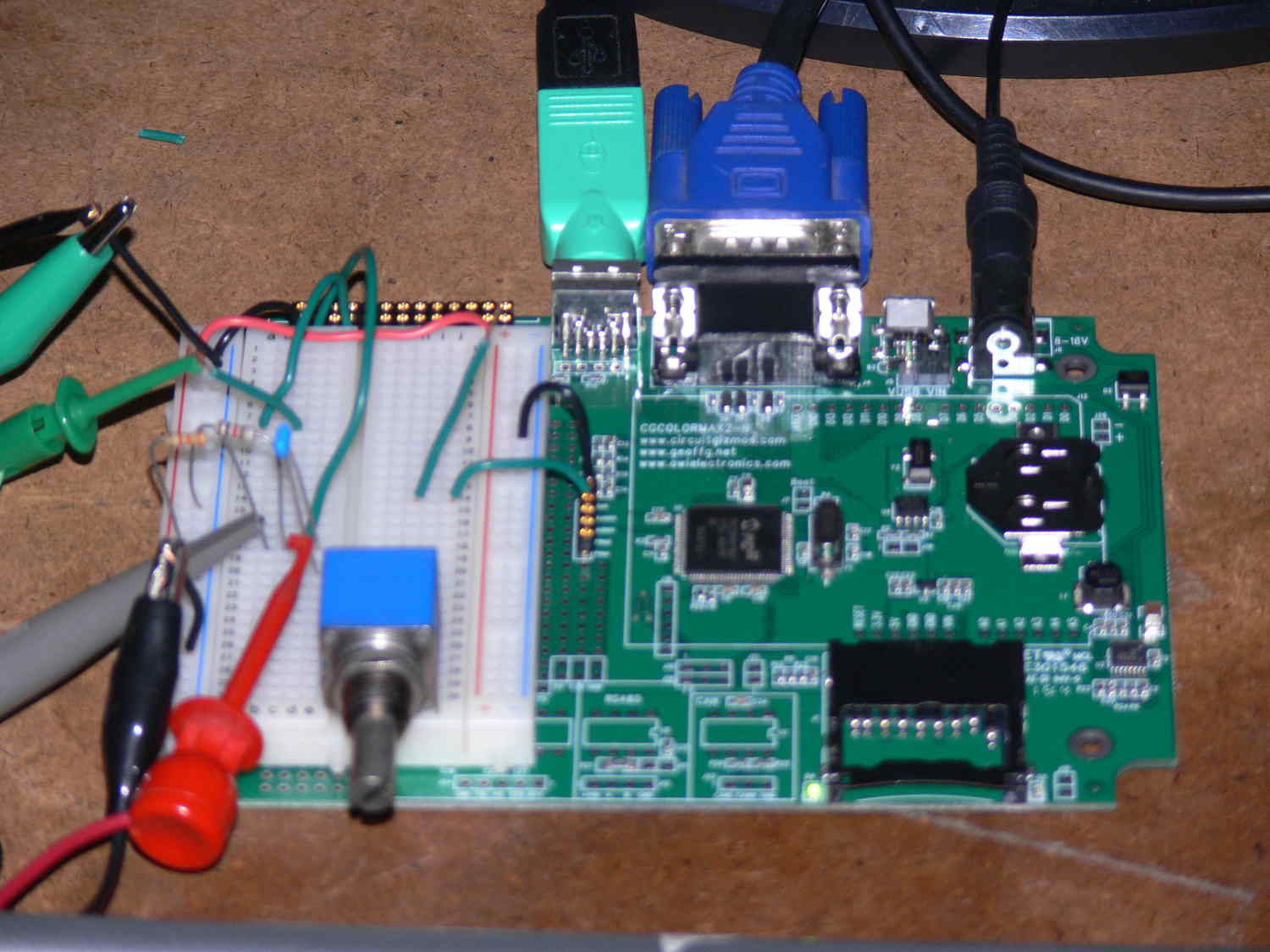
A. The Maximite comes completely assembled.
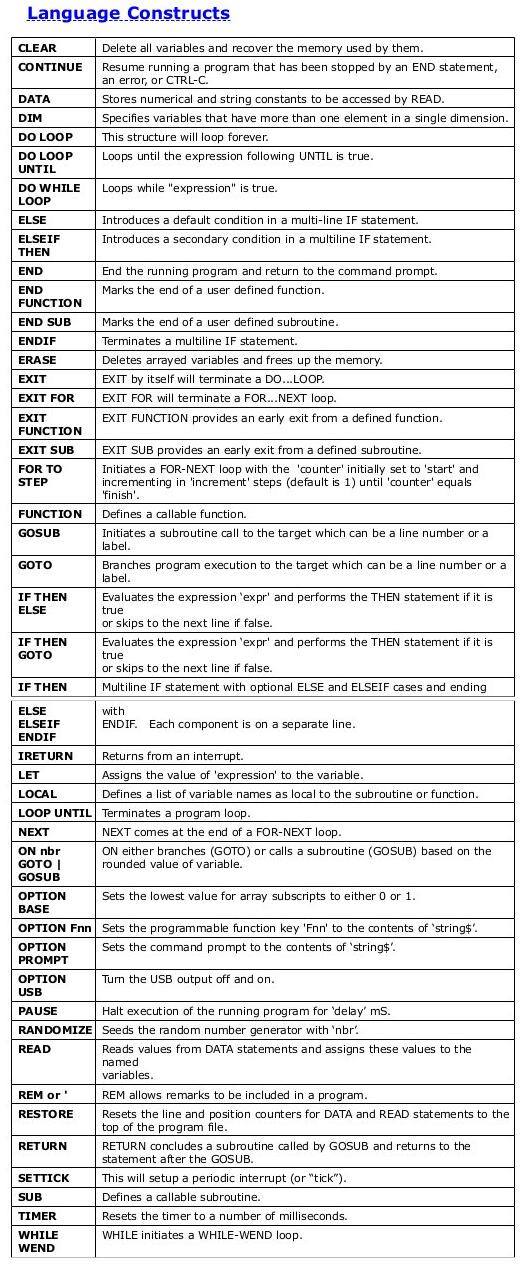
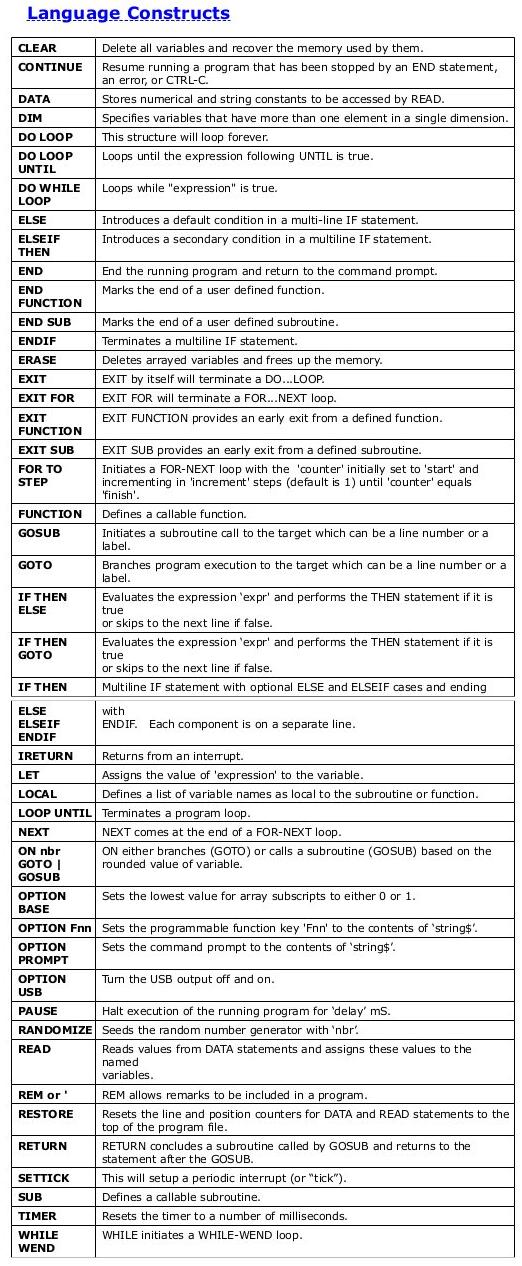
B. Easy to learn by trail and error. You do some thing and the result
can be or is printed on the screen. Here is a simple program. Most
BASICS are the same with minor variations.
PRINT 2+2
END
The number 4 is printed on the screen.
C. Buy a Maximite and play with it.
D. You don't need to assemble it. It comes assembled.
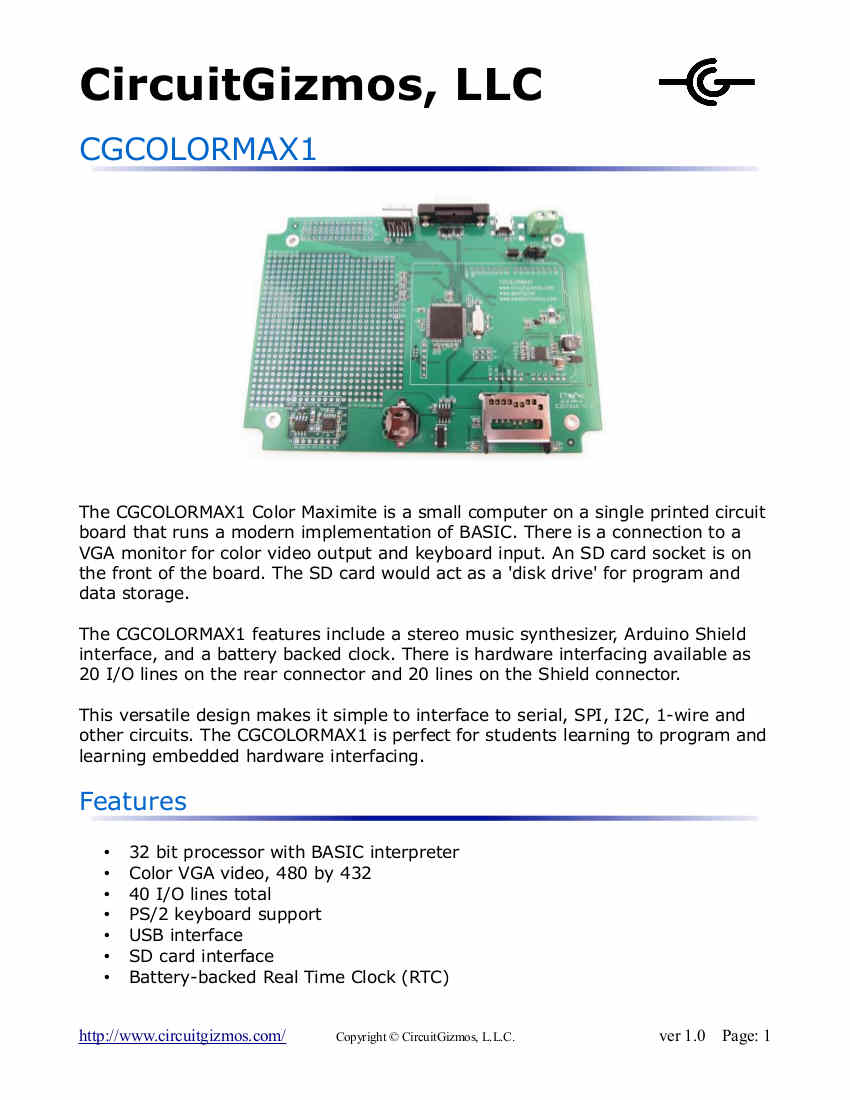
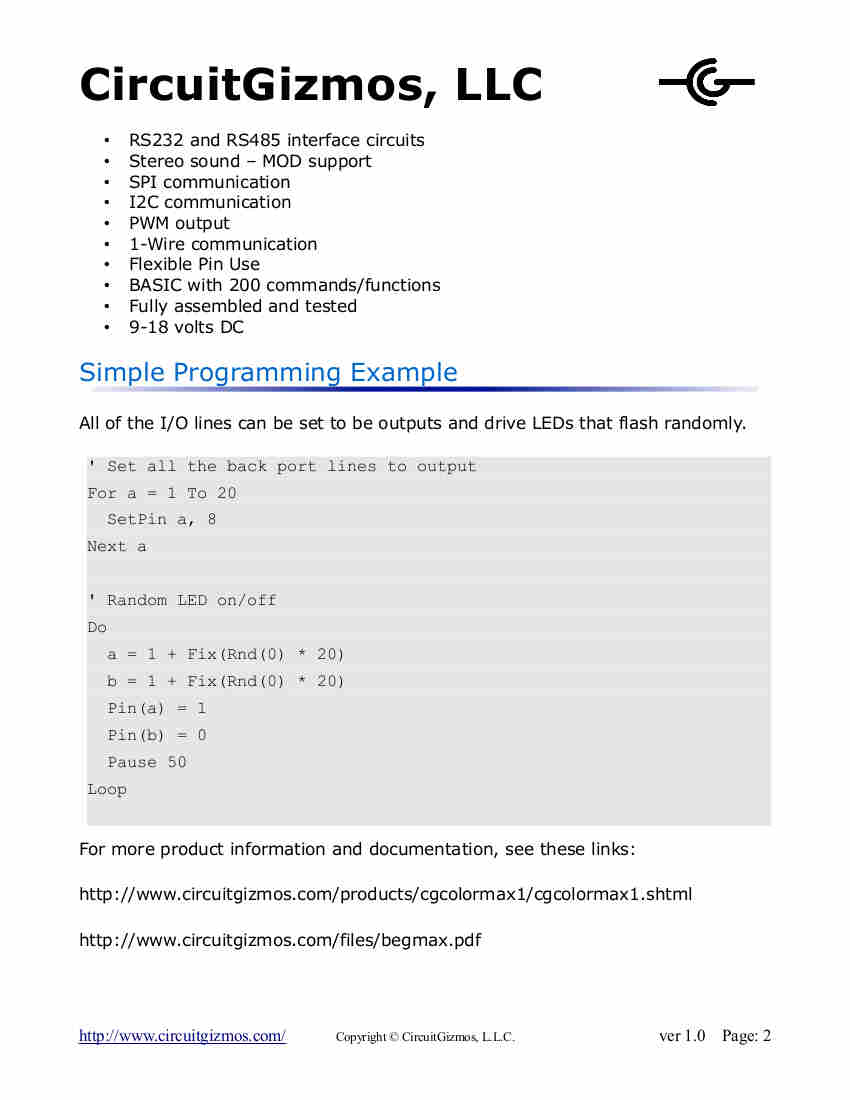
E. CircuitGizmo.
http://www.circuitgizmos.com/
F. Trial and error. Ask questions on here or Google.
G.
http://home.cmit.net/rwolbeck/programmingtutorial/
H. Hang in there Perseverance gets it done.
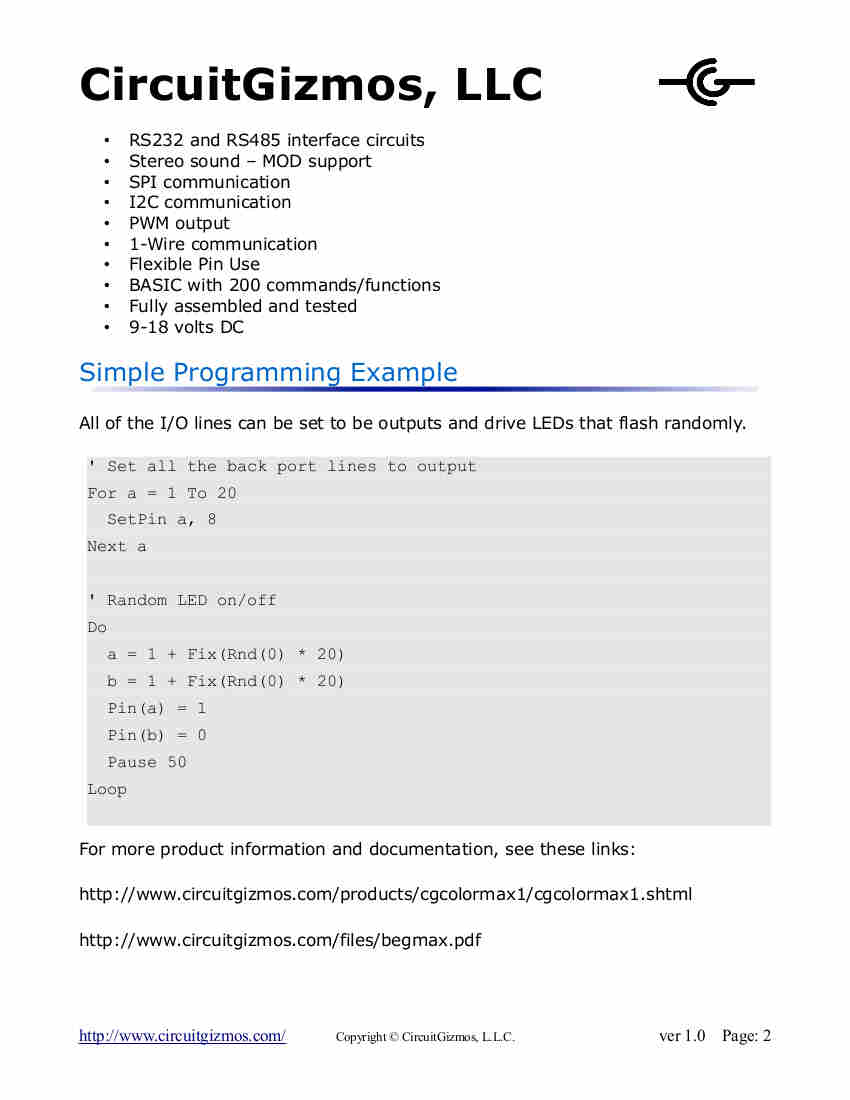
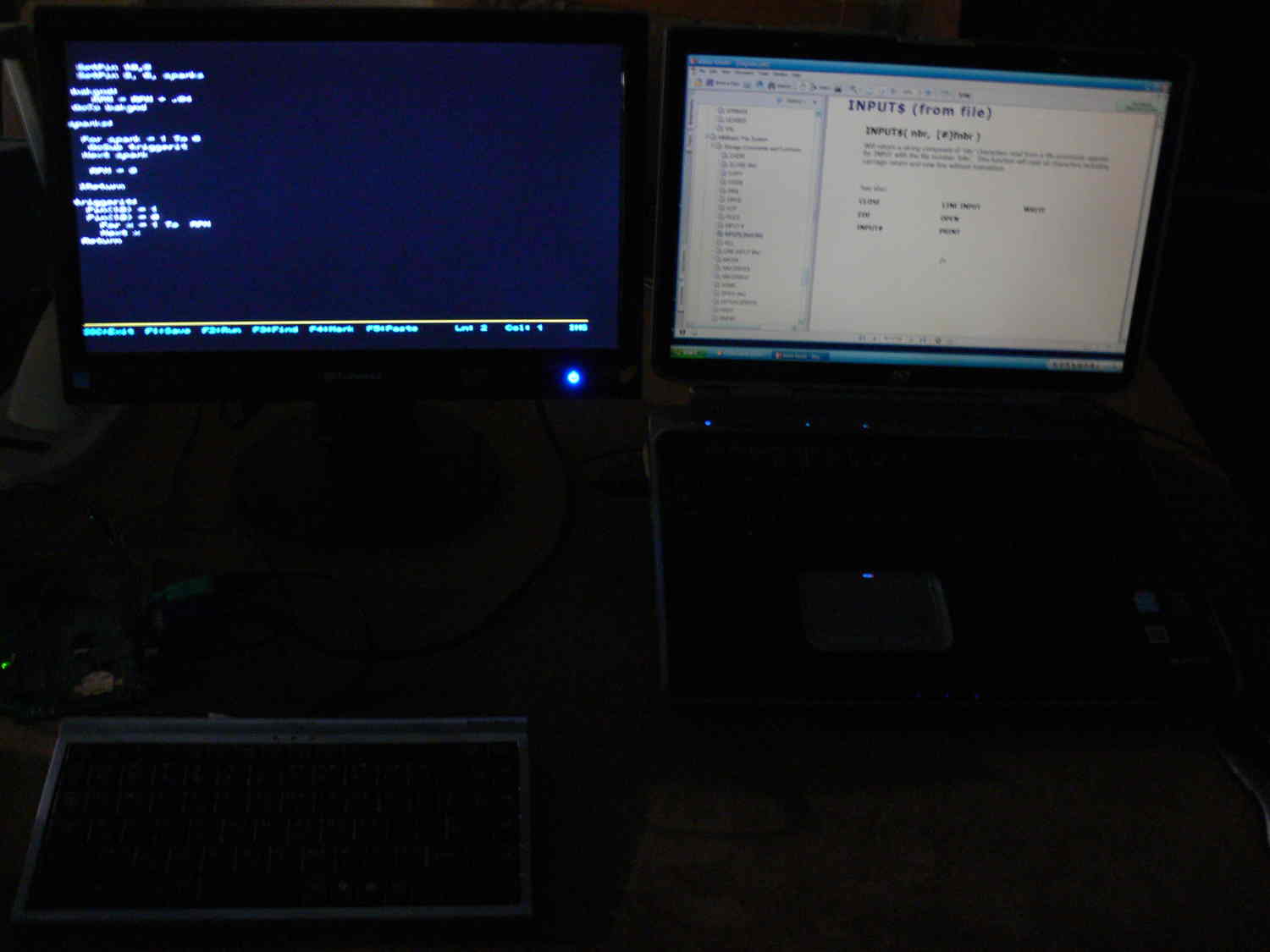
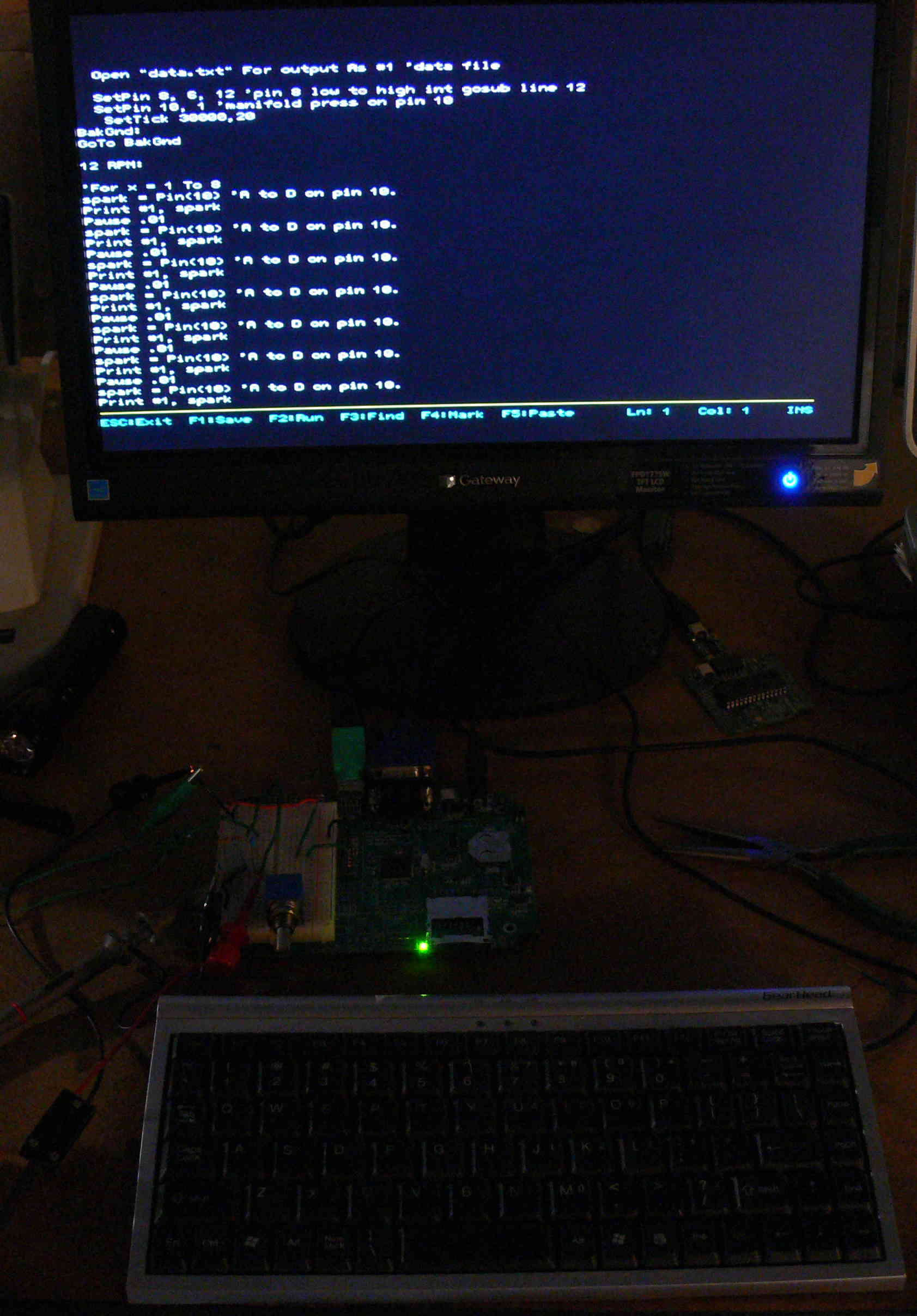
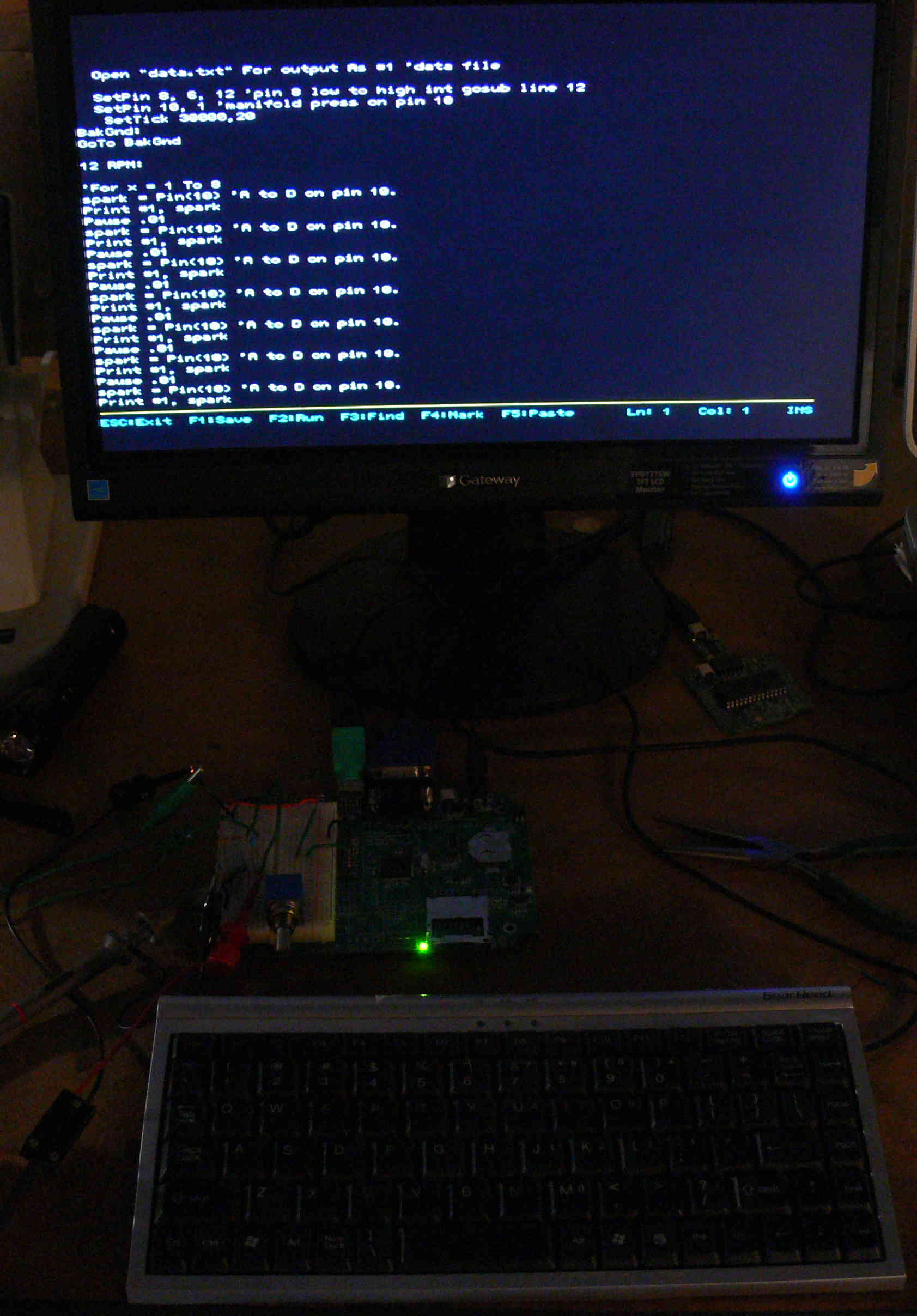
In fact here is a BASIC program that is an excellent start for an EFI
and EFIS.
If it has a ' in front of it it is a comment.
'SETPIN pin, cfg [,target]
'Will configure the external I/O pin according to cfg :
'The original Maximite has 20 I/O pins numbered 1 to 20, the Color
Maximite adds
'another 20 I/O pins on the Arduino connector. These are labeled D0 to
D13 and A0
'to A5.
'0 Not configured or inactive
'1 Analog input (pins 1 to 10, A0 to A5)
'2 Digital input (all pins and 5V tolerant on pins 11 to 20)
'3 Frequency input
'4 Period input
'(pins 11 to 14)
'(pins 11 to 14)
'5 Counting input
'(pins 11 to 14)
'6 Interrupt on low to high input change (pins 1 to 20, D0 to D8) for
target
'7 Interrupt on high to low input change (pins 1 to 20, D0 to D8) for
target
'8 Digital output
'(all pins)
'9 Open collector digital output to 5V (pins 11 to 20, D0 to D13) In
this mode the
'function PIN() will also return the output value.
'The starting line number of the interrupt routine is specified in the
third 'parameter
' target . This mode also configures the pin As a digital input so the
value of the 'pin
'can always be retrieved using the function PIN().
'See also IRETURN to return from the interrupt.
'See also:
'IRETURN PORT P
Mode 1
'Mode 4
For n = 11 To 20
SetPin n, 9 'set pins 11 to 20 as open col 5 v output
Next n
Open "data.txt" For output As #1 'data file
SetPin 8, 6, 10 'pin 8 low to high int gosub line 10
SetPin 10, 1 'manifold press on pin 10
SetTick 1000,20
BakGnd:
manpre = Pin(10) 'A to D on pin 10. may need to be scaled
manpre2 = manpre * 10
'Print manpre
manpre3 = Int(manpre)
PWM 20,manpre3,manpre3 'pulse width on primary injectors
'''''''''''''''''''''''and secondary 20 times a second
GoTo BakGnd
10 RPM:
RPM = RPM + 1
IReturn
20 RPMRoutine:
RPM=RPM*30
Cls
Locate 30,30
Print "RPM = ";RPM
RPM = 0
Locate 30,60 'col 30 line 40
Print "Manifold pressure = ";manpre 'EFIS function
IReturn
Paul Lamar
The Rotary Engine News Letter. Powered by Linux. ACRE NL web site.
http://www.rotaryeng.net <
http://www.rotaryeng.net/ You Tube
http://tinyurl.com/beqqxas Copyright 1998-2015 All world wide rights
reserved.