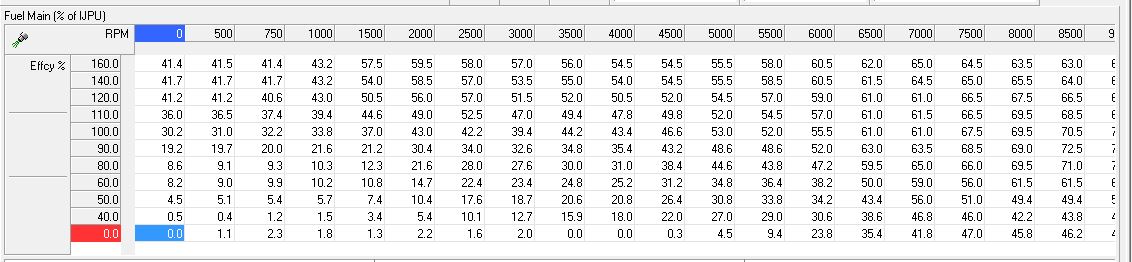
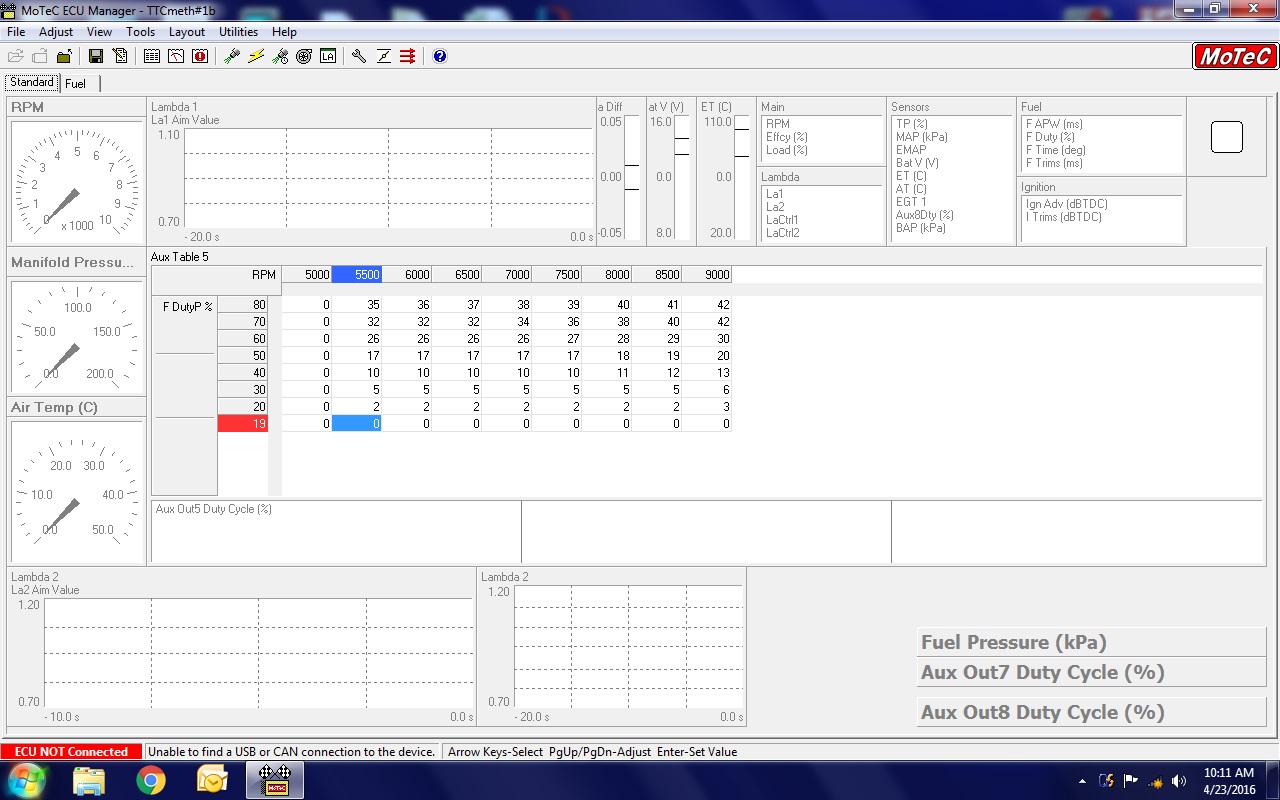
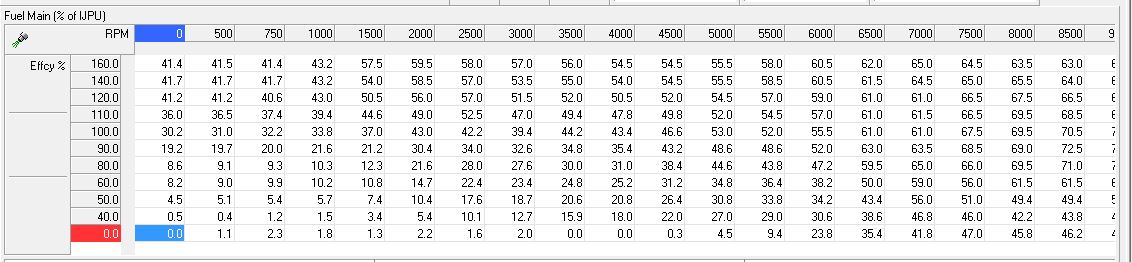
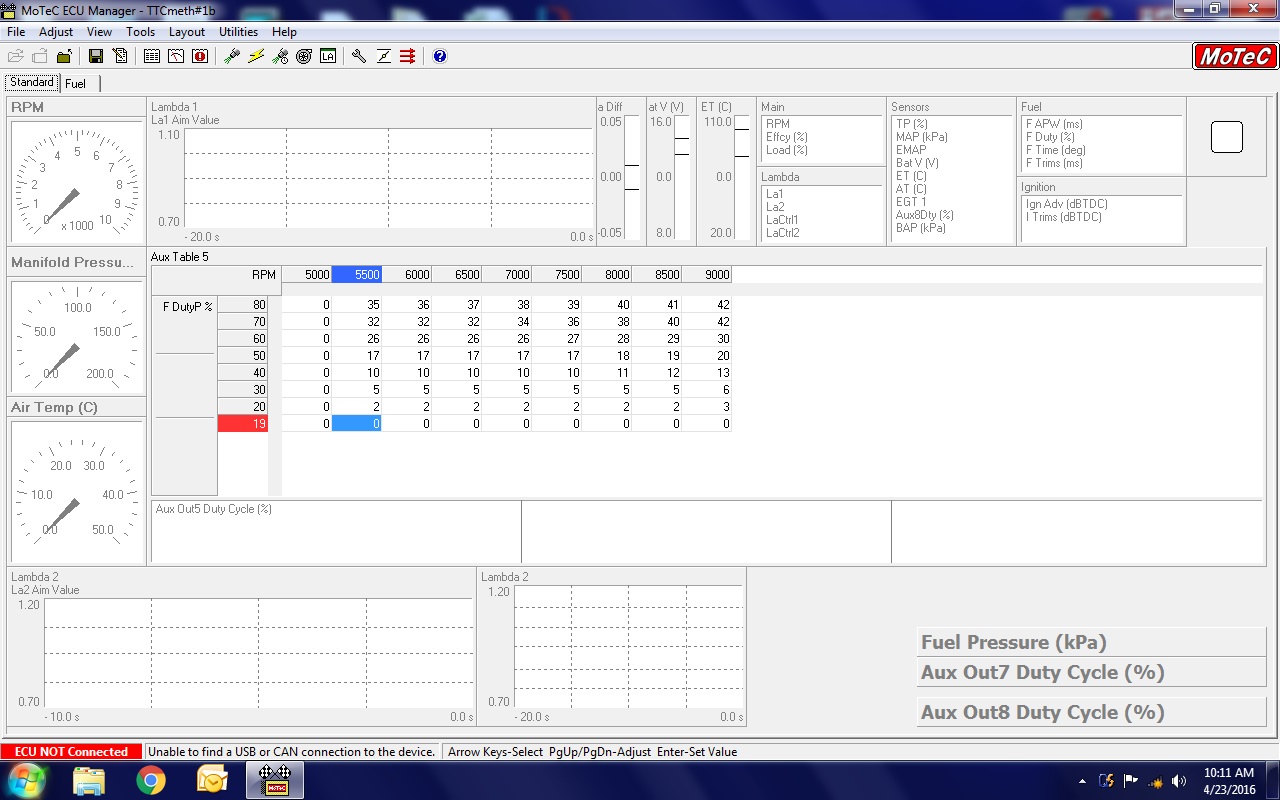
Also a spread sheet.
Here is a powerful trick that will help you in your dealings with
EFI software that uses a PC interface for tuning. That includes
Megasquirt and a few others. Unfortunately Tracy never implemented
it despite my suggesting it many times.
Learn how to do a screen captures.
Run the M800 or ther EFI software.
Press the function key and the prt sc key
on the upper row of the PC keyboard over to the right.
That stores a picture of what you are seeing on the PC screen of the EFI
software.
Then to see that.... you just need to... minimise the M800 program and
activate MS paint. MS paint will know there is something to be pasted
so choose the MS Paint paste icon and press it.
The M800 screen is now magically located in MS Paint and
can be saved as a jpg. Save it with a descriptive name.
Of course it can also be shared with other people
running the same type of EFI software.
Then you have both programs in the PC at the same time. MS paint
and EFI configruration one or the other running in the back ground.
It is a good way to back up what you are doing to the M800
or any EFI program on ones PC.
Takes a lot longer to describe this than doing it.
Good to practice this a couple of times.
Here are the results I obtained this morning on the TTC in a few minutes
attached.
I am still a total novice on the M800 so I still need to learn
how to get pin assignments.
Paul Lamar
The Rotary Engine free News Letter. Powered by Linux.
If you want off the list PLEASE let me know and I will
remove you. ACRE NL web site.
http://www.rotaryeng.net
You Tube
http://tinyurl.com/beqqxas
Copyright 1998-2016 All world wide rights reserved.